Guide
Ledger crypto wallet setup and recovery guide
You are about to move crypto off an exchange, or you bought a Ledger Nano X after a suspicious wallet pop-up. The risk is simple: the device can protect your signing keys, but one rushed approval or one exposed recovery phrase can still drain funds.
In short
- A Ledger Nano X keeps signing keys on the device, but you still protect funds by verifying addresses, guarding the recovery phrase, and rejecting surprise approval requests.
- For hardware wallet setup, start on a clean device, get Ledger Live only through Ledger’s official website or your device’s official app store, and write the recovery phrase offline.
- A ledger crypto wallet recovery phrase is the real backup, so anyone who sees that list of words can move the assets without needing the device.
- Ledger Nano X platform support is Desktop/laptop, Android, iOS, supported assets are Thousands of supported coins and tokens, and supported networks include Bitcoin, Ethereum, Solana, XRP, stablecoins.
- If the recovery phrase is lost, exposed, photographed, typed into a website, or shared with support, treat the wallet as unsafe and move funds to a new wallet you control.
Key facts
| Ledger Nano X | |
|---|---|
| Supported coins & networks | Supported networks: Bitcoin, Ethereum, Solana, XRP, stablecoins Number of supported assets: Thousands of supported coins and tokens |
| Devices & platforms | Platforms: Desktop/laptop, Android, iOS |
| Price | — |
| Who controls the keys | — |
What should you prepare before setting up a Ledger Nano X?
I like to slow the process down before anyone powers on a new hardware wallet. Most wallet losses I have helped with began when someone was rushed, distracted, or persuaded to type a recovery phrase somewhere unsafe.
Use this calm setup checklist:
- Buy and set up the device in a private place where no camera, screen-sharing session, or visitor can see your notes.
- Use a computer or phone you already trust. If you are unsure, pause and review Crypto Home Security Checklist: Virus Checker Basics.
- Get Ledger Live only through Ledger’s official website or your device’s official app store. I avoid search ads and random messages because scammers copy wallet branding.
- Have pen and paper ready for the recovery phrase. Do not photograph it, save it in cloud notes, email it to yourself, or paste it into a chat.
- Decide where the written backup will live before you create it.
- Keep your exchange or existing wallet open only when needed. Less screen clutter means fewer chances to approve the wrong thing.
Ledger Nano X works across Desktop/laptop, Android, iOS. It supports Thousands of supported coins and tokens, including networks such as Bitcoin, Ethereum, Solana, XRP, stablecoins. That broad support is convenient, but it also means you may see many accounts, token approvals, and prompts. My rule is: if a prompt surprises you, stop.
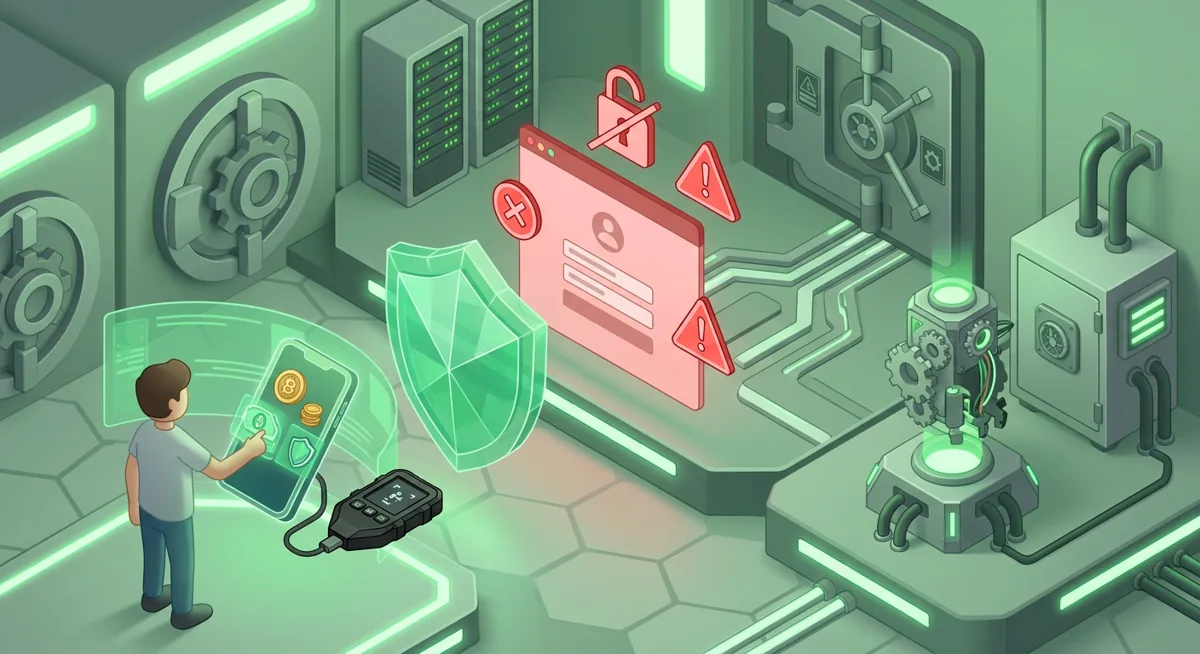
Warning: If you type your recovery phrase into a website, fake support form, shared document, or phone keyboard suggested by a stranger, you may lose funds even if the Ledger device is still in your hand.
If you are new to self-custody, I recommend Wallet Basics for Safer Crypto Storage and Self-Custody and Hardware Wallets for Safer Storage before sending a large balance.
How do I set up and use a Ledger crypto wallet safely?
Hardware wallet setup
One. Inspect the situation, not just the box. Set up only when you are not being coached by a stranger in a chat. If someone says they must “verify” your wallet, that is a red flag.
Two. Install Ledger Live from an official source. Use Ledger’s official website by name or your device’s official app store. Do not follow wallet links sent by direct message, urgent email, or pop-up support pages.
Three. Initialize the Ledger Nano X as a new wallet. The device should generate the recovery phrase on its own screen. If a website or printed card gives you a phrase to use, abandon that setup.
Four. Write the recovery phrase offline. Write the list of words exactly as shown by the device, in the correct order, and keep it out of photos and password managers. A cloud account can be accessed remotely; paper in a private location cannot be copied through an online login.
Five. Set a strong PIN on the device. The PIN protects the physical device from casual access. It does not replace the recovery phrase, and it will not help if the phrase is exposed.
Six. Verify addresses on the Ledger screen. When receiving funds, compare the address shown in Ledger Live with the address on the device screen. Malware can change what appears on a computer clipboard, so trust the hardware wallet screen.
Seven. Send a small test transaction first when practical. I do this when moving funds to a new account or unfamiliar network. The goal is to catch address, network, and account mistakes before a larger transfer.
Eight. Keep daily use boring. For routine sends, read every device prompt. Confirm the asset, network, amount, and destination. If you are approving a smart contract, understand the permission before you approve.
Nine. Separate storage from experimentation. If you use DeFi, mints, or unfamiliar apps, consider a lower-balance wallet for those interactions and a quieter cold storage wallet for long-term holdings.
For a broader routine, I pair this with the Key management checklist for safer self-custody. The why matters: self-custody is not one setting; it is a habit of verifying before signing.
How does Ledger recovery work if the device is lost or damaged?
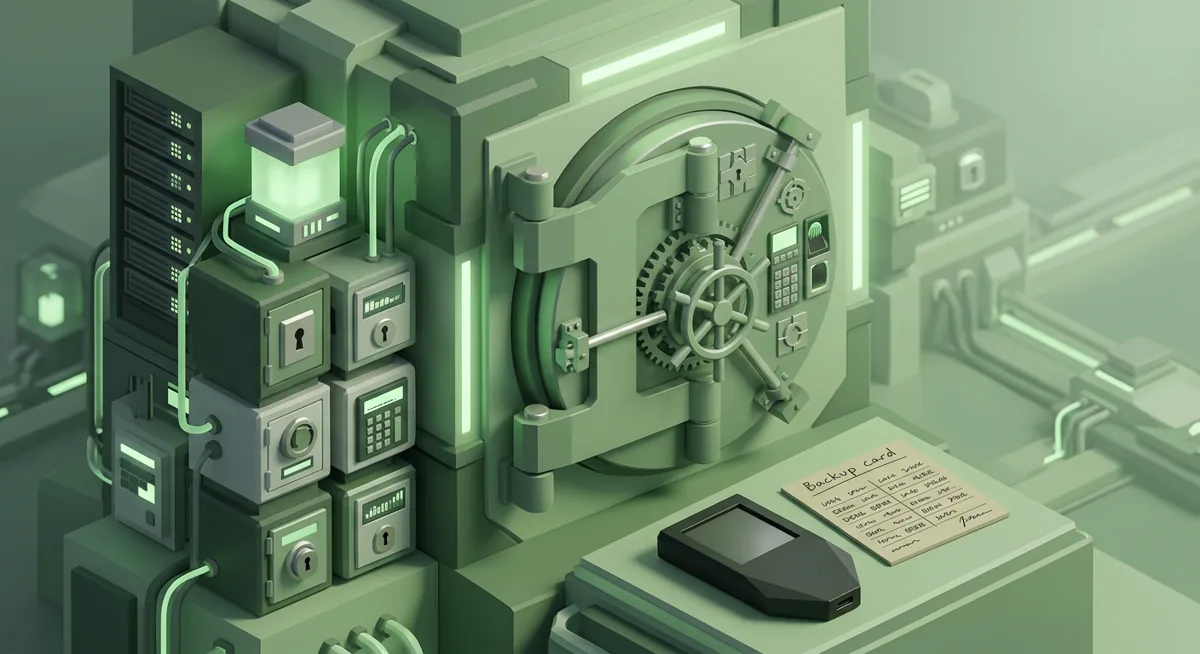
Recovery is based on the recovery phrase, which is a list of words created during setup. The device is replaceable; the recovery phrase is the backup to the wallet keys. If your Ledger Nano X is lost, damaged, reset, or replaced, that phrase can restore access on a compatible wallet device or recovery flow.
Here is the part I emphasize in every incident response call: the recovery phrase does not prove ownership to support. It is ownership. Anyone who has it can recreate the wallet and move assets. Real support should not need it, and you should not share it to “sync,” “validate,” “upgrade,” or “unlock” anything.
Recovery best practices I trust:
- Store the written phrase in a place protected from theft, fire, water, and casual discovery.
- Consider separate secure locations if your personal risk calls for it, but do not make so many copies that you lose track of them.
- Do not enter the phrase on a computer unless you are intentionally restoring in a trusted process you fully understand.
- Do not test the phrase on a random website. A fake recovery checker is a common theft pattern.
- Make an inheritance or emergency access plan that does not expose the phrase early.
A what-if scenario: what if your phone is stolen, but your Ledger and recovery phrase are safe? Your phone app may reveal account history, but it should not be able to sign without the device. Now another what-if: what if your recovery phrase was photographed and stored in cloud photos? Then the physical Ledger no longer gives meaningful protection, because the backup may be copied remotely.
If you suspect exposure, use a clean device and a new secure wallet setup, then move funds away from the old accounts. For deeper planning, see Cold Storage Best Practices for Safer Recovery. If the phrase is already lost or exposed, go straight to Lost Seed or Exposed Keys: Cold Wallet Crypto Checklist.
What common Ledger Nano X problems should I handle carefully?
The device will not connect
Try a different cable, port, or supported platform. Ledger Nano X platform support is Desktop/laptop, Android, iOS. Avoid panic searches for random fixes. Connection issues are rarely a reason to reveal a recovery phrase.
Ledger Live shows an address I did not expect
Stop and compare the address on the Ledger screen. If the device screen and app disagree, do not send. If you are copying from an exchange, check the network too.
I see a token or NFT I did not request
Do not interact with unexpected assets just because they appear in a wallet view. Some are bait designed to push you toward a malicious approval page. Leave them alone unless you can verify what they are through sources you already trust.
A site asks for my recovery phrase
Close it. No normal wallet connection needs the recovery phrase. If you already typed it, assume the wallet is unsafe and move funds to a newly created wallet with a new phrase.
I approved a transaction and now I am worried
Write down what happened while it is fresh: the site name, wallet account, asset, network, and time window in plain language. Then disconnect from the site, stop signing new prompts, and review whether approvals remain active. If funds are still present, move them to a safer account you control.
My computer may have malware
Do not keep troubleshooting wallet prompts on that machine. Use another trusted device and review Hardware Security Key Checklist for Wallet Safety for account protection around email, exchange logins, and password managers.
The protective mindset is this: a ledger crypto wallet reduces key exposure, but it cannot read your intent. You are still the final approval layer. When something feels rushed, strange, or emotionally pressured, pausing is a security control.
Questions and answers
- Is a Ledger Nano X safer than keeping crypto on an exchange?
It changes the risk. With a Ledger Nano X, you control the signing keys and recovery phrase, which removes some custodial risk but adds personal responsibility for backups, approvals, and device security.
- Can Ledger support recover my wallet if I lose the recovery phrase?
No one should be able to recreate your wallet without the recovery phrase. If the device is gone and the phrase is gone, recovery may not be possible.
- Should I store my recovery phrase in a password manager?
I do not recommend storing a hardware wallet recovery phrase in an online password manager. This phrase is the direct backup to your wallet keys and deserves offline protection.
- What should I do if I shared my recovery phrase?
Treat the wallet as unsafe. Set up a new wallet with a new recovery phrase on a trusted device, then move any remaining funds to the new accounts as soon as you can safely do so.