Security checklist
Crypto Wallet Security Checklist for Safer Storage
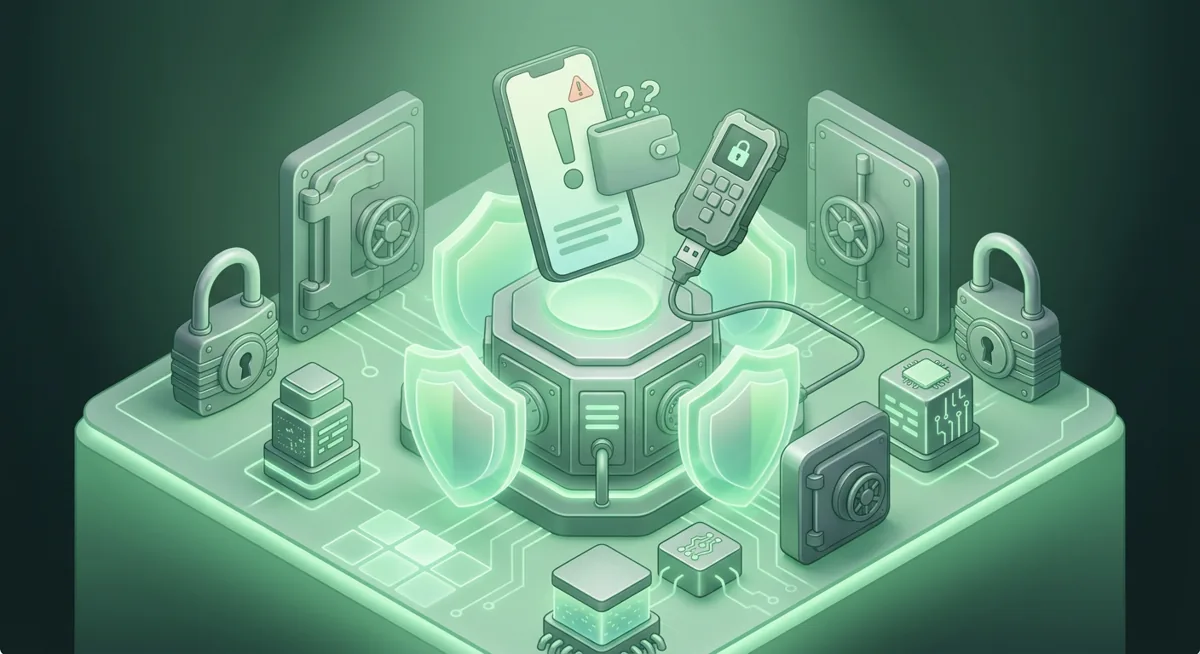
You are about to approve a token swap, and the wallet pops up a message you do not fully understand. The plain risk is this: one careless approval, one exposed recovery phrase, or one infected device can move funds where you cannot pull them back.

In short
- Keep spending funds in a daily wallet and long-term funds in all secure storage with stronger approval controls.
- Device hygiene means updating your system, locking your screen, and removing risky browser extensions before wallet use.
- Phishing defenses start with verifying app names, domains, prompts, and transaction details before approving anything.
- Backup strategies should protect a recovery phrase as a list of words, kept offline, private, and tested without exposing it.
What should be on your crypto wallet security checklist?
I use this checklist the same way I use a seatbelt: not because I expect trouble every time, but because I want a reliable habit before stress hits. For deeper basics, start with Crypto Wallet Security and Recovery Basics.
Start with the risk in plain words
- Assume every wallet prompt can move funds, approve spending, reveal metadata, or connect you to a risky app.
- Separate your daily-use wallet from your long-term storage wallet.
- Treat all secure storage as a full system: device, wallet app, recovery phrase, approvals, and your own habits.
- Do not rush because a message says a mint, claim, refund, support case, or account closure is urgent.
Device hygiene before you open a wallet
- Use a device you control, not a borrowed or shared computer.
- Keep the operating system, browser, and wallet apps current through their official app stores or official website names.
- Remove browser extensions you do not actively use, especially shopping, coupon, screen capture, or unknown crypto extensions.
- Lock the device with a strong passcode and enable biometric unlock only as a convenience, not as your only protection.
- Avoid wallet activity on public Wi-Fi unless you have a trusted network path and no urgent pressure.
- Keep separate browser profiles for normal browsing and wallet activity.
- If you use MetaMask, remember it is available across Chrome, Firefox, Brave, Edge, Opera, iOS, Android, Web, which makes browser hygiene especially important.
- If you use Trust Wallet, its platforms are iOS, Android, browser extension, so protect both mobile and extension environments.
- If you use Ledger Nano X, its platforms are Desktop/laptop, Android, iOS, and the computer or phone still needs clean habits even though signing happens on the device.
- If you use Trezor Safe 3, note the platform detail: Android (full compatibility); iOS (limited compatibility).
Phishing defenses before you connect or approve
- Reach wallet apps through official website names or official app stores; do not follow ads, direct messages, or search-result promises during setup or recovery.
- Bookmark trusted wallet and exchange pages after you verify them.
- Read the site name, wallet name, network, and transaction prompt before every approval.
- If a support account asks for your recovery phrase, it is not support.
- If a pop-up asks you to “verify,” “sync,” “restore,” or “validate” by entering your recovery phrase into a website, stop.
- Treat surprise tokens, NFTs, and airdrops as bait until proven otherwise.
- MetaMask supports Hundreds of thousands of tokens, which is useful, but it also means fake or worthless tokens can appear convincing.
- Phantom supports Base, Solana, Ethereum, Bitcoin, Polygon, so check the network context before you approve.
- Trust Wallet supports Bitcoin, Ethereum, Solana, Cosmos, Optimism, BNB Smart Chain (BNB), Sui (SUI), which makes network confusion a real everyday risk.
- Exodus can manage Manage thousands of digital assets and supports Base, so I still verify the asset and network before sending.
Backup strategies for recovery phrases and wallet access
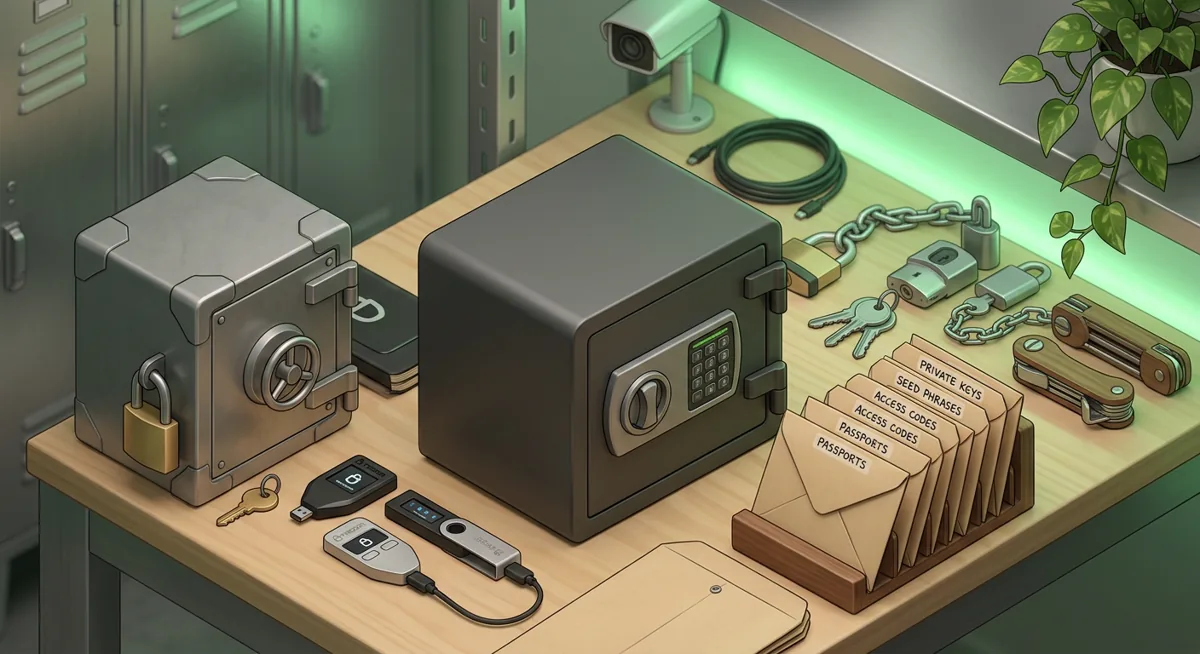
- Write the recovery phrase as a generic list of words on material you can protect from fire, water, visitors, and phone cameras.
- Never store the phrase in cloud notes, email, chat, password-manager notes, screenshots, or photo galleries.
- Do not type the phrase into a website to “check” it.
- Store backups in separate private locations that you can still access during a stressful recovery.
- Test the recovery process with an empty or low-value wallet before you rely on it for meaningful funds.
- If you use Trezor Safe 3, understand that its backup approach includes SLIP39 backups, so follow the vendor flow carefully and do not improvise.
- Keep written instructions for heirs or trusted contacts, but keep the actual secret protected from casual access.
Hardware wallet and hot wallet separation
- Use a hot wallet such as MetaMask, Trust Wallet, Exodus, or Phantom for routine activity only.
- Use a hardware wallet such as Ledger Nano X or Trezor Safe 3 for funds you do not need to move often.
- Ledger Nano X supports Thousands of supported coins and tokens and networks including Bitcoin, Ethereum, Solana, XRP, stablecoins, but broad support does not remove the need to verify every signing prompt.
- Trezor Safe 3 supports 1000s of coins & tokens, and the same rule applies: the screen prompt matters.
- Phantom is completely free to implement and use, and Exodus is Free, but cost does not define safety. Your setup, device hygiene, and approvals do.
- For more on choosing a storage model, see Self-Custody and Custodial Wallets Explained and Self-Custody and Hardware Wallets for Safer Storage.
My approval routine
First. I pause and ask, “What should this action do?” If I cannot answer clearly, I do not approve.
Second. I check the site name, wallet, network, asset, and destination.
Third. I read the permission. A simple connection is different from a token spending approval or a contract interaction.
Fourth. I confirm on the hardware wallet screen when using Ledger Nano X or Trezor Safe 3, not just on the computer.
Fifth. I record what I changed, especially if I approved a spending permission I may want to revoke later.
Warning: If you enter your recovery phrase into a fake support page, a copied wallet site, or a “verification” form, funds can be moved out before you finish asking for help. Real recovery happens inside your wallet’s official recovery flow, not inside a random web form.
Why does each checklist group matter?
Why device hygiene matters
A wallet is only as calm as the device around it. If your browser is crowded with unknown extensions, a fake pop-up can blend in with real wallet prompts. If your phone has no screen lock, a lost device becomes a wallet problem. Device hygiene reduces the number of surprises before you even open MetaMask, Trust Wallet, Exodus, Phantom, Ledger Live, or Trezor Suite.
Why phishing defenses matter
Most wallet losses I help people untangle begin with a believable story: urgent support, a limited claim, a fake security alert, or a familiar-looking app. Phishing defenses work because they slow the moment down. When you verify the domain, the network, and the exact permission, you are no longer reacting to pressure. You are checking whether the request matches what you intended to do.
Why backup strategies matter
Your recovery phrase is the emergency key to the wallet. If you lose it, recovery may be impossible. If someone else gets it, they may not need your phone, laptop, or hardware wallet. Good backup strategies protect against both disasters at the same time: loss and exposure.
Why wallet separation matters
A daily wallet touches more sites, signs more prompts, and carries more routine risk. A long-term wallet should have a quieter life. I like a layered approach: a small active balance for experiments, a more protected self-custody wallet for savings, and careful records for recovery. That is what I mean by all secure storage: not one magic device, but a set of habits that keep mistakes from spreading.
Why hardware wallets still need attention
Hardware wallets are strong tools, not permission to stop reading prompts. If malware changes a destination address on the computer, the hardware wallet screen is your chance to catch it. If a malicious app asks for broad token access, the device may still sign what you approve. For a broader device view, read Hardware Wallet and Device Security Overview.
What if you think something already went wrong?
First, stop signing new transactions. Second, move remaining funds from a clean device if your recovery phrase is not exposed. Third, if the recovery phrase may be exposed, create a fresh wallet with a new phrase and move funds there after verifying addresses carefully. Fourth, document suspicious sites, transaction hashes, wallet addresses, and messages. This record helps you understand what happened without repeating the same action.
Questions and answers
- What is the most important item on a crypto wallet security checklist?
The most important item is protecting the recovery phrase. I also treat transaction review as essential, because many losses happen when someone keeps the phrase private but approves a dangerous permission.
- Is a hardware wallet enough for all secure storage?
No. A hardware wallet helps protect signing keys, but all secure storage also includes a clean device, careful backups, verified wallet software, and slow approval habits.
- Should I keep crypto in one wallet or separate wallets?
I prefer separation. A daily wallet can handle routine activity, while a quieter wallet or hardware wallet can hold funds you do not need to move often.
- What should I do if a site asks for my recovery phrase?
Stop immediately. A recovery phrase should only be used inside the official wallet recovery flow, never in a support chat, website form, airdrop page, or verification prompt.
- How often should I review wallet permissions?
Review permissions whenever you interact with a new app, after a suspicious prompt, and as part of regular wallet maintenance. The goal is to remove access you no longer need.
Sources
- 1 metamask.io — Platforms
- 2 trustwallet.com — Platforms
- 3 support.ledger.com — Platforms
- 4 trezor.io — Platforms
- 5 metamask.io — Number of supported assets
- 6 phantom.com — Supported networks
- 7 exodus.com — Number of supported assets
- 8 exodus.com — Supported networks
- 9 trezor.io — Key custody
- 10 shop.ledger.com — Number of supported assets
- 11 shop.ledger.com — Supported networks
- 12 trezor.io — Number of supported assets
- 13 phantom.com — App price
- 14 exodus.com — App price