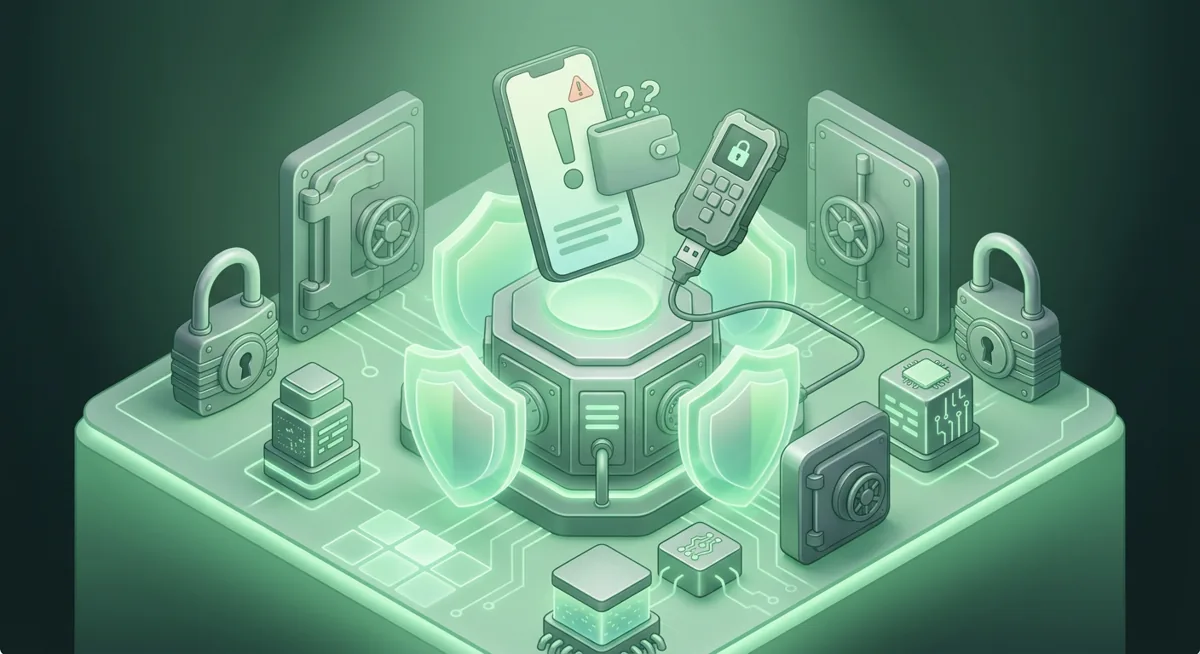
Scam breakdown
Scam Wallet Signs: Avoid Wallet Phishing
You open a message that looks like wallet support, and it says your account must be verified before you lose access. I have helped many people in that moment, and the safest move is to pause before you approve, sign, install, or reveal anything.
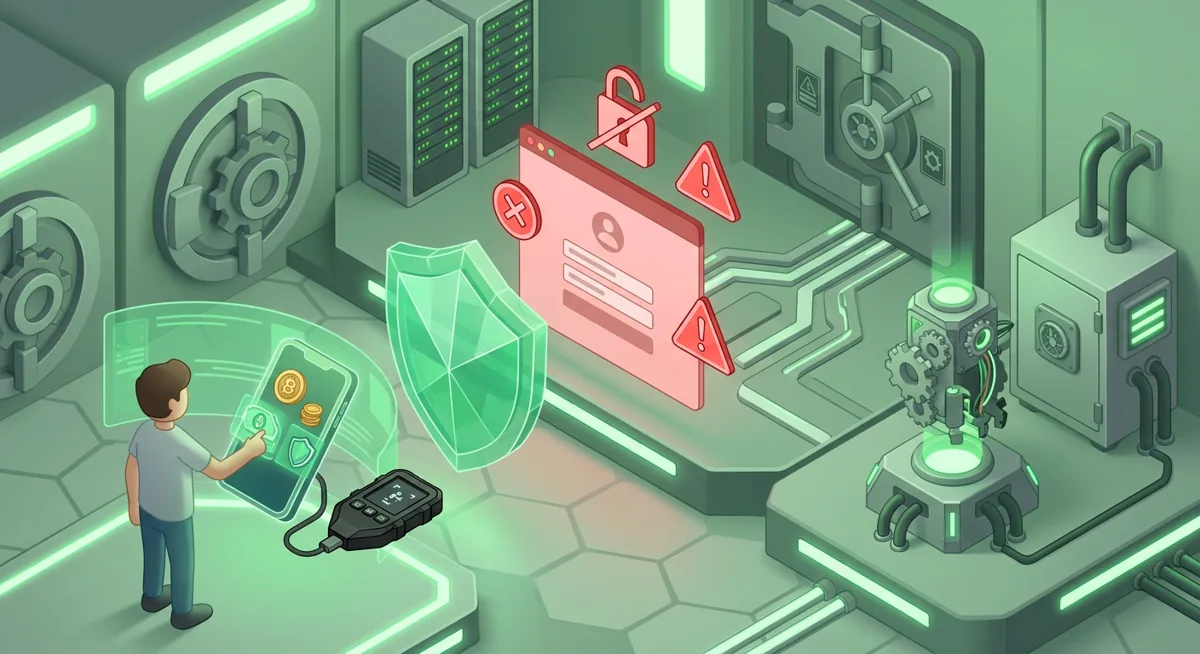
In short
- A scam wallet scheme usually tries to make you reveal your recovery phrase, approve a draining transaction, or install fake wallet apps.
- Wallet phishing often feels urgent, flattering, or frightening because pressure makes people skip normal checks.
- If you already shared a recovery phrase or signed a suspicious approval, move remaining funds from a clean device and treat the old wallet as unsafe.
- To avoid wallet scams, use official wallet sources by name, verify every transaction on your own screen, and keep long-term funds in safer self-custody.
How does a scam wallet scheme work?
The risk in plain words is this: a scam wallet does not need to break your wallet if it can persuade you to hand over control. Most wallet phishing is social engineering. The criminal creates a believable moment, then asks you to share a recovery phrase, sign a transaction, approve a token allowance, or install a fake app.
I think of these schemes as traps built around normal wallet behavior. MetaMask runs across Chrome, Firefox, Brave, Edge, Opera, iOS, Android, Web, Trust Wallet is available on iOS, Android, browser extension, Exodus lets people Manage thousands of digital assets, Phantom supports Base, Solana, Ethereum, Bitcoin, Polygon, Ledger Nano X works with Desktop/laptop, Android, iOS, and Trezor Safe 3 has Android (full compatibility); iOS (limited compatibility). That wide choice is useful, but it also gives impostors more names to copy.
What does the scammer want you to do?
Common paths include:
- Recovery phrase theft. A fake support agent says your wallet must be synchronized, migrated, or validated. The real goal is to make you type the private list of words into a form.
- Fake wallet apps. A copied app or browser extension imitates trusted branding and may ask for your recovery phrase during setup.
- Malicious signing. A website asks you to connect your wallet for an airdrop, mint, refund, or security check. The approval may allow tokens to be moved later.
- Impersonated support. Someone in a chat or direct message claims they can recover funds faster if you verify ownership.
- Address substitution. Malware or a fake interface swaps the receiving address so the payment goes somewhere else.
A scam breakdown usually shows the same emotional pattern: urgency, authority, and a simple instruction. If someone says your Trezor Safe 3 backup must be entered into a website, step away. Hardware wallets and recovery systems are meant to keep secrets off random web pages. For broader self-custody context, I would pair this with Self-Custody and Hardware Wallets for Safer Storage.
What warning signs should I notice first?
The clearest warning sign is a request for your recovery phrase. No real wallet support flow should need the private list of words that restores your wallet. If a person or site asks for it, I treat the wallet as being targeted.
Other red flags include:
- A message says you must act immediately or lose access.
- A support account contacts you first after you post a problem.
- A website asks you to connect your wallet before it explains what it will do.
- A transaction request is vague, blank, or hard to read.
- A token approval looks unrelated to the action you expected.
- A wallet app name is slightly misspelled or appears through an ad.
- A person offers recovery help in exchange for remote access or a private fee.
- A site claims it can reverse a completed crypto transfer if you sign more transactions.
Warning: If you type your recovery phrase into a fake wallet app or phishing page, the other person may be able to empty that wallet. Changing a password afterward will not protect a self-custody wallet whose recovery phrase is exposed.
The red flag I see people miss most is a familiar brand in an unfamiliar place. MetaMask supporting Hundreds of thousands of tokens does not mean every token claim page is safe. Phantom supporting Solana, Ethereum and Polygon does not make every NFT or airdrop page safe. Trust Wallet supporting Bitcoin, Ethereum, Solana, Cosmos, Optimism, BNB Smart Chain (BNB), Sui (SUI) does not mean a random chat bot is Trust Wallet support. Exodus being Free does not mean a paid helper is needed to activate it.
With hardware wallets, I ask people to slow down even more. Ledger Nano X supports Thousands of supported coins and tokens, and Trezor Safe 3 supports 1000s of coins & tokens, but the device screen is still your checkpoint. If the computer says one thing and the device shows another, stop and review. For device habits, see Hardware Wallet and Device Security Overview.
What should I do if I already interacted with it?
First, do not panic-sign more transactions. Scammers often send a second message saying they can fix the first problem. That is how a small exposure becomes a full wallet loss.
Use this response order:
- Disconnect the wallet from the suspicious site. This does not undo approvals, but it stops you from continuing the session by habit.
- Stop using the exposed wallet for storage. If you entered the recovery phrase anywhere outside the wallet’s normal setup or recovery flow, assume that wallet is no longer safe for funds.
- Use a clean device if possible. If you suspect a fake wallet app or malicious browser extension, do not manage the rescue from the same environment.
- Create a fresh wallet with a new recovery phrase. Write the new phrase offline and never paste it into a website or chat.
- Move remaining funds to the fresh wallet. Verify the receiving address carefully before sending.
- Review token approvals. If you signed approvals, revoke or limit them using a trusted approval management path for the relevant network.
- Preserve evidence. Keep transaction hashes, screenshots, usernames, emails, and website names.
- Report impersonation. Report fake profiles, fake wallet apps, and phishing pages through the official channels of the affected service.
If a custodial account was involved, change the password from a clean device and enable stronger sign-in protection. If self-custody was involved, remember that the recovery phrase controls the wallet. Once that phrase is exposed, the safer path is migration, not repair.
For a calm recovery checklist, I would start with Crypto Wallet Security and Recovery Basics. If you are unsure whether your wallet is custodial or self-custody, read Self-Custody and Custodial Wallets Explained before taking more action.
How do I avoid wallet scams from now on?
I protect wallets by reducing moments where a rushed decision can move funds. The goal is not fear; it is a routine that makes scams easier to spot.
Follow this prevention checklist:
- Install wallet software only from the official website or official app store listing by name. For MetaMask, Trust Wallet, Exodus, Phantom, Ledger, and Trezor, begin at the brand’s official website by name rather than an ad or a direct message.
- Never enter your recovery phrase into a website, support chat, form, or unknown app. A recovery phrase is for wallet recovery, not account verification.
- Use hardware wallets for long-term storage. Ledger Nano X and Trezor Safe 3 keep signing separated from ordinary browsing when used correctly. Trezor Safe 3 also uses SLIP39 backups. Learn the basics at Hardware wallets: safer self-custody basics.
- Keep a smaller spending wallet. If you explore new apps, keep only what you are prepared to risk in that wallet, and keep savings separate.
- Read the transaction before signing. If the request is unclear, reject it. A real opportunity can wait for you to understand it.
- Check addresses on the device screen when using hardware wallets. If the displayed address is different from what you expected, stop.
- Bookmark your regular wallet and exchange pages. This reduces the chance of typing into a lookalike site.
- Ignore unsolicited support. Real support does not need your recovery phrase and should not pressure you in private messages.
- Practice recovery before an emergency. Know where your backup is, how it is protected, and who should not see it.
A simple what-if test helps: what if this message came from an impostor? If the answer is that they would get your recovery phrase, approval, or remote access, the step is too dangerous. If you want a broader foundation, Wallet Basics for Safer Crypto Storage is a good next stop. For stronger account access controls, use the Hardware Security Key Checklist for Wallet Safety.
Questions and answers
- Is wallet phishing the same as a fake wallet app?
They are related, but not identical. Wallet phishing is the broader trick that pushes you to reveal secrets or sign unsafe transactions. Fake wallet apps are one delivery method, usually built to imitate a trusted wallet and capture your recovery phrase.
- Can I keep using a wallet after I shared the recovery phrase?
I would not use it for storage. If the recovery phrase was typed into a site, form, chat, or suspicious app, create a fresh wallet with a new recovery phrase and move any remaining funds from a clean device.
- Do hardware wallets stop every scam wallet attempt?
No. Hardware wallets can reduce risk by keeping signing on a separate device, but you still need to read prompts and protect the recovery phrase. If you approve a harmful transaction, the device may still sign what you told it to sign.
- How can I tell real wallet support from a scammer?
Real support should not ask for your recovery phrase, remote access, or urgent transaction approvals. If support contacts you first in a private message, treat it as suspicious and go to the official website by name.
Sources
- 1 metamask.io — Platforms
- 2 trustwallet.com — Platforms
- 3 exodus.com — Number of supported assets
- 4 phantom.com — Supported networks
- 5 support.ledger.com — Platforms
- 6 trezor.io — Platforms
- 7 metamask.io — Number of supported assets
- 8 phantom.com — Number of supported assets
- 9 exodus.com — App price
- 10 shop.ledger.com — Number of supported assets
- 11 trezor.io — Number of supported assets
- 12 trezor.io — Key custody