Security checklist
Key management checklist for safer self-custody
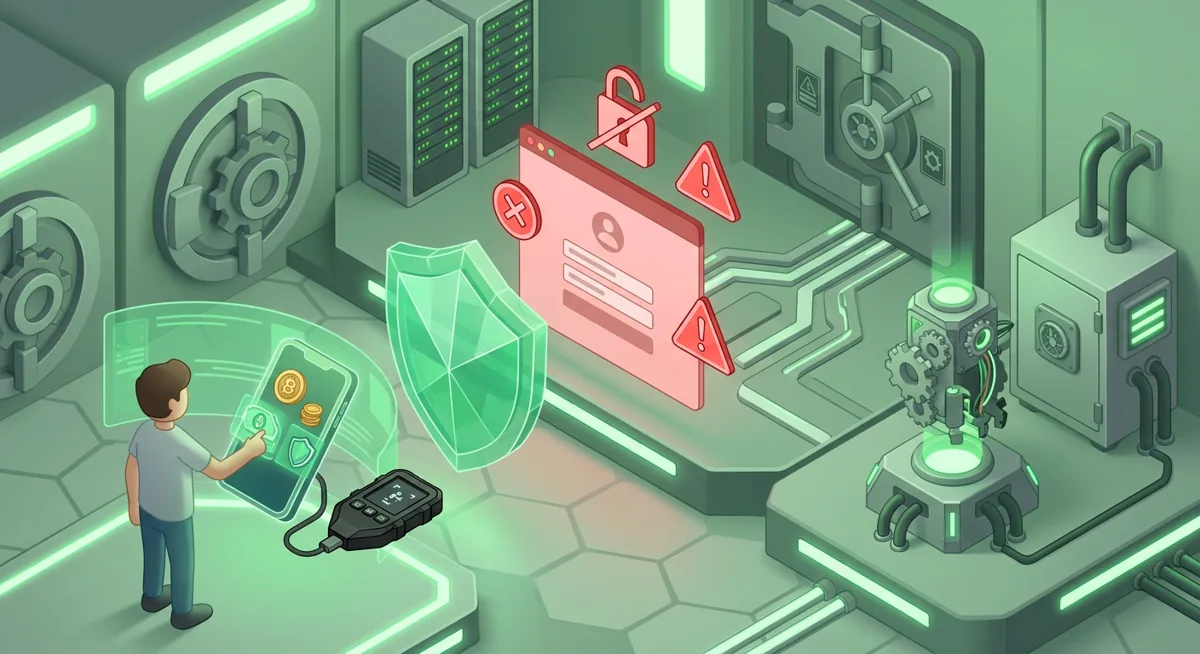
You open your wallet to sign a routine swap, but the approval screen feels rushed and unfamiliar. I want you to pause there, because self-custody risk is simple in plain words: if someone gets your recovery phrase, private key, unlocked device, or a dangerous approval, they may be able to move funds before you can react.
In short
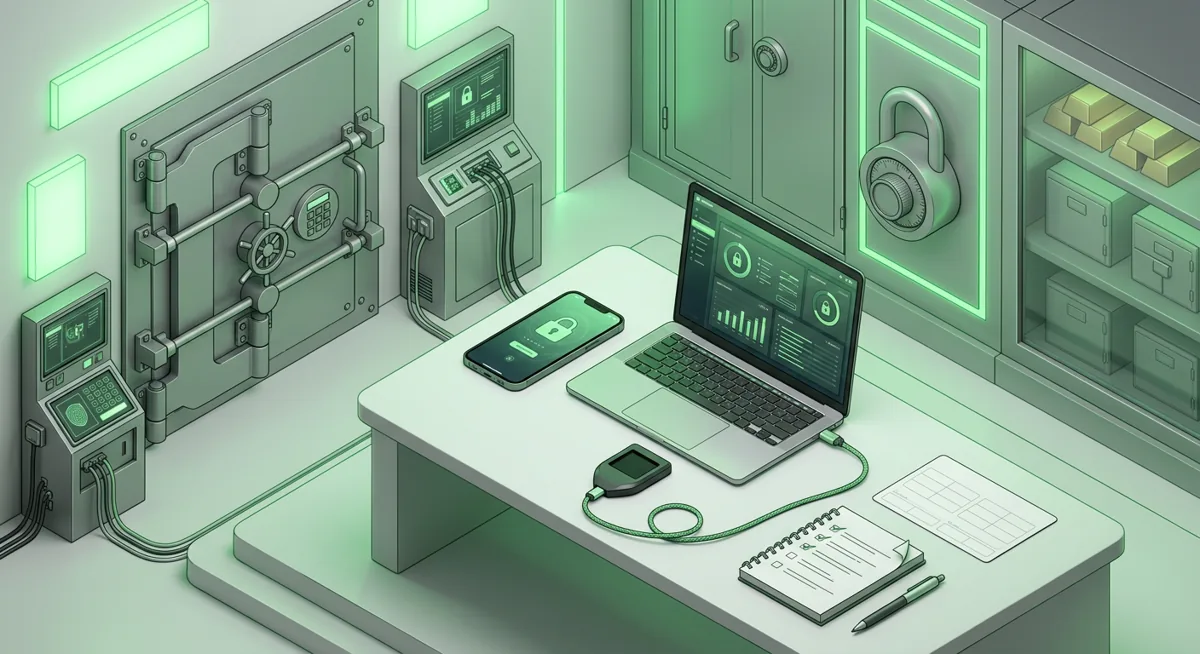
- Strong key management starts before funding a wallet: set up on a clean device, verify the wallet source, and record the recovery phrase offline only.
- Use hardware wallets such as Ledger Nano X or Trezor Safe 3 for larger balances, while keeping spending wallets separate from long-term storage.
- Daily safety means reading every approval, rejecting surprise signature requests, and treating urgent messages as a warning sign.
- A recovery drill proves you can restore access without exposing the recovery phrase during an actual emergency.
What should be on my self-custody security checklist?
I use this security checklist when helping people tighten wallet setup and recovery after a scare. The goal is not fear; it is to remove single points of failure before stress takes over.
Set up the wallet in a clean environment
- Start from a device you control, with operating system updates completed and no suspicious browser extensions.
- Get MetaMask, Trust Wallet, Exodus, Phantom, Coinbase Wallet, Base Wallet, BitPay, Ledger Live, or Trezor Suite from the official website or official app store listing only.
- Check that the wallet matches the network and device you intend to use. MetaMask runs on Chrome, Firefox, Brave, Edge, Opera, iOS, Android, Web and supports Hundreds of thousands of tokens, while Trust Wallet runs on iOS, Android, browser extension and supports networks including Bitcoin, Ethereum, Solana, Cosmos, Optimism, BNB Smart Chain (BNB), Sui (SUI).
- For larger balances, prefer a hardware wallet. Ledger Nano X supports Thousands of supported coins and tokens across Bitcoin, Ethereum, Solana, XRP, stablecoins and works with Desktop/laptop, Android, iOS. Trezor Safe 3 supports 1000s of coins & tokens and uses SLIP39 backups, with platform support listed as Android (full compatibility); iOS (limited compatibility).
- If you use Exodus, note that the app is Free, can Manage thousands of digital assets, and supports Base. Phantom is completely free to implement and use and supports Base, Solana, Ethereum, Bitcoin, Polygon.
Protect the recovery phrase and private keys
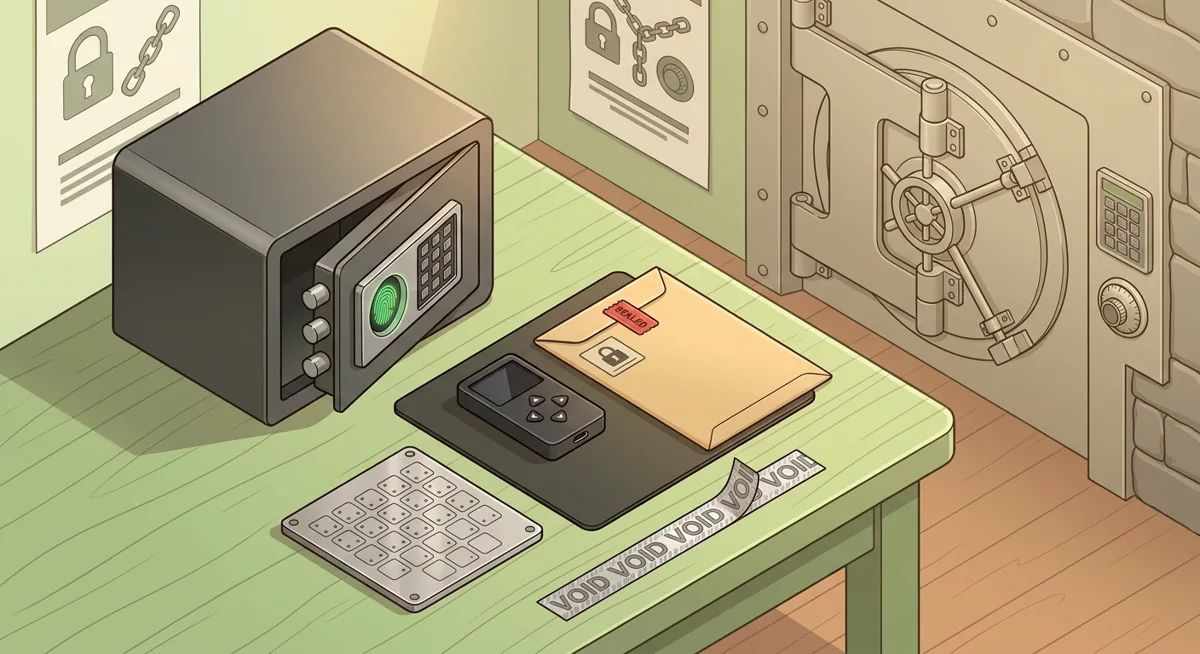
- Write the recovery phrase, meaning the wallet’s list of words, on paper or another offline material. Do not store it in email, cloud notes, photos, chats, or password managers unless you have a security design you fully understand.
- Never type the recovery phrase into a website, form, support chat, browser pop-up, or direct message.
- Make a second offline backup only if you can store it in a separate safe place. A backup beside the device does not help if both are lost together.
- Do not tell anyone where all backups are kept. Share emergency access plans only with people who genuinely need them.
Separate wallets by purpose
- Keep a long-term storage wallet separate from a daily spending wallet.
- Use a small hot wallet for minting, testing new apps, gaming, or airdrop claims.
- Move funds away from wallets that have signed many unknown approvals.
- If you use Coinbase Wallet, Base Wallet, MetaMask, Phantom, Trust Wallet, or BitPay for daily activity, keep only what you are prepared to expose to higher online risk.
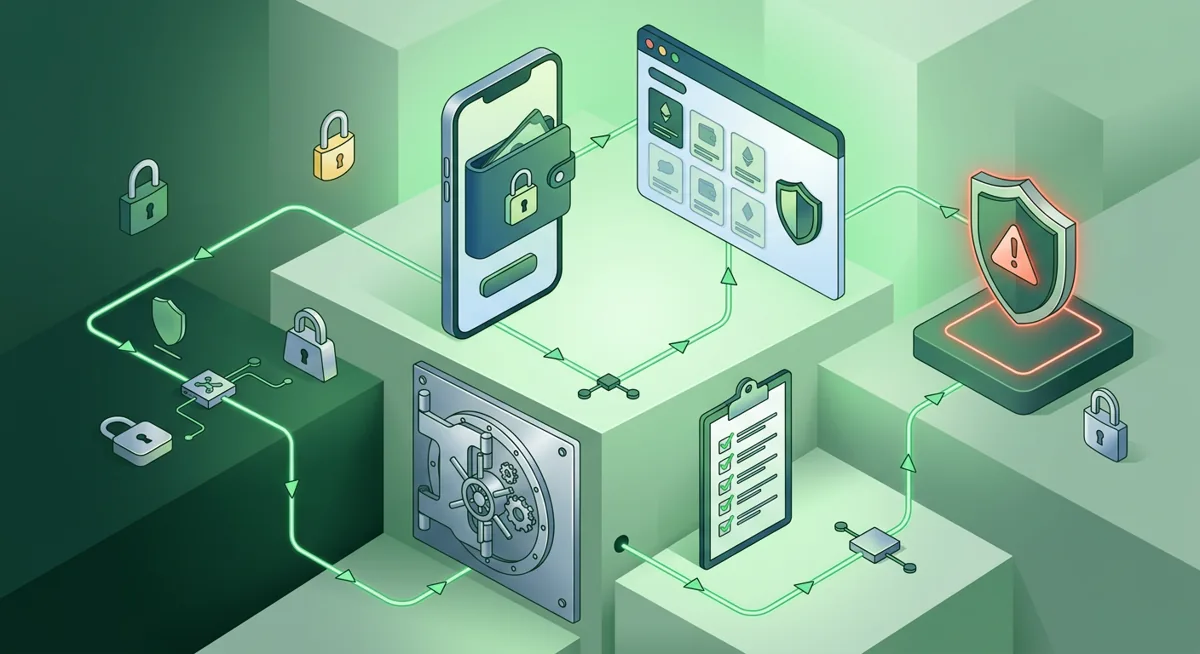
Read approvals before signing
- Treat every signature request as a transaction until you understand it.
- Check the website name, account address, network, token, spending permission, and whether the approval looks broader than expected.
- Reject any request that appears after a surprise message, fake support contact, urgent reward, or unknown token claim.
- Disconnect wallet sessions you no longer use.
Warning: the most expensive mistake I see is entering a recovery phrase into a fake support page. Real wallet recovery happens inside the wallet app or hardware wallet workflow, not in a chat window or random web form.
Secure the device around the wallet
- Use a strong device passcode and lock the screen when you step away.
- Keep browser extensions minimal. Remove old wallet copies and extensions you do not recognize.
- Use a password manager for exchange, email, and wallet account passwords, but keep the recovery phrase offline.
- Protect email with strong authentication, because email takeover can lead to account resets, fake alerts, and targeted pressure.
Practice wallet setup and recovery before a crisis
Step one: create a small test wallet or use an empty wallet you do not rely on.
Step two: write down its recovery phrase offline and verify that you can read it clearly.
Step three: remove the wallet from the app or use a separate safe device profile.
Step four: restore the wallet using the official wallet process and confirm that the same account appears.
Step five: record where your real backups are stored, who can help in an emergency, and what you will never share.
For deeper background, I would pair this with Wallet Basics for Safer Crypto Storage and Self-Custody and Hardware Wallets for Safer Storage. If you rely on a dedicated signing device, review Hardware Wallet and Device Security Overview.
Why does each key management habit matter?
Clean setup reduces invisible risk
A wallet created on a messy device inherits that device’s problems. If a malicious extension can read pages, swap addresses, or imitate pop-ups, the wallet may look normal while the signing context is hostile. That is why I start with the device, not the coin.
Offline backups stop remote theft paths
A recovery phrase is not a hint or a password reset tool. It is the root of the wallet. If it is stored in a screenshot, cloud folder, or message thread, an attacker does not need your hardware wallet or phone. They only need the backup. Offline storage forces an in-person barrier.
Separation limits damage
Think of wallets like physical pockets. I would not carry every document and all my savings in the same pocket I use at a crowded market. A daily wallet can interact with apps; a storage wallet should stay quiet. If the daily wallet signs something dangerous, the storage wallet should not be part of the blast radius.
Approval review catches wallet-drainer patterns
Many losses do not begin with a transfer that says “send everything.” They begin with permission: spend this token, sign this message, connect this account. If the page says you are claiming a reward but the wallet asks for broad control, stop. The mismatch is the signal.
Recovery drills replace panic with muscle memory
During an emergency, people search quickly, trust the wrong helper, or paste secrets into the first page that promises recovery. A drill teaches your hands what the legitimate flow feels like. You learn where the official app is, what screens appear, and what information is never requested by support.
Hardware wallets help, but habits still matter
Ledger Nano X and Trezor Safe 3 keep signing more isolated than a normal hot wallet, which is why I like them for long-term holdings. But they cannot save you from approving the wrong contract, sending to the wrong address, or exposing the recovery phrase. Hardware improves the boundary; key management keeps the boundary intact.
Custodial and self-custody risks are different
With custodial services, your main job is account security: email, passwords, authentication, and withdrawal controls. With self-custody, you are responsible for backups and signatures. If you are still choosing between models, read Self-Custody and Custodial Wallets Explained. If you already hold your own keys, Hardware wallets: safer self-custody basics is a useful next step.
A calm response plan prevents rushed losses
If something feels wrong, disconnect the wallet from the site, close the tab, and do not sign more requests. From a separate clean device, review recent approvals and decide whether funds should move to a fresh wallet. If the recovery phrase may have been exposed, treat the wallet as compromised and move assets to a newly created wallet whose phrase has never touched the internet. For device hardening, I also recommend Hardware Security Key Checklist for Wallet Safety.
Questions and answers
- What is key management in self-custody?
Key management is the way you create, store, use, and recover the secrets that control your wallet. In practice, it means protecting the recovery phrase offline, keeping devices clean, separating spending from storage, and practicing recovery before you need it.
- Should I keep my recovery phrase in a password manager?
I generally prefer offline storage for recovery phrases because it removes remote access paths. A password manager is useful for account passwords, but a wallet recovery phrase controls funds directly and deserves stricter handling.
- Do I need a hardware wallet for every crypto wallet?
Not every wallet needs hardware protection. I use hot wallets for small daily activity and hardware wallets for long-term storage or larger balances. The important part is to avoid mixing risky app interactions with funds you cannot afford to expose.
- What should I do if I typed my recovery phrase into a website?
Assume the wallet is no longer safe. Do not argue with the site or sign more requests. From a clean setup, create a new wallet with a new offline backup and move remaining assets there if they are still available.
- How often should I practice wallet recovery?
Practice whenever your setup changes, after moving to a new device, or when you add a new wallet type. The drill should use an empty or test wallet so you learn the process without risking real funds.
Sources
- 1 metamask.io — Platforms
- 2 metamask.io — Number of supported assets
- 3 trustwallet.com — Platforms
- 4 shop.ledger.com — Number of supported assets
- 5 shop.ledger.com — Supported networks
- 6 support.ledger.com — Platforms
- 7 trezor.io — Number of supported assets
- 8 trezor.io — Key custody
- 9 trezor.io — Platforms
- 10 exodus.com — App price
- 11 exodus.com — Number of supported assets
- 12 exodus.com — Supported networks
- 13 phantom.com — App price
- 14 phantom.com — Supported networks