Guide
Digital Currency Custody: Wallets and Self-Custody
You buy digital currency, open an app, and suddenly the simple question becomes the risky one: who actually controls access to your funds? The plain risk is this: if the wrong person gets the account, device, recovery phrase, or signing approval, your digital assets can move without an easy way back.
In short
- Digital assets are items recorded on a blockchain, while custody means who controls the keys or account access needed to move them.
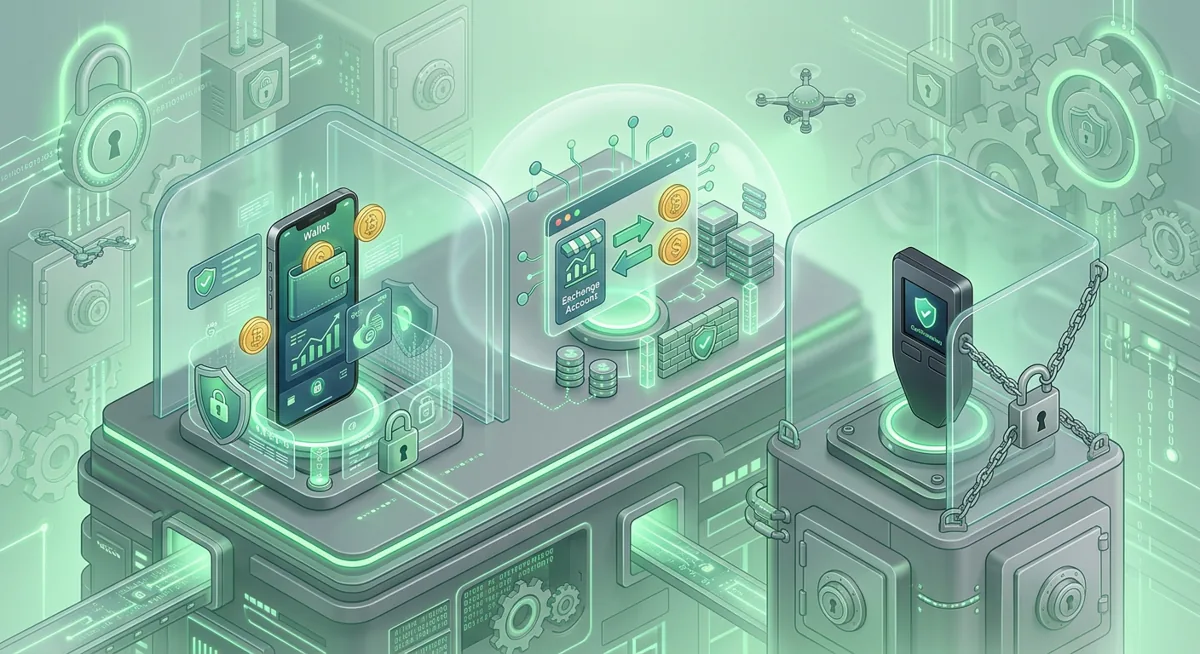
- Exchange custody is simpler to start with, but the platform controls the withdrawal path and account recovery rules.
- Self-custody gives you direct control, but you must protect the recovery phrase, device, approvals, and transaction details.
- Coinbase Wallet is a self-custody wallet, and Coinbase Wallet supports millions of onchain assets.
- Hardware wallets reduce exposure by keeping signing separate from everyday browsing, but they still require careful recovery storage.
Key facts
| Coinbase Wallet | |
|---|---|
| Supported coins & networks | Number of supported assets: millions of onchain assets |
| Devices & platforms | — |
| Price | — |
| Who controls the keys | — |
What should you know before choosing custody?
Before I help someone choose a wallet, I start with the risk in plain words. Digital currency is not like a bank login where a support team can always unwind a mistake. A blockchain transaction is designed to be final enough that you should treat every send, approval, and recovery step as a security decision.
Digital assets can include coins, tokens, NFTs, and other onchain items. Custody is the question of control: who has the power to move those assets? In exchange custody, you sign in to a platform account and the platform manages the private key side for you. In self-custody, you control the wallet keys through your app, recovery phrase, or hardware wallet.
Coinbase Wallet is an example of a self-custody wallet, not the same thing as leaving funds inside an exchange account. Coinbase Wallet supports millions of onchain assets, which is useful, but broad support also means you must be careful about fake tokens, suspicious approvals, and wrong-network sends.
Before you start, prepare:
- A clean, updated device you trust for wallet activity.
- A private place where no camera, screen share, or browser extension can view your setup.
- A password manager for exchange accounts and wallet-related logins.
- A written recovery storage plan that does not involve cloud notes, chat messages, screenshots, or email drafts.
- Time to go slowly, especially if you are moving meaningful funds.
I also recommend reading a basic device safety checklist before handling wallet setup: Crypto Home Security Checklist: Virus Checker Basics. If you are still learning wallet terms, keep Wallet Basics for Safer Crypto Storage nearby.
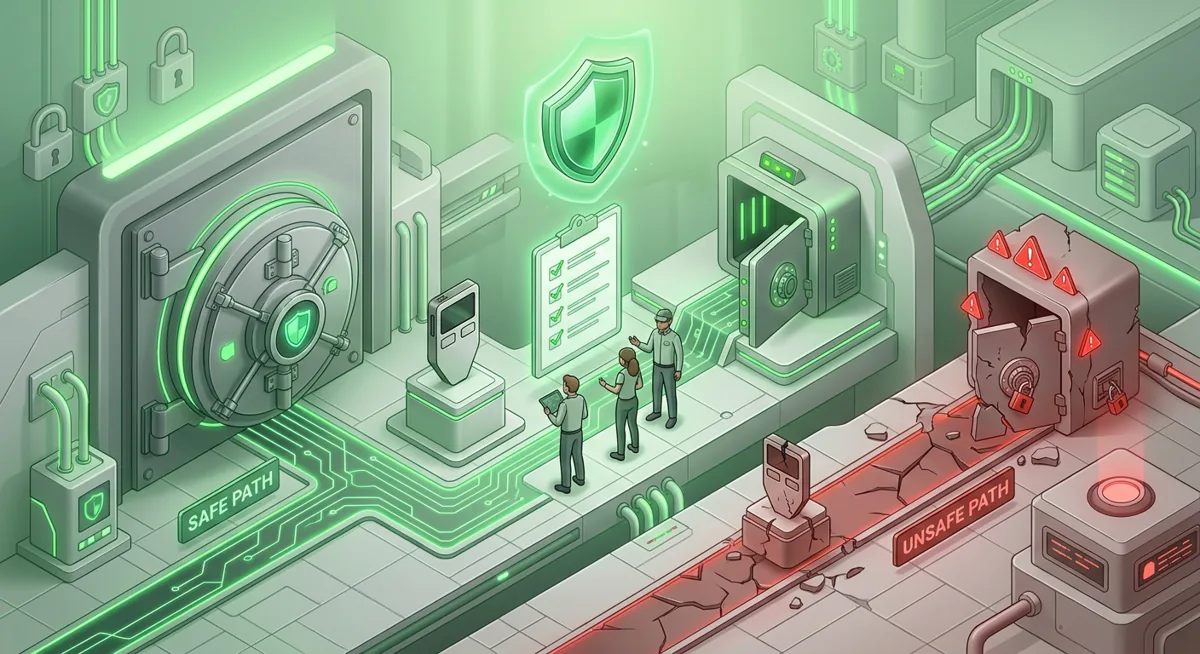
Warning: the common expensive mistake is rushing. If you send assets to the wrong address, approve a malicious contract, or expose your recovery phrase, the funds may be lost with no support desk able to reverse it.
How do you choose between custodial wallet vs self-custody?
Step one: decide what kind of control you want.
If you want someone else to handle key management, exchange custody may feel easier. You focus on account security: strong password, phishing resistance, withdrawal controls where available, and careful support communication. The tradeoff is that withdrawals, account freezes, identity checks, and recovery happen under the platform rules.
If you want direct control, self-custody fits better. You can use a wallet such as Coinbase Wallet to interact with onchain assets yourself. The tradeoff is personal responsibility. If you lose the recovery phrase and have no other access path, nobody can simply reset the wallet for you.
Step two: separate storage from spending.
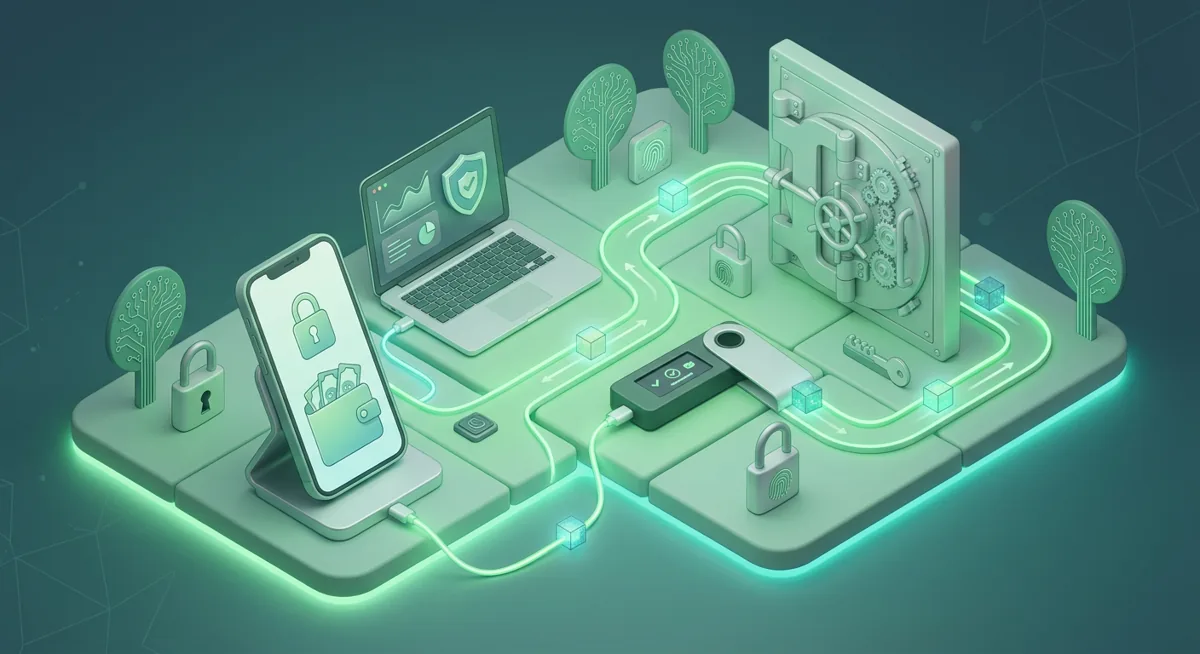
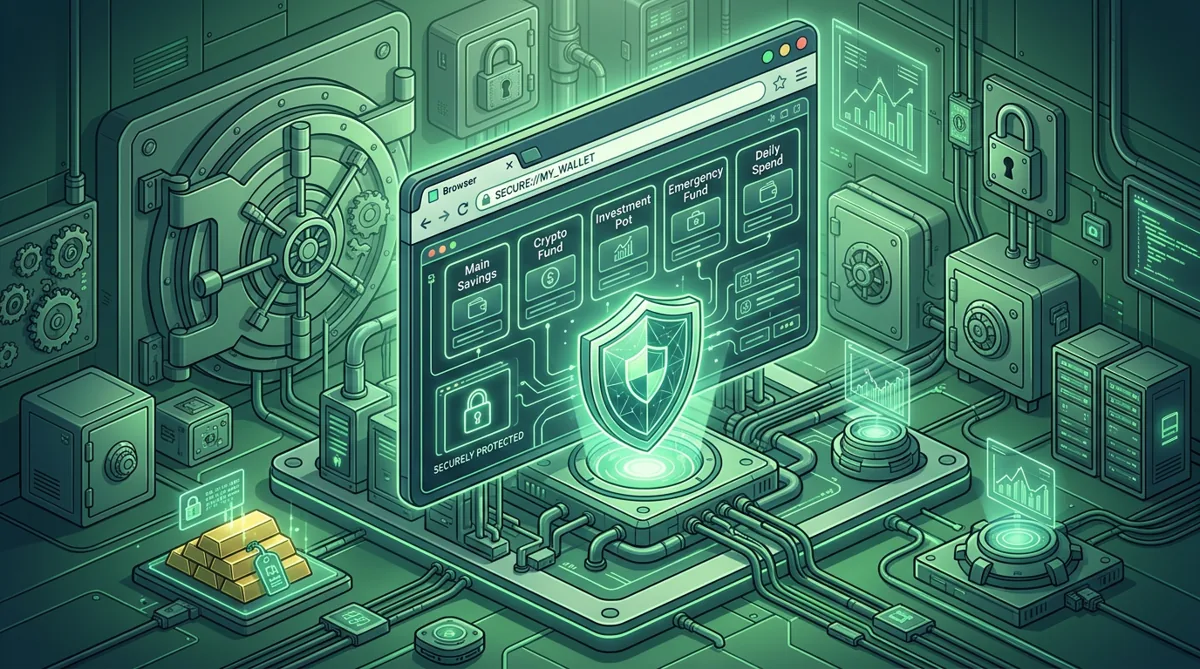
I like to think in pockets. A small daily-use wallet is for testing, learning, and interacting with apps. A long-term storage wallet is for assets you do not touch often. For long-term storage, hardware wallets can help because the signing action is separated from your everyday phone or computer. For a deeper path, see Self-Custody and Hardware Wallets for Safer Storage.
Step three: secure the account layer.
For exchange custody, protect the login first. Use a unique password, phishing-resistant sign-in where possible, and a dedicated email that you do not use everywhere. Be suspicious of urgent messages about locked funds, surprise airdrops, or support agents asking you to move assets.
For self-custody, protect the wallet environment. Avoid adding random browser extensions. Do not type your recovery phrase into websites. Do not share your screen while a wallet is open. If a website says you must verify, sync, or restore your wallet to receive funds, treat that as a danger sign.
Step four: verify every transaction before signing.
Check the asset, network, address, and permission being requested. A normal send moves a specific asset. A token approval may give an app permission to move assets later. If the request does not match what you intended, reject it and step away.
Step five: test with a small transfer when practical.
A small test can reveal a wrong network, wrong address format, or missing memo field before you move the main amount. I still do this when I am helping a nervous friend, because the pause reduces panic and catches simple mistakes.
Step six: document your system without exposing secrets.
Write down where the wallet is used, which device is involved, and where recovery instructions are stored. Do not write the recovery phrase in a digital note. The goal is for future you to understand the setup without giving an attacker everything they need.
How does wallet recovery work in general?
Recovery depends on the custody model.
With exchange custody, recovery usually means proving account ownership to the platform. That may involve email access, identity checks, support review, and security delays. This can be frustrating, but it is part of the tradeoff: you did not hold the private keys directly, so account recovery follows the platform process.
With self-custody, recovery usually depends on a recovery phrase, which is a list of words created during wallet setup. I will describe it only generally because writing examples trains people into unsafe habits. That list of words can recreate wallet access. Anyone who gets it can try to control the assets. Anyone who loses it may lose the path back in.
A hardware wallet also relies on recovery material. The device helps keep signing isolated, but the recovery phrase is still the master backup. Store it offline, away from water, fire, casual visitors, and cameras. Consider whether a trusted person could find instructions in an emergency without seeing the words themselves.
If you already lost access, do not panic-type the recovery phrase into random recovery sites. Start with a calm checklist such as Wallet Recovery Steps When You Lose Access. If keys may be exposed, use Lost Seed or Exposed Keys: Cold Wallet Crypto Checklist before moving anything.
What common custody problems should you check first?
Problem: you cannot see an asset in the wallet.
Check whether the wallet is on the correct network and whether the asset must be added to the visible list. Do not assume missing from view means missing from the blockchain. Use the wallet interface carefully and avoid searching for help through ads or strangers in direct messages.
Problem: a transfer did not arrive.
Compare the destination address and network you used. Many losses happen when the address looks right but the network is wrong. If the transfer went to an exchange, only that exchange can say whether it can support recovery. If it went to a self-custody wallet you control on another network, you may need to switch networks in the wallet.
Problem: a site is asking for your recovery phrase.
Stop. A legitimate app interaction should not need your recovery phrase. The phrase is for restoring wallet access, not for claiming rewards, fixing errors, unlocking tokens, or proving ownership.
Problem: you approved something suspicious.
Disconnecting a site is not always enough. You may need to review and revoke token permissions using a trusted method for the relevant network. If you are unsure, move unaffected assets to a fresh wallet created on a clean device, starting with a small test.
Problem: you want stronger protection.
Consider a hardware wallet, a hardware security key for account logins, and a cleaner separation between browsing and storage. For account protection planning, see Hardware Security Key Checklist for Wallet Safety.
Questions and answers
- Is digital currency the same as digital assets?
Digital currency usually refers to coins or tokens used as money-like value. Digital assets is broader and can include tokens, NFTs, and other onchain items. Both require a custody plan because access control is what protects them.
- Is Coinbase Wallet custodial or self-custody?
Coinbase Wallet is a self-custody wallet. That means you control the wallet recovery path, so protecting the recovery phrase and device matters more than waiting for an account reset.
- Is exchange custody safer than self-custody?
It depends on the risk you are better prepared to manage. Exchange custody reduces key management burden but depends on the platform account and rules. Self-custody gives direct control but makes recovery phrase protection your responsibility.
- Do hardware wallets remove all risk?
No. Hardware wallets can reduce exposure by keeping signing separate from everyday browsing, but they do not fix rushed approvals, wrong addresses, exposed recovery phrases, or unsafe storage habits.
- What should I do if my recovery phrase was exposed?
Treat the wallet as compromised. From a clean device, create a new wallet, test the new receiving address, and move assets that are still accessible. Do not reuse the exposed recovery phrase.