Guide
Crypto Theft Response: Stop Loss and Secure Wallets
You open your wallet and something is wrong: a transfer you did not make, an approval you do not recognize, or a site you trusted now feels suspicious. I want you to slow down, because the next rushed move can expose what is still safe.
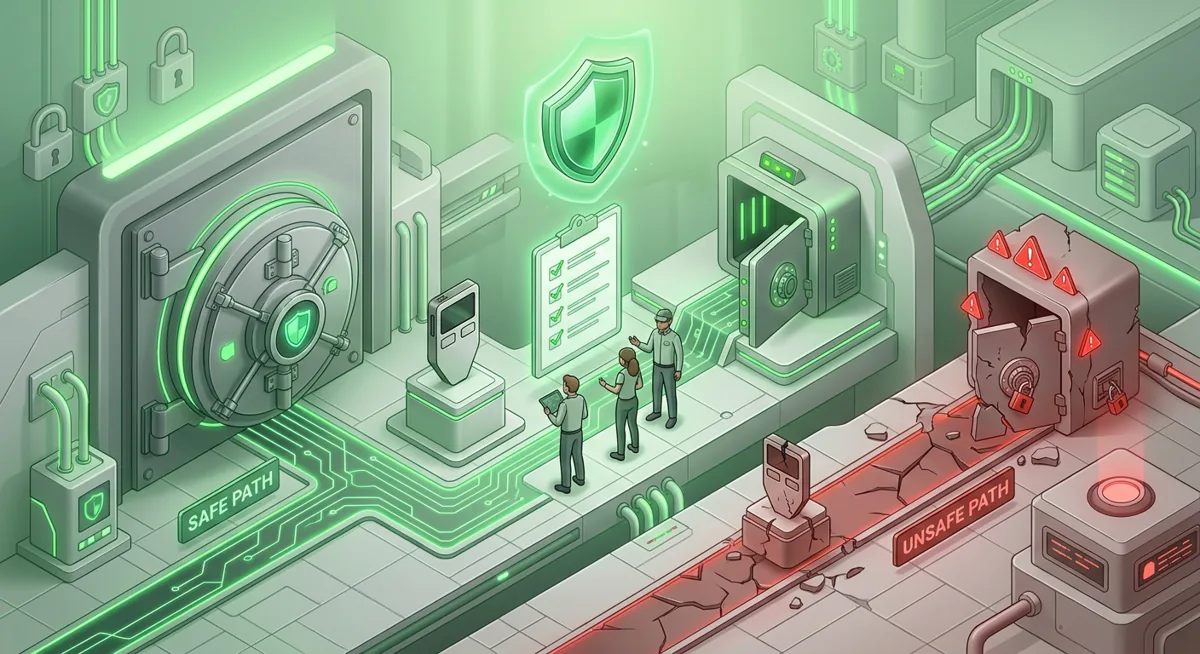
In short
- If funds are moving, isolate the device, stop signing, preserve evidence, and use a clean device before touching any wallet again.
- A compromised wallet response should separate unsafe wallets from safe storage, then move only still-controlled assets to fresh addresses.
- Reporting stolen crypto works best when you collect transaction hashes, wallet addresses, timestamps, screenshots, and the exact story of what happened.
- Do not type a recovery phrase into any website, chat, form, or support message; recovery phrases are only for restoring a wallet in a trusted wallet environment.
- To prevent further loss, revoke risky approvals, rotate account security, scan devices, and rebuild storage using safer habits.
Key facts
| Ledger Nano X | |
|---|---|
| Supported coins & networks | Supported networks: Bitcoin, Ethereum, Solana, XRP, stablecoins Number of supported assets: Thousands of supported coins and tokens |
| Devices & platforms | Platforms: Desktop/laptop, Android, iOS |
| Price | — |
| Who controls the keys | — |
What is the risk before you touch anything?
The plain risk is this: whoever triggered the loss may still have a path into your wallet, device, cloud account, email, or an approval you once signed. I treat every incident as active until proven otherwise.
Before you start, gather a few things without signing any new wallet transaction:
- A clean phone or computer you have not used with the suspicious site.
- Wallet addresses, transaction hashes, exchange account names, and screenshots.
- Access to email and exchange accounts so you can change passwords and review sessions.
- A notebook or offline note file for a timeline.
- Your hardware wallet, such as a Ledger Nano X, if you already use one.
If you use Ledger Nano X, remember that the device can support safer storage, but it does not make every signature safe. Ledger Nano X supports Thousands of supported coins and tokens, including networks such as Bitcoin, Ethereum, Solana, XRP, stablecoins, and works with Desktop/laptop, Android, iOS. That broad support is useful, but it also means you may need to check activity across more than one network.
Blockchain transfers are usually not reversible by you. The goal is to prevent further loss, preserve proof, and recover control where possible. For safer baseline habits after the emergency, review Wallet Basics for Safer Crypto Storage and Self-Custody and Hardware Wallets for Safer Storage.
What should I do first after stolen crypto?
Step one — Stop using the affected wallet
Do not sign anything from the wallet that lost funds. Do not connect it to more sites to test what happened. If a malicious approval or wallet-drainer page is involved, another signature can deepen the loss.
Step two — Isolate the device
Disconnect the device you used from browser wallet activity. Close wallet tabs, disconnect from suspicious sites inside the wallet, and stop using browser extensions until you inspect the system. If malware, a fake extension, or a poisoned browser session is involved, using the same setup can expose your next move.
For device hygiene, use the Crypto Home Security Checklist: Virus Checker Basics. I do not assume a scan fixes everything, but it can reveal obvious risks before you rebuild.
Step three — Preserve evidence before cleaning up
Take screenshots of balances, transfers, approvals, websites visited, messages, and account security alerts. Copy transaction hashes and wallet addresses exactly. Write a timeline: what you clicked, what you signed, what device you used, and when you noticed the loss.
Step four — Check whether other accounts are exposed
Ask what else the attacker could have reached. Was the same email used for an exchange? Was your password reused? Was your recovery phrase ever stored in cloud notes, screenshots, a password manager, or a photo gallery? If yes, treat those accounts as exposed.
Change email and exchange passwords from a clean device. Sign out of other sessions. Add or reset strong authentication. If you use hardware security keys, tighten that setup with the Hardware Security Key Checklist for Wallet Safety.
Step five — Decide what is still safe to move
If another wallet was never connected to the suspicious site, never shared a recovery phrase, and sits on a clean device or hardware wallet, it may be your safer destination. If you are unsure, create a fresh wallet environment using a trusted device and official wallet software only.
Move only assets you still control. If a wallet is actively draining, speed matters, but speed without caution can expose the new wallet too. I prefer a clean device, a fresh receiving address, and a small test transfer when the situation allows.
Warning: Never enter your recovery phrase into a website, support chat, social media message, online form, or browser pop-up. If someone asks for it, they are asking for full wallet control.
Step six — Revoke risky approvals where appropriate
For tokens and smart contract wallets, stolen funds may come from an approval you signed earlier. Use a reputable approval review tool from the relevant ecosystem, reached independently rather than from a message someone sent you. Revoke suspicious allowances from a clean setup.
This step can require signing a transaction. If the wallet itself is exposed through a leaked recovery phrase, revoking may not be enough. In that case, prioritize moving remaining assets to a fresh wallet.
Step seven — Report and notify
Report to the exchange if funds moved to an exchange address, and provide transaction hashes and addresses. Report to wallet support if a specific wallet app or device workflow is involved, but do not share your recovery phrase. If the loss is significant, file a report with your local cybercrime or financial crime authority.
Step eight — Rebuild your storage plan
Once the emergency is quiet, rebuild. Separate daily spending wallets from long-term storage. Use a hardware wallet for holdings you do not need often. Keep written recovery materials offline and protected.
How does wallet recovery work after an incident?
Wallet recovery usually means restoring control from a recovery phrase, device backup, or account recovery process. A recovery phrase is a list of words that can recreate access to a self-custody wallet. I will not write a sample phrase, because secret material should never feel casual.
If your recovery phrase was only ever written offline and no one saw it, your incident may involve a bad signature, malicious approval, fake site, or compromised device instead of exposed keys. In that situation, a fresh wallet and careful transfer plan may be enough for remaining funds.
If your recovery phrase was typed into any site, stored in screenshots, sent to anyone, or shown during a support chat, assume that wallet can be taken over again. Restoring the same wallet on a new device does not remove that risk. You need a new wallet with a new recovery phrase, created in a trusted environment, then move any remaining assets if they are still under your control.
If you lost access while responding, pause and follow a recovery process rather than guessing. Wallet Recovery Steps When You Lose Access can help you think through access problems calmly. If the concern is exposed recovery material, use Lost Seed or Exposed Keys: Cold Wallet Crypto Checklist for the safer order of operations.
What common problems come up during response?
I see unknown approvals, but no funds moved
Treat this as a near miss. Revoke suspicious approvals from a clean environment, then stop using that wallet for important storage until you understand what you signed. A scam can wait until you add more funds.
My hardware wallet was used, so how did this happen?
A hardware wallet protects secret keys from many device risks, but it cannot read your mind. If you approve a malicious transaction on the device, it may sign what you confirmed. Slow signing is protective: read the wallet screen, verify addresses, and reject anything you do not understand.
The scammer says they can recover my funds
Be extremely careful. Recovery scammers often arrive right after a loss, promising special access or insider tracing. Real helpers do not need your recovery phrase, private keys, or remote control of your computer.
The transaction is pending
Do not panic-sign replacement transactions unless you understand the network behavior. If you still control the wallet, you may have options through your wallet software, but the wrong move can make things worse. When unsure, preserve evidence and ask official support channels for general guidance without sharing secrets.
I am embarrassed and waited to act
You are not alone, and shame is exactly what scammers rely on. Start now: isolate, document, secure accounts, and move remaining funds only from a clean setup. A delayed response can still prevent further loss.
Questions and answers
- Can stolen crypto be reversed?
Usually not by the wallet owner. Preserve evidence, notify exchanges or services that may receive the funds, file a report, and secure anything not yet lost.
- Should I keep using the same wallet after a theft?
I would not use it for important storage until you know the cause. If the recovery phrase or private keys may be exposed, retire that wallet and create a new one in a trusted environment.
- Is a Ledger Nano X enough to prevent future loss?
It can improve key protection, but it does not make every transaction safe. You still need careful signing habits, clean devices, offline recovery storage, and separation between daily-use wallets and long-term holdings.
- What should I include when reporting stolen crypto?
Include transaction hashes, wallet addresses, screenshots, account names, device details, and a clear timeline. Do not include recovery phrases, private keys, or passwords.