Security checklist
Microsoft Defender Checklist for Crypto Storage
You are about to send crypto, your wallet opens normally, and then a browser pop-up asks you to install a “security update” before you continue. I have seen that moment many times in recovery work: the danger is not always the wallet itself, but the device you trust while using it.
In short
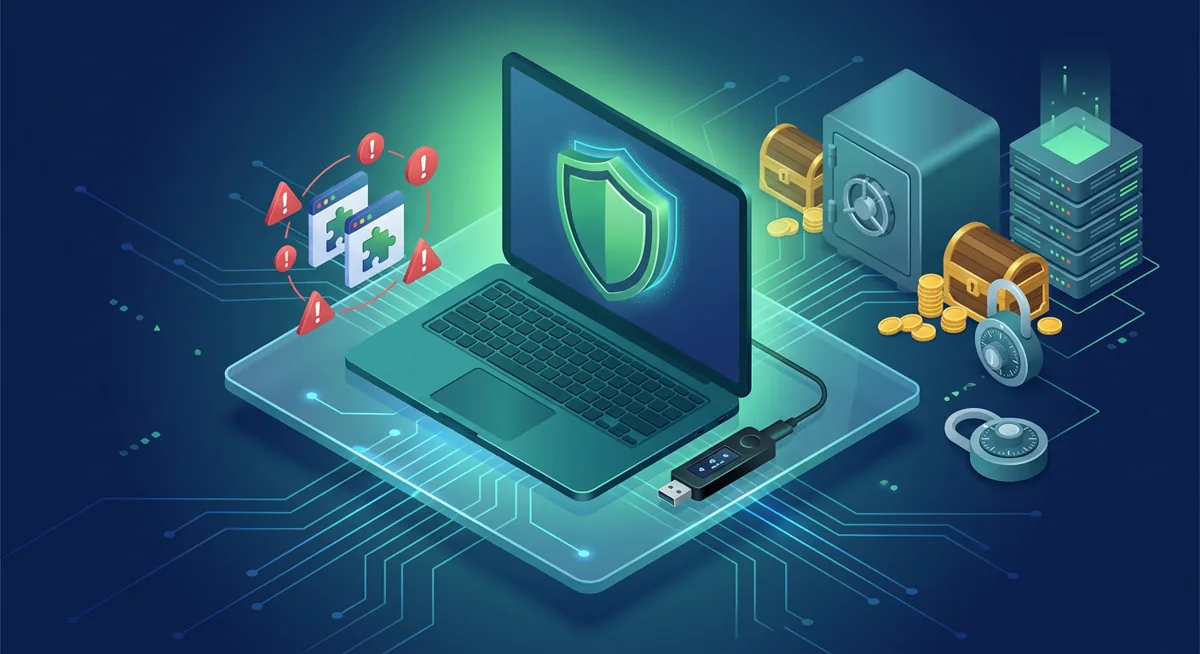
- Microsoft Defender can serve as reliable basic protection for cryptocurrency users if it is enabled, up to date, and combined with careful wallet management.
- Antivirus software for cryptocurrencies is designed to reduce the risk of malware infection, but under no circumstances should it be viewed as a reason to approve requests from unknown wallets.
- Protecting your device from malware is of the utmost importance before signing transactions, restoring wallets, or entering exchange login credentials.
- If an alert appears while you are moving funds, stop the transaction first and investigate from a clean device.
- VPN services, such as Avast SecureLine, can help protect your privacy online, but they do not monitor transactions in wallets or recovery pages.
What should I check before using crypto on this device?
Start with the risk in plain words: if malware controls what you see, copies what you type, or swaps an address before you send, the wallet screen may not be telling the whole story. Microsoft Defender, Avast, Windows Defender, Norton, McAfee, Bitdefender, Malwarebytes, AVG, and ESET Internet Security can all help reduce device risk, but they cannot think for you at the approval screen.
Core endpoint checklist
- Confirm Microsoft Defender or your chosen endpoint tool is turned on before you open a wallet, exchange, or password manager.
- Let the product update before you move funds, especially if the device has been offline or unused.
- Run a full scan if the device behaved strangely, showed fake support pop-ups, redirected searches, or installed unknown browser extensions.
- Keep real-time protection enabled. Turning it off “just for a minute” gives risky software an opening.
- Use only one main real-time antivirus engine at a time, then add a second-opinion scanner such as Malwarebytes only when you need an extra check.
- Remove browser extensions you do not actively use. Wallet-drainers often begin with a browser permission that looked harmless.
- Separate daily browsing from crypto activity. If one browser handles unknown files and wallet approvals, you are mixing risk zones.
- Before signing, verify the destination address on the wallet screen or hardware wallet display, not only in the browser.
- Treat any request for your recovery phrase as an emergency sign. A real antivirus alert does not need your wallet’s recovery phrase.
- If Avast SecureLine, Norton VPN features, or another VPN is active, remember that network privacy is not the same as wallet safety.
- If you use Norton, note that Norton lists supported networks as Mimic, IPsec, OpenVPN, WireGuard, platforms as Windows PC, Mac, iOS, Android, Google TV, Apple TV, and key custody as Stored in your Norton account. Understand where any security product stores account or vault data before you rely on it.
- Check vendor community spaces, such as Avast forums, only for general troubleshooting clues. Do not share recovery details, screenshots of balances, or support codes.
- Keep operating system updates current. Endpoint tools work better when the system underneath them is not neglected.
- If you suspect compromise, stop using the device for wallet approvals until it has been cleaned, rebuilt, or replaced.
Warning: If your clipboard is being watched, you may paste the correct address and still broadcast a transaction to the wrong destination after malware swaps it. Stop, compare the address on a trusted display, and do not rush because a timer, support agent, or pop-up says funds are at risk.
Step-by-step when an alert appears mid-transaction
Step one: do not approve the wallet prompt. Closing the wallet request is safer than trying to finish quickly.
Step two: close the suspicious page, wallet tab, or app window without entering more information.
Step three: run Microsoft Defender or your trusted endpoint product and allow it to finish. If you use Bitdefender, McAfee, Norton, AVG, Avast, or ESET Internet Security, use its built-in scan path rather than a random pop-up.
Step four: check the browser. Remove unfamiliar extensions, reset changed search settings, and review permissions for wallet-connected sites.
Step five: use a different trusted device to review account activity. If funds may be exposed, move only after you have verified addresses, approvals, and wallet state from a safer environment.
For a broader device routine, I would pair this article with the Crypto Device Security Checklist for Windows and Phones and the Secure Devices Crypto Wallet Checklist.
Why does endpoint protection matter for crypto storage?
The device is part of the wallet workflow
I often tell people that self-custody is not only about the wallet brand. It is also about the keyboard, browser, clipboard, screen, extensions, and operating system that sit between you and the transaction. Microsoft Defender is built into modern Windows environments, and Windows Defender is still the name some users remember.
The honest answer is: clean enough is a process, not a badge. Endpoint protection lowers the chance that malware stays hidden. It does not prove a transaction is safe, and it does not validate a recovery page.
Group: scans, updates, and real-time protection
Scans and updates matter because malware changes. Real-time protection matters because crypto losses often happen during a short window: you open a file, grant a browser permission, paste an address, approve a wallet request, and only later realize something was wrong.
If you use Microsoft Defender, keep it active unless a competent technician has a specific reason to change it. If you prefer Avast, McAfee, Norton, Bitdefender, AVG, Malwarebytes, or ESET Internet Security, the same principle applies: the tool must be current, active, and understood by the person using it.
Group: browser and extension hygiene
A browser extension can see more than people expect. A malicious extension may read page content, change what appears on a wallet site, or interfere with copied addresses. This is why I ask crypto users to keep a lean browser profile for wallets and exchanges.
A concrete what-if: what if your antivirus says the system is fine, but a browser extension has permission to read and change site data? You could still be guided into a fake approval flow. That is why endpoint checks and browser checks belong together.
Group: VPNs and privacy tools
Avast SecureLine and other VPN tools can help protect network traffic from local snooping, especially on shared networks. But a VPN does not know whether the address in your wallet is correct, whether a support chat is fake, or whether a wallet prompt is safe.
Use a VPN for privacy if it fits your situation, but do not let it create confidence in a bad transaction. I would rather see you pause and verify than move funds quickly from a “protected” connection.
Group: recovery phrases and support traps
No antivirus product should ask for your wallet recovery phrase. No Avast forums helper, Norton support message, Microsoft Defender alert, McAfee warning, Bitdefender notice, Malwarebytes scan, AVG pop-up, or ESET prompt should ask you to type the list of words that restores your wallet.
If you are already under pressure, read the Common wallet scams: phishing and fake recovery traps before entering anything sensitive. If someone claims your funds can be saved only by revealing recovery details, treat that as a scam pattern and use the Crypto Scam Checks Before You Move Funds.
Group: what to do after a suspected infection
When a device may be infected, the safest crypto action is usually no crypto action from that device. Do not test it with a small transfer unless you are willing to lose that transfer. Use a trusted device to review risky approvals where possible, change exchange passwords, review authenticator settings, and prepare a safer wallet migration plan.
If you use a hardware wallet, do not assume the computer can be ignored. The hardware wallet can help protect signing, but the infected computer can still mislead you about what you are signing. Read the device display carefully and reject anything that does not match your intent.
My practical baseline
For most people, I like this baseline: Microsoft Defender or another reputable endpoint suite active, browser extensions minimized, operating system updated, wallet activity separated from casual browsing, and recovery phrases kept away from any connected device unless you are intentionally restoring in a safe environment.
That combination is not dramatic. It is calm, repeatable, and protective. In crypto security, boring routines are often what save funds.
Questions and answers
- Is Microsoft Defender enough for storing crypto?
Microsoft Defender can be enough as a baseline for many Windows users if it is active, updated, and paired with cautious wallet behavior. I would not rely on any antivirus alone; you still need to verify addresses, avoid suspicious extensions, and reject recovery phrase requests.
- Should I run Microsoft Defender with Avast, Norton, McAfee, Bitdefender, AVG, or ESET Internet Security at the same time?
I prefer to use only one primary antivirus product with real-time protection at a time. Having multiple antivirus engines running in real time can lead to conflicts or slow down the device, which may prompt users to disable protection. A “second opinion” scan can be useful when additional verification is needed.
- Does Malwarebytes replace antivirus for crypto users?
Malwarebytes can be useful for detecting unwanted software and suspicious browser behavior, but the correct configuration depends on how you use your device. The key is whether it actually provides real-time protection, updates, scans, and browser cleanup.
- Can Avast SecureLine or another VPN protect my wallet?
A VPN can help ensure online privacy, but it does not verify wallet addresses, smart contract access rights, exchange credentials, or recovery pages. If a fake website tricks you into approving a transaction, a VPN cannot ensure the security of that approval.
- What should I do if antivirus finds malware after I used a wallet?
Stop using this device to manage your wallet. From a trusted device, check your exchange access rights, wallet permissions, and recent transactions. If there is a possibility that your recovery phrase may have been compromised, carefully plan your transition to a new wallet environment; do not continue using your previous setup.