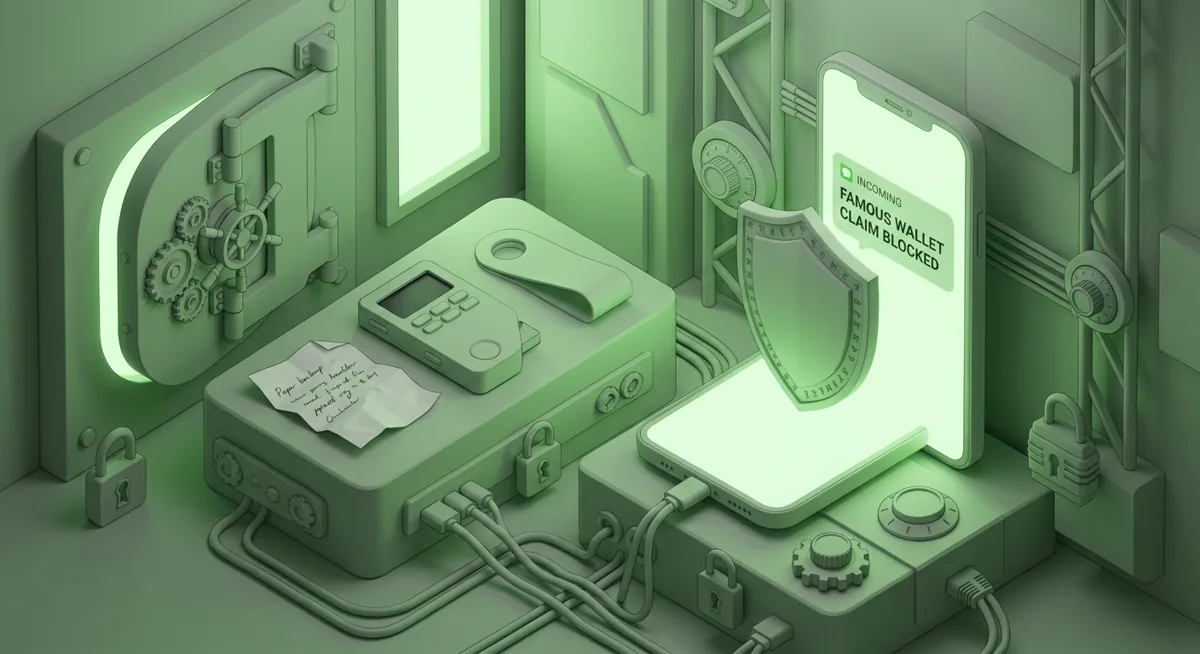
You open your wallet and see a strange token, a surprise message, or a support account offering help right when you feel rushed. I want you to treat that moment as a safety pause, because most crypto losses I help with begin with one small action that felt normal at the time.
What risk should I understand first?
The plain risk is this: crypto transactions are hard to undo, and scammers design moments where you approve the loss yourself. That approval might look like connecting a wallet, signing a message, entering a recovery phrase, scanning a code, or accepting help from someone who sounds official.
I do not say that to frighten you. I say it because clear language helps you slow down. In incident response, I often see the same pattern: the person was not careless; they were tired, rushed, distracted, or trying to fix a real problem. A fake warning appeared. A pretend support agent offered step-by-step help. A website looked close enough to the real one. A small approval opened the door to a much larger loss.
This hub is the calm starting point for scams and security checks. Use it when something feels wrong, when you are setting up a wallet, or before you interact with a new app. My goal is to help you separate ordinary wallet friction from dangerous requests.
What are the clearest warning signs?
I watch for pressure, secrecy, and requests that move control away from you. If any of these appear, pause:
- Someone asks for your recovery phrase, private key, or a screenshot of wallet security details.
- A support account messages you first and says your wallet must be synchronized, validated, upgraded, or unlocked.
- A site says you must sign quickly or lose access to funds.
- A surprise token appears and urges you to visit a site to claim value.
- A message says there is an error with your wallet and only one special portal can fix it.
- A transaction request is vague, unreadable, or asks for broad approval you do not understand.
- A person moves you from a public support area into private chat and tells you not to discuss the steps with anyone.
The common thread is control. Real security advice reduces what you expose. Scam instructions increase what you reveal, approve, or connect.
How do I run a quick safety pause?
When you feel rushed, I recommend a simple pause routine. It works because it gives your thinking brain time to catch up with your stress response.
Step one: Stop interacting with the page, message, or app. Do not sign, approve, paste, scan, or reply while you are alarmed.
Step two: Read the request out loud in plain language. For example: “This site wants permission to move my tokens,” or “This person wants me to reveal my wallet recovery information.” If the plain-language version sounds dangerous, trust that signal.
Step three: Check the source from a route you already trust. Open the official website by name, use a saved bookmark, or use the wallet app you already installed from the official source. Do not follow a route supplied by the person or pop-up that created the emergency.
Step four: Ask what happens if you do nothing for a short while. Most real wallet maintenance does not require instant action from a stranger in chat. Scams often do.
Step five: If funds are at risk, switch from “fix the website” to “protect the assets.” That may mean disconnecting sessions, reviewing approvals, using a clean device, or preparing a new wallet before moving anything.
Warning: if you enter a recovery phrase into a website or send it to a person, assume that wallet is exposed. Do not keep using it as if only the website was the problem.
Why is the recovery phrase treated differently?
A recovery phrase is not a password reset tool for support. It is the root material that can recreate wallet access. That is why I treat it like the highest-risk secret in a self-custody setup.
A normal password can often be changed after a leak. A recovery phrase cannot be made private again once someone else has it. If another person sees it, photographs it, receives it in chat, or convinces you to type it into a site, they may be able to move funds without needing your device.
My rule is simple: the recovery phrase stays offline, private, and away from forms, chats, cloud notes, email drafts, and screen-sharing sessions. If a site says it needs the phrase to verify, migrate, validate, or reconnect your wallet, I treat that site as dangerous.
This also applies during panic. If you are trying to recover from a wallet problem, scammers may use your fear to ask for the one thing they should never need. Real troubleshooting should not require you to reveal the phrase.
What should I check before approving a wallet action?
Wallet prompts can be confusing, especially when an app uses technical language. I slow them down into questions:
- What asset is involved?
- What permission am I giving?
- Is this a one-time action or ongoing access?
- Does the destination address match what I intended?
- Does the app identity match the service I meant to use?
- Am I signing a message that I understand, or am I being asked to trust a blank-looking request?
The “why” behind these checks is that a wallet does not know your intent. It can show you a request, but it cannot always tell whether you arrived from a fake site, a copied address, or a poisoned search result. Your job is to match the prompt against what you meant to do.
If you expected to swap a small asset and the wallet asks for broad token access, pause. If you expected to connect for viewing only and the prompt seems to authorize movement, pause. If the address was copied from a message you did not verify, pause.
Are custodial and self-custody risks different?
Yes, and understanding the difference helps you choose the right response.
With a custodial account, the service controls the wallet infrastructure and you control account access. The most common risks include fake login pages, impostor support, email compromise, weak account recovery, and attackers trying to pass identity checks. Your defensive focus is account security: strong unique passwords, phishing-resistant sign-in habits, withdrawal protections where available, and careful handling of support conversations.
With self-custody, you control the keys. The service cannot simply reverse a transaction for you. Your defensive focus is wallet hygiene: recovery phrase privacy, careful signing, approval review, address verification, and separating everyday browsing from high-value storage.
Hardware wallets can help because the signing step is separated from the general-purpose device you browse with. But they do not remove judgment. If the device asks you to approve a transaction to the wrong address, and you approve it, the hardware did what you instructed. That is why I pair hardware wallets with slow verification habits.
What should I do if I may have been scammed?
First, breathe. Panic causes repeat mistakes. I use this triage order:
Step one: Stop using the suspected site, chat, or app path. Do not argue with the scammer or follow recovery instructions from the same source.
Step two: Preserve evidence. Keep messages, transaction hashes, usernames, emails, and screenshots of prompts. Evidence may help a platform, exchange, wallet provider, or law enforcement report.
Step three: Decide what may be exposed. Was it only a fake login? A wallet approval? A recovery phrase? A remote screen session? The response changes based on what the scammer touched.
Step four: If a self-custody wallet’s recovery phrase may be exposed, prepare a new wallet using a safe setup path before moving remaining funds. Do not create the new wallet inside the same suspicious flow.
Step five: Review token approvals and connected apps from a trusted route. Revoke risky permissions where appropriate, but do not let a random “revoke” site become the next trap.
Step six: Report through official support channels for the affected service, and warn anyone who may receive messages from your compromised account.
What if funds already moved? You still protect what remains. Many losses get worse when the victim pays a fake recovery agent who promises retrieval. Be especially cautious of anyone asking for an upfront fee, your phrase, or more wallet access to recover assets.
How do I build safer wallet habits?
Security is easier when your routine does not depend on being perfectly alert. I like habits that reduce decisions under pressure.
Use separate wallets for different risk levels. Keep long-term storage away from casual app testing. Treat new mints, unknown tokens, and unfamiliar decentralized apps as high-risk until proven otherwise.
Create a verification routine for addresses. Compare more than the beginning and end when the value matters. Confirm on the hardware wallet screen when you use one, because malware on a computer screen can mislead you.
Keep recovery materials offline and private. Store them in a way that protects against loss, fire, theft, and casual discovery. Do not photograph them or place them in cloud storage.
Be skeptical of urgency. A real security issue deserves careful action, not rushed signing. If a message says you must act immediately, I want you to slow down more, not less.
Finally, practice saying no. You do not owe a stranger in chat your trust, your screen, your wallet connection, or your secret information. A calm refusal is a security control.
How should I use this hub?
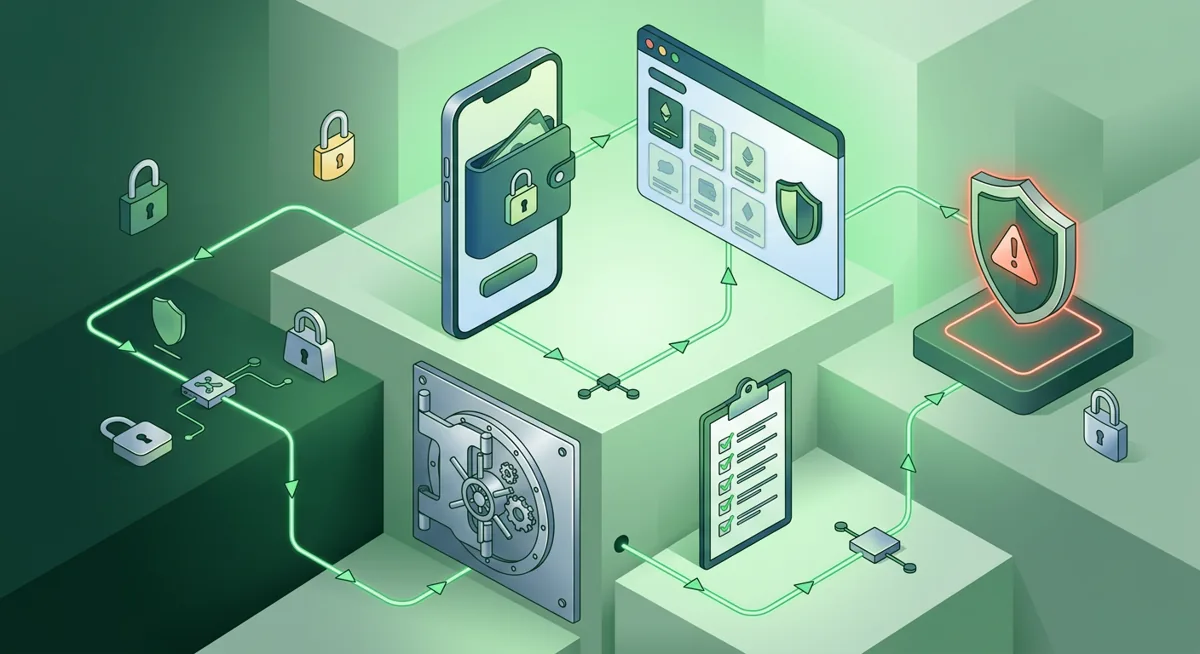
Use this hub as a map. If you are setting up a wallet, start with prevention: recovery phrase handling, hardware wallet verification, and account security. If you are staring at a suspicious prompt, use the pause check before doing anything else. If something already happened, move to triage and evidence preservation.
I write these guides for real people in stressful moments. You do not need to know every technical detail to avoid many scams. You need a few firm rules, a habit of slowing down, and a clear sense of which requests are never normal.