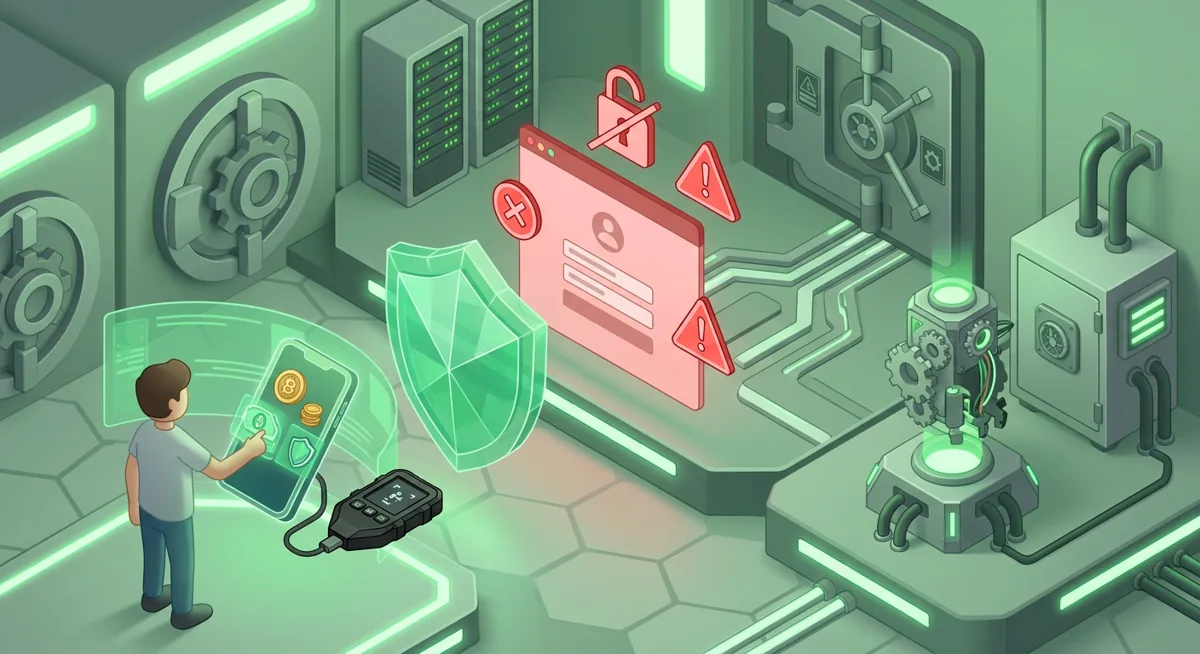
Scam breakdown
Crypto Scams Targeting Wallets: How to Spot Them
A message says your wallet needs urgent verification, and the page looks almost like the app you use. I have helped many people after moments like this, and the risk is simple: the scam wants you to approve access, reveal a secret, or install a fake wallet before you slow down.
In short
- Crypto scams usually work by stealing recovery phrases, tricking approvals, or pushing fake wallet apps that imitate trusted brands.
- A real wallet support flow should not ask for your recovery phrase, private key, or a generic verification payment.
- If you already interacted with a suspicious prompt, move remaining funds from a clean device and treat the old wallet as exposed.
- Protection starts with official wallet sources, careful approval review, device security, and a written incident plan.
How do wallet-focused crypto scams work?
Most crypto scams are pressure campaigns. The scammer creates a moment where you feel rushed, frightened, grateful, or curious, then nudges you into doing something your wallet would normally protect you from.
Fake wallet apps and clone wallet scams
A fake wallet app copies the name, colors, logo style, or setup screens of a real wallet. Clone wallet scams may appear in search results, social posts, app listings, ads, or direct messages. The goal is usually to collect your recovery phrase, show a fake balance, or replace a real transaction with one that benefits the scammer.
This works because popular wallets span many devices and chains. MetaMask supports Hundreds of thousands of tokens and runs on Chrome, Firefox, Brave, Edge, Opera, iOS, Android, Web. Trust Wallet supports Bitcoin, Ethereum, Solana, Cosmos, Optimism, BNB Smart Chain (BNB), Sui (SUI) and is available on iOS, Android, browser extension. Phantom supports Base, Solana, Ethereum, Bitcoin, Polygon. Exodus lets users Manage thousands of digital assets. Coinbase Wallet supports millions of onchain assets. Wide support helps real users, but it also gives criminals more surfaces to imitate.
Phishing crypto prompts
Phishing crypto attacks make a malicious page feel routine. You may see a prompt to connect MetaMask, Phantom, Trust Wallet, Coinbase Wallet, Exodus, or another wallet. The page may claim you need to sync, validate, claim, migrate, unlock, or protect assets. In reality, the prompt may request a harmful approval or ask for secrets no legitimate site needs.
Social engineering crypto support traps
In social engineering crypto cases, the scammer pretends to be support, a moderator, a recovery expert, a buyer, an airdrop team, or a worried friend. They may say your wallet is corrupted, your funds are stuck, or your account will be restricted unless you act now.
Malware and device compromise
Sometimes the wallet is not the first target; the device is. Malicious browser extensions, infected files, and clipboard tampering can redirect payments or capture what you type. Security tools such as Avast, Bitdefender, and Malwarebytes can help with device checks, but I still treat any device used during a suspicious event as needing review.
Warning: If you enter a recovery phrase into a fake page, the wallet should be treated as exposed. Changing a password does not protect funds controlled by that phrase.
What warning signs tell me a wallet scam is likely?
I treat these red flags as stop signs.
- A site, support agent, or app asks for your recovery phrase, private key, or a screenshot of wallet backup material.
- You are told to verify, synchronize, refresh, or migrate a wallet by entering secret information.
- A page asks for wallet access before explaining what action you are approving.
- The message creates panic: frozen funds, urgent tax action, account closure, missed reward, or alleged security failure.
- The sender moves you from a public channel into private chat.
- The account helping you has a similar name to an official brand but small spelling changes.
- A wallet app has odd wording or setup screens that pressure you to reveal backup material too early.
- You are asked to install a browser extension or app while already stressed.
- A transaction preview is vague, unreadable, or different from what the page promised.
- A supposed recovery service asks for upfront wallet access instead of explaining safe options.
A concrete what-if: you use Phantom for Solana activity and see a page offering an urgent reward. Phantom supports Solana, Ethereum and Polygon, and legitimate cross-chain features can be normal, but that does not make every multi-chain claim page safe. If the page asks for a recovery phrase or pushes a confusing approval, I would stop.
Another what-if: you see an Exodus prompt tied to Base, which is supported as Base. A real network match does not make a random page trustworthy. Scams often mix true details with dangerous instructions.
If you are unsure, step away from the prompt. Open the wallet from the official app or browser extension you already trust, not from the message that created the panic. For basic wallet concepts, I often point people to Wallet Basics for Safer Crypto Storage before they reconnect anything.
What should I do if I already interacted with a scam?
First, stop using the suspicious page, app, chat, or browser extension. Do not argue with the scammer. Do not send more funds to unlock, verify, or recover anything.
Next, decide what was exposed. If you only connected a wallet, the risk may be approvals. If you signed a transaction, the risk depends on what it authorized. If you typed a recovery phrase or private key, I treat the wallet as fully exposed.
Move to a clean device if possible. Use a device that was not involved in the incident. Run a security scan with trusted tools such as Avast, Bitdefender, or Malwarebytes, and remove suspicious extensions before using crypto wallets again. My practical checklist for this is Crypto Home Security Checklist: Virus Checker Basics.
Protect remaining funds. If the recovery phrase was exposed, create a new wallet from a trusted source and move remaining assets there. Do not reuse the old phrase. If only approvals may be affected, review and revoke risky permissions using trusted wallet tools or the official wallet interface where available.
Preserve evidence. Save transaction hashes, wallet addresses, usernames, emails, screenshots of messages, and the sequence of events. This helps you report the incident and avoid repeating steps under stress.
Report through official support channels if impersonation was involved. If an exchange account or custodial wallet was touched, contact that provider quickly and ask about account locks, withdrawal review, and session resets.
If funds are gone or actively moving, use a response plan instead of improvising. I recommend starting with Crypto Theft Response: Stop Loss and Secure Wallets. If backup material is lost or exposed, read Lost Seed or Exposed Keys: Cold Wallet Crypto Checklist.
The most important point: a wallet with an exposed recovery phrase cannot be made safe by changing the app password. The phrase controls the wallet, so the safe path is a new wallet and careful transfer from a clean environment.
How do I protect myself before the next scam appears?
I build prevention around friction. A good routine makes it harder for panic to drive the next action.
Use official sources only. Go to the official website by name or the official app store listing you can verify independently. Do not install a wallet from a message, ad, private chat, or surprise pop-up.
Separate daily use from long-term storage. Keep smaller spending amounts in a hot wallet and consider hardware wallet storage for assets you do not need to move often. For a deeper path, see Self-Custody and Hardware Wallets for Safer Storage.
Protect accounts around the wallet. Email, cloud storage, exchanges, and social accounts can become stepping stones. Use strong unique passwords and a hardware security key where supported. I use Hardware Security Key Checklist for Wallet Safety for this layer.
Slow down approvals. Before signing, ask: What am I giving permission to do? Which asset is involved? Is the receiving address expected? Does the wallet preview match the website promise? If any answer feels unclear, reject the prompt.
Keep backup material offline and private. A recovery phrase is a list of words that can control the wallet. It should not be typed into websites, sent to support, stored in chat, or photographed for convenience.
Practice recovery before a crisis. Know where your wallet backup is, who can access it, and what you would do if your phone failed. If the problem is lost access rather than theft, use Wallet Recovery Steps When You Lose Access.
Be cautious with free claims and support offers. Phantom is described as completely free to implement and use, and Exodus is Free, but that does not mean every no-cost offer around a wallet is legitimate. Scams often use free as bait.
My rule is simple: if a request would give someone control of funds, I pause and verify through a separate trusted route. That pause is often enough to break the scam.
Questions and answers
- Are crypto scams always obvious?
No. Many crypto scams copy real wallet language and design closely. I look for behavior, not polish: secret requests, rushed decisions, strange approvals, and private support pressure.
- Can support staff ask for my recovery phrase?
No legitimate support flow should need your recovery phrase or private key. If someone asks for it, I would end the conversation and treat the contact as unsafe.
- What if I only connected my wallet but did not sign?
The risk is usually lower, but I still disconnect from the site, review permissions, and check the device. If you later signed anything confusing, treat it as a more serious exposure.
- Do antivirus tools stop wallet scams?
Tools such as Avast, Bitdefender, and Malwarebytes can help find malicious software, but they cannot protect you from every bad approval or social engineering message. Device security and careful signing both matter.
- Should I keep using a wallet after exposing the recovery phrase?
No. I would create a new wallet from a trusted source, move any remaining funds from a clean device, and retire the exposed wallet.
Sources
- 1 metamask.io — Number of supported assets
- 2 metamask.io — Platforms
- 3 trustwallet.com — Supported networks
- 4 phantom.com — Supported networks
- 5 exodus.com — Number of supported assets
- 6 coinbase.com — Number of supported assets
- 7 phantom.com — Number of supported assets
- 8 exodus.com — Supported networks
- 9 phantom.com — App price
- 10 exodus.com — App price