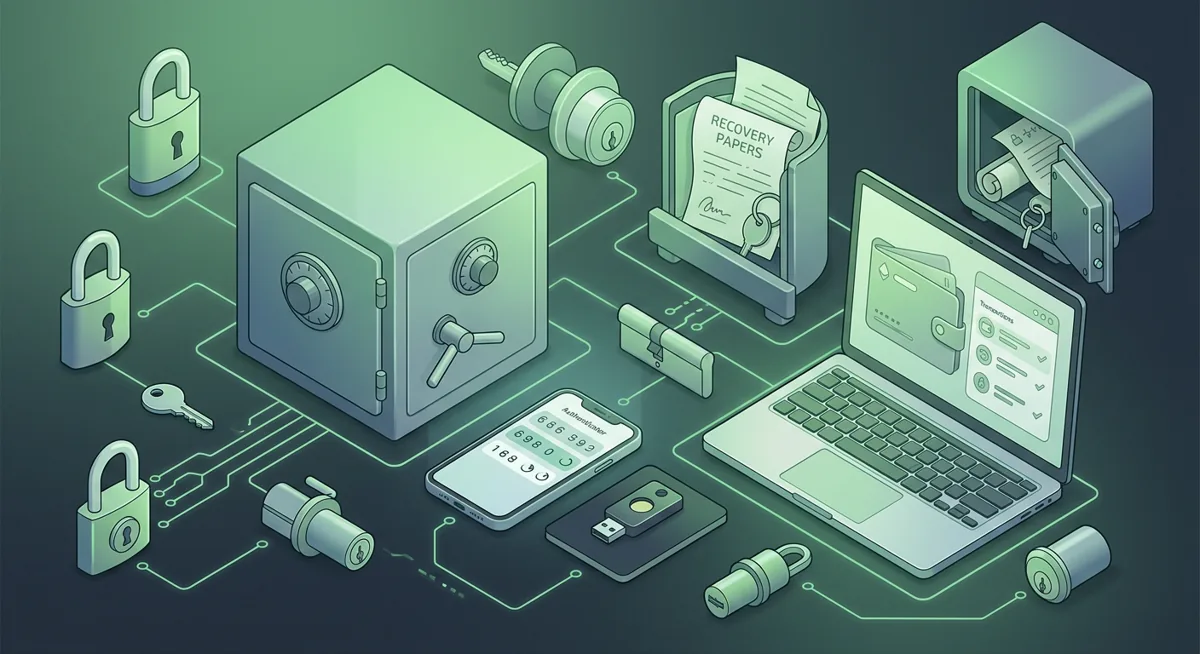
Security checklist
Internet Safety Tips for Crypto Wallet Trouble
The risk is simple: when you are stressed about a wallet error, a fake support reply or infected device can turn a small problem into lost funds. I use this checklist when someone is setting up MetaMask, Trust Wallet, Ledger Nano X, Trezor Safe 3, or trying to recover access under pressure.
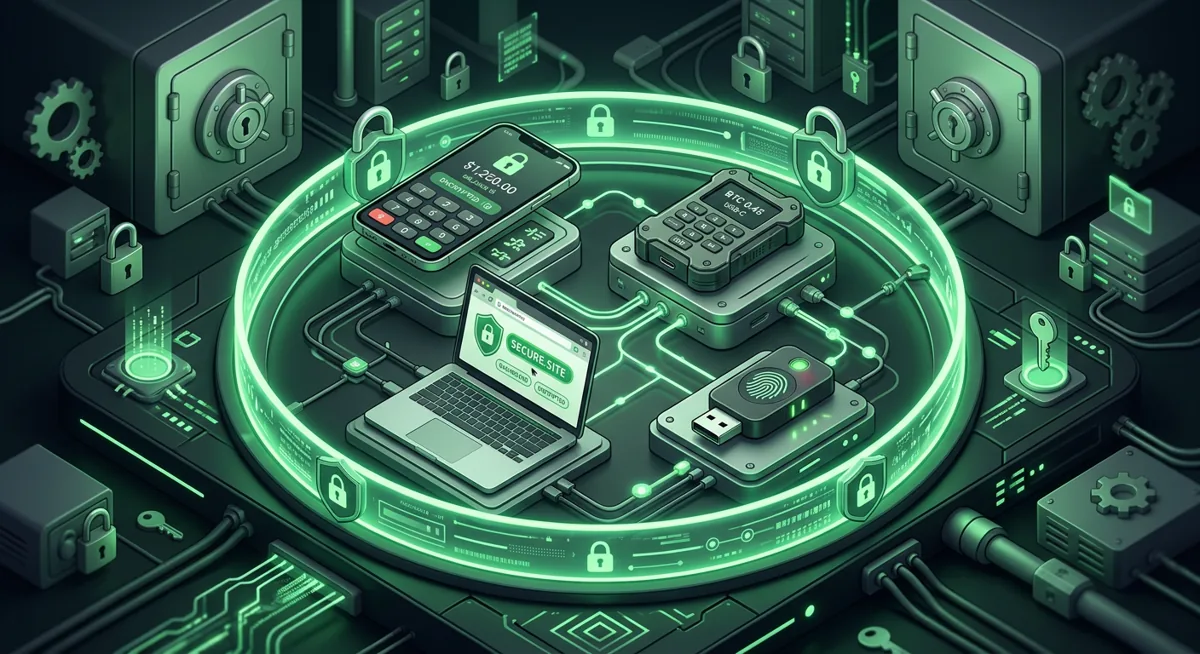
In short
- Before you start troubleshooting issues with your wallet, take a moment to pause; it’s precisely when you’re in a hurry that phishing pages and fake messages from customer support cause the most damage.
- Before entering wallet passwords or confirming transactions, make sure you are using a clean device, an up-to-date operating system, and reliable security measures.
- Under no circumstances should you enter your recovery phrase on a website, in a chat, in a form, in a screenshot-taking program, or in a cloud-based note.
- If you have large amounts of funds, it is recommended that you separate your day-to-day wallet transactions from the long-term storage of funds in a hardware wallet.
- If you suspect exposure, stop approvals and move remaining funds from a clean setup before continuing research.
What internet safety tips should I follow before touching a crypto wallet?
I start with the risk in plain words: your wallet problem may be real, but criminals often wait for the moment you search for help. Treat every pop-up, direct message, sponsored result, and urgent warning as untrusted until you verify it another way.
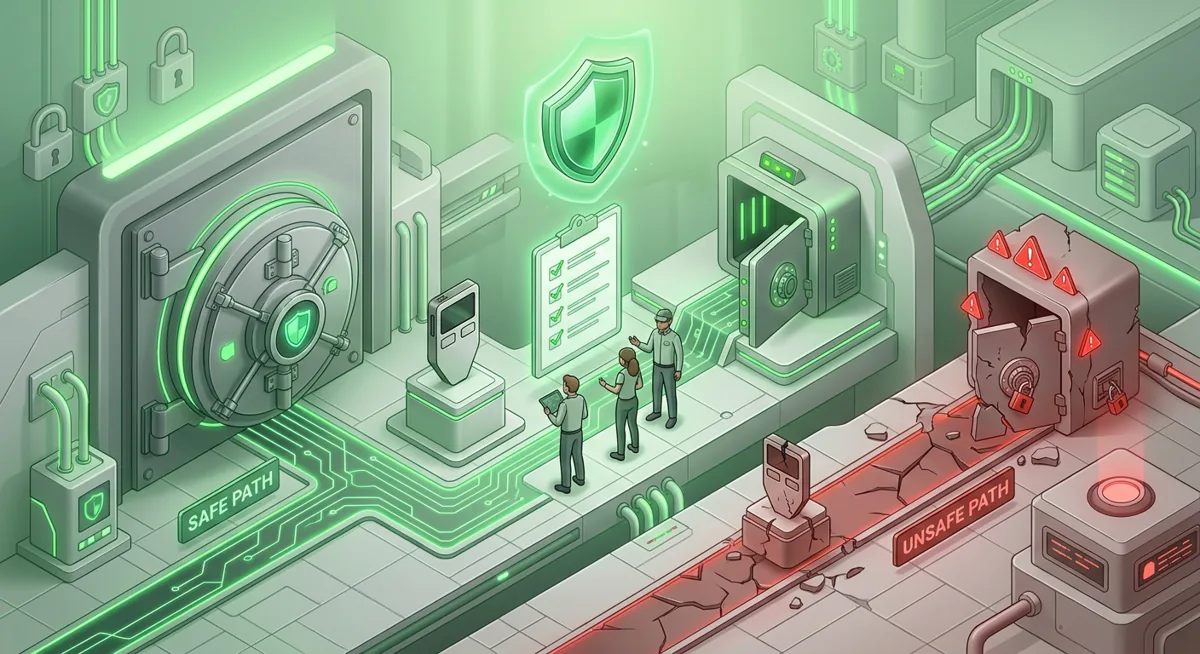
Crypto wallet security checklist
-
Stop and make a small plan. Write down what happened in plain language: failed transaction, missing balance, strange approval, lost phone, or browser warning. A clear plan keeps you from following a fake helper into a worse situation.
-
Use the official app or website name, not a random search result. For MetaMask, Trust Wallet, Ledger, Trezor, Yubico, Apple, Android, Windows Defender, Bitdefender, Malwarebytes, or Norton, go by the official brand name you already know. I avoid ads and messages that push urgency.
-
Clean the device before wallet work. Update the operating system, browser, and wallet app. On Windows, run Windows Defender or a reputable scanner such as Bitdefender, Malwarebytes, or Norton. Norton platform coverage is Windows PC, Mac, iOS, Android, Google TV, Apple TV, and Norton lists supported networks as Mimic, IPsec, OpenVPN, WireGuard. On iOS and Android, remove apps you do not recognize and review device security settings.
-
Use a separate browser profile for wallets. Keep everyday browsing, email, gaming, and shopping away from crypto activity. If a shopping extension or coupon tool can read pages, I do not want it near a wallet confirmation screen.
-
Check every wallet prompt slowly. If MetaMask or Trust Wallet asks for an approval, read what the approval allows. MetaMask platforms are Chrome, Firefox, Brave, Edge, Opera, iOS, Android, Web, and MetaMask supports Hundreds of thousands of tokens, so it is common to see many tokens and networks. That variety also means a malicious approval can hide in normal-looking activity.
-
Never enter a recovery phrase online. A recovery phrase is a list of words that controls the wallet. No support agent, scanner, form, bot, or error page needs it. If a page asks for it, I treat that as a theft attempt.
Warning: If you type a recovery phrase into a fake support form, the funds can be moved before you finish troubleshooting. Close the page, disconnect the device from wallet activity, and move to incident response from a clean setup.
-
Separate hot wallets from long-term storage. I use a phone or browser wallet for small, routine actions and a hardware wallet for savings. Ledger Nano X platforms are Desktop/laptop, Android, iOS, with supported networks including Bitcoin, Ethereum, Solana, XRP, stablecoins and assets Thousands of supported coins and tokens. Trezor Safe 3 platforms are Android (full compatibility); iOS (limited compatibility), with assets 1000s of coins & tokens and SLIP39 backups. Trust Wallet platforms are iOS, Android, browser extension, with networks including Bitcoin, Ethereum, Solana, Cosmos, Optimism, BNB Smart Chain (BNB), Sui (SUI).
-
Protect account logins with stronger authentication. For email, exchanges, cloud storage, and password managers, use a hardware security key concept such as Yubico where supported. The reason is simple: if someone takes over your email, they may reset related accounts or find old wallet clues.
-
Store recovery materials offline and private. Keep the written backup away from cameras, shared folders, printers, and messaging apps. If you need a deeper walk-through, I would pair this with Protect Seed Phrases and Hardware Wallet Keys and Wallet Basics for Safer Crypto Storage.
-
If funds may already be at risk, change the goal. Do not keep experimenting with the same wallet. Use a clean device, create a new secure wallet, and move what remains if you can. My step-by-step triage path is Crypto Theft Response: Stop Loss and Secure Wallets.
Why do these internet safety steps matter during wallet setup or recovery?
Pausing your actions protects you from false urgency
Most cases of funds being lost from wallets that I encounter start with a plausible pretext: a failed exchange, a token that has disappeared from the list, a frightening warning, or someone posing as a support representative. If you pause for a moment, you’ll have time to assess the situation calmly. If a stranger tells you that your wallet needs to be verified right away, I believe this “emergency” is a fabrication.
Maintaining equipment hygiene reduces hidden risks
The security of your wallet depends on the screen you're using to manage it. If your browser is cluttered with unknown extensions or strange pop-ups appear on your computer screen, you can’t be sure that the URL, confirmation prompt, or search result is what it appears to be. Antivirus programs aren’t magic shields, but Windows Defender, Bitdefender, Malwarebytes, and Norton can help detect common malware before you click anything.
The same principle applies to mobile users. Both Apple iOS and Android provide security controls, app permission screens, and system updates. I want to make sure all these components are in order before troubleshooting issues with Trust Wallet, the MetaMask mobile app, or the companion app for a hardware wallet.
Recovery phrases are the boundary
A recovery phrase is not a hint for resetting your password. It is the wallet itself. If someone gets this list of words, they won’t need your phone, laptop, or wallet app. That’s exactly why I never take a photo of it, store it in cloud notes, post it on websites, or read it aloud to support staff. If you believe it has been compromised, follow the guides Lost Seeds or Compromised Keys: A Checklist for Cold Storage Cryptocurrency Wallets and Steps to Recover Your Wallet if You Lose Access.
Segregation helps limit damage
A single wallet should not perform all functions. A browser wallet is convenient, but it also interacts with websites. A hardware wallet adds a separate device for confirming transactions, designed for long-term storage. This separation matters if a decentralized application requests a risky permission or if a browser session becomes compromised. To explore a wider range of storage options, I would recommend comparing your setup to the article Self-Custody and Hardware Wallets for More Secure Storage.
Being aware of scams allows you to double-check the situation
True online security isn’t just about software. It’s about knowing how to spot common scams. Fake support services, pages designed to elicit approval, cloned websites, and offers for urgent data recovery—all of these are designed to make you act hastily. If something seems suspicious, compare it with the information in the article “Cryptocurrency Scams Targeting Wallets: How to Spot Them” or “Overview of Scams and Response Measures for Wallet Incidents”.
A reasonable response is better than panic
If you suspect that your account has been compromised, stop signing transactions, communicating with unknown “helpers,” and conducting tests using the same wallet. Work from a “clean” device: first, secure your email, and then create a more secure wallet for transferring funds. If you’re concerned about malware, I also recommend using the Cryptocurrency Security Checklist: Basics of Virus Scanning] before touching your funds again.
Questions and answers
- What is the first internet safety step if my wallet looks wrong?
Stop interacting with the wallet and write down what changed. I want you to preserve your judgment before opening support chats, approving transactions, or entering any sensitive information.
- Can support ask for my recovery phrase?
No. As part of this support process, there should be no need to provide the list of words that control your wallet. If someone asks you to provide it, I consider such a request to be malicious and end the conversation.
- Should I use a hardware wallet for every crypto transaction?
Not always. I prefer to use a small everyday wallet for routine transactions and a hardware wallet for long-term storage. That way, the risk that a single careless authorization on some risky website could jeopardize all my funds is much lower.
- Is antivirus enough to secure a crypto wallet?
No. Antivirus software helps keep your device clean, but the security of your wallet also depends on carefully reviewing permissions, securely storing your recovery phrase, using strong passwords to log in to your account, and avoiding fake support services.
- What should I do if I already entered my recovery phrase on a website?
Suppose your wallet has been compromised. From a clean device, secure your email and accounts, create a new wallet, and, if possible, transfer any remaining funds. Do not continue to use the compromised wallet to store funds.
Sources
- 1 pr.norton.com — Platforms
- 2 pr.norton.com — Supported networks
- 3 metamask.io — Platforms
- 4 metamask.io — Number of supported assets
- 5 support.ledger.com — Platforms
- 6 shop.ledger.com — Supported networks
- 7 shop.ledger.com — Number of supported assets
- 8 trezor.io — Platforms
- 9 trezor.io — Number of supported assets
- 10 trezor.io — Key custody
- 11 trustwallet.com — Platforms