Guide
Onchain Wallets: Verify Transactions Yourself
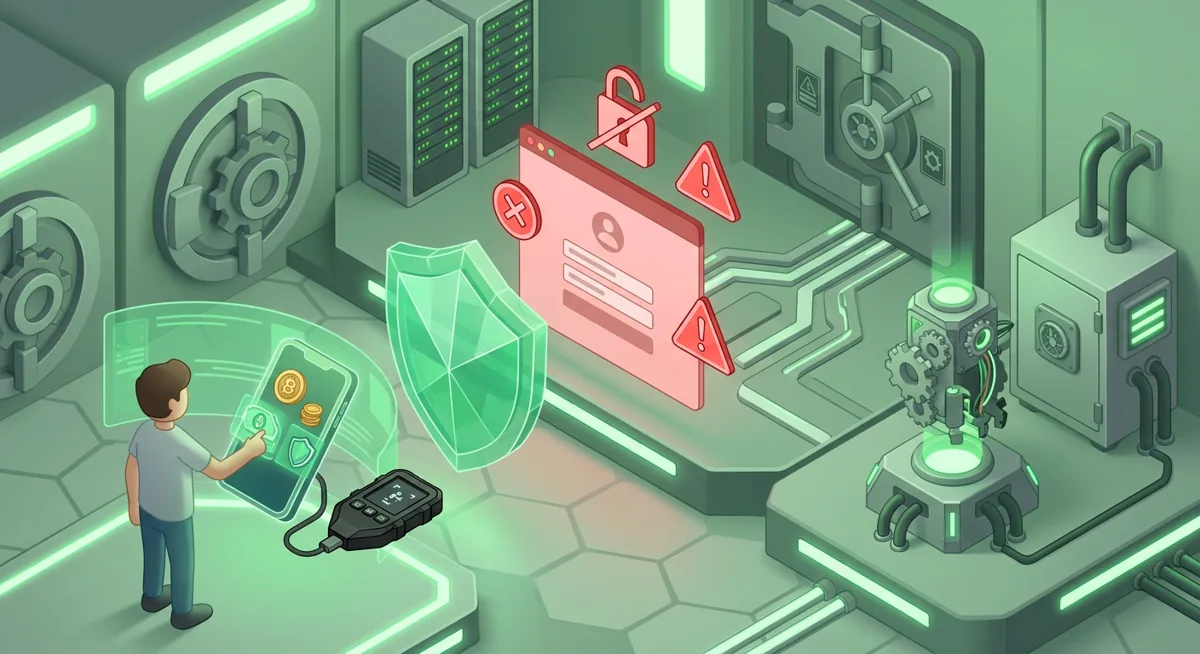
You open Phantom to send funds, the address looks familiar, and a pop-up asks you to approve. The risky part is plain: if you approve the wrong on-chain transaction, the network may accept it even if you notice the mistake a moment later.
In short
- An onchain wallet holds signing authority, while the blockchain records the transaction result.
- To verify transaction on chain, compare the wallet prompt, transaction signature, recipient, asset, network, and final status.
- Phantom supports Base, Solana, Ethereum, Bitcoin, Polygon, so network selection is a security check, not a cosmetic setting.
- Recovery depends on a secret recovery phrase or equivalent backup, so anyone with that backup can control the wallet.
- If a transaction looks wrong, stop before approving and move funds only after checking your device, wallet settings, and recovery security.
Key facts
| Phantom | |
|---|---|
| Supported coins & networks | Supported networks: Base, Solana, Ethereum, Bitcoin, Polygon Number of supported assets: Solana, Ethereum and Polygon |
| Devices & platforms | — |
| Price | App price: completely free to implement and use |
| Who controls the keys | — |
What should you know before using an onchain wallet?
The core risk is simple: an onchain wallet can make a transaction easy to approve, but it cannot make a bad approval harmless afterward. I want you to treat every send, swap, mint, bridge, and connection request as a permission decision.
An onchain wallet prepares and signs transactions for a public blockchain. The wallet interface helps you read the request, but the chain is where the result is recorded. Wallet transaction verification has two sides: what the wallet says before approval, and what the chain shows after submission.
Phantom is a software wallet used across multiple networks. For Phantom, supported networks are Base, Solana, Ethereum, Bitcoin, Polygon. Phantom is completely free to implement and use. That matters because sending on the wrong network can look like missing funds even when the funds moved exactly as instructed.
Before you start, prepare this:
- A clean device you trust. If it is acting strangely, pause and review the Crypto Home Security Checklist: Virus Checker Basics.
- The official Phantom wallet app or extension from Phantom’s official website only.
- The intended recipient address from a trusted source, checked inside the wallet prompt.
- Enough native network asset to pay the network fee, without draining the wallet completely.
- A quiet moment. Rushed approvals are where I see people lose funds.
If you are new to custody choices, read Wallet Basics for Safer Crypto Storage. If this is a fresh wallet setup, use Crypto Wallet Setup and Recovery for Software Wallets.
Warning: If the prompt shows a different recipient, asset, network, or permission than you expected, do not approve it.
How do you verify a transaction on chain yourself?
Use this on-chain wallet guide whenever you send funds or review a transaction after approval. I use Phantom as the example, but the habits apply broadly.
Step one: confirm the wallet and network
Open Phantom and confirm you are in the wallet account you intend to use. Then check the network. Phantom supports Base, Solana, Ethereum, Bitcoin, Polygon, so a familiar asset name is not enough.
What if you expected Solana but the wallet is preparing an Ethereum transaction? Stop. That mismatch may mean you are using the wrong account, the wrong site, or the wrong route.
Step two: read the action before you approve
Look for what the transaction actually does. A normal send should show a recipient and an amount. A token approval or contract interaction may show broader permission language.
Ask yourself:
- Am I sending, swapping, bridging, staking, minting, or granting permission?
- Is the asset the one I meant to use?
- Is the amount expected?
- Is the recipient or contract address the one I intended?
- Does the prompt include extra approvals I did not request?
If the prompt is vague, I slow down. Vague prompts are not automatically malicious, but they deserve extra checking.
Step three: compare the recipient address carefully
Compare the beginning and ending characters of the address shown in Phantom with the address from your trusted source. If I copy one address and paste another, I assume the device is unsafe until proven otherwise.
For a large transfer, consider a small test amount when network conditions and fees make that reasonable. The goal is to catch address, network, and wallet mistakes before the main transfer.
Step four: approve only if the prompt matches your intent
When the wallet prompt matches your intent, approve the transaction. If anything feels wrong, reject it. Rejection is part of safe self-custody.
Step five: copy the transaction signature or ID
After submission, Phantom should show transaction details or a way to view the transaction. Copy the transaction signature or transaction ID. This identifier lets you verify transaction on chain without relying only on the wallet display.
Step six: open the right block explorer
Use the block explorer for the network you actually used. A Solana transaction belongs on a Solana explorer; an Ethereum transaction belongs on an Ethereum explorer.
Paste the transaction signature or ID into the explorer search field. Avoid promoted pages or messages from strangers. When in doubt, navigate from the wallet’s own transaction details.
Step seven: check status, sender, recipient, asset, and amount
On the explorer, review the transaction status. Then compare the sender, recipient, asset, and amount against your original intent. If it was a swap or contract interaction, review the token movements, not just the top summary.
Step eight: save the record
For important transfers, save the transaction ID, date in your own notes, recipient label, and purpose. Do not store secret recovery data in the same note.
How does recovery work if your onchain wallet is lost?
Recovery is not based on your email inbox or a support agent resetting access. In self-custody, recovery usually depends on a secret recovery phrase, sometimes paired with additional wallet settings or a hardware device. That phrase is a list of words generated during setup. I will never write a sample phrase, and you should never type yours into a website just because it asks.
Whoever has the recovery material can recreate wallet access. If your phone breaks, that backup can help you restore the wallet on a new trusted device. If a scammer gets it, they may move funds without needing your current phone.
Keep recovery material offline, private, and away from photos, cloud notes, chat apps, and shared documents. If you suspect your recovery phrase or secret keys were exposed, do not rely on changing a wallet password. A local password protects access on that device; it does not change the underlying wallet secrets.
In that situation, I think in terms of migration: create a new wallet with fresh recovery material on a clean device, then move remaining funds after checking addresses carefully. For deeper planning, use the Key management checklist for safer self-custody. If the wallet held meaningful long-term funds, compare software custody with Self-Custody and Hardware Wallets for Safer Storage.
If your backup is lost but the wallet is still open, treat that as urgent. Create a fresh wallet with a properly stored backup, verify the receiving address, and move funds while you still have access. If your backup is exposed, the Lost Seed or Exposed Keys: Cold Wallet Crypto Checklist explains the safer triage mindset.
What if the on-chain transaction does not look right?
Here are the common problems I see when people learn how on-chain wallets work.
The wallet says submitted, but the explorer shows nothing
Confirm you are using the right explorer for the network. Then copy the transaction ID again from Phantom. If the wallet prepared the transaction but did not broadcast it, there may be no on-chain record yet. I do not approve repeated prompts blindly; I check whether the earlier attempt exists before trying again.
The transaction succeeded, but the recipient says they did not receive funds
Compare the recipient address on the explorer with the address they gave you. If it matches, ask them to check the same network. If it does not match, the funds went where the signed transaction instructed.
The balance looks wrong in Phantom
A display issue can happen when the wrong account, network, or token view is selected. Phantom’s asset coverage includes Solana, Ethereum and Polygon, but a visible balance still depends on the correct network and token display. Check the explorer directly for the address before assuming the funds are gone.
A site asks for a new approval after a failed action
Do not approve just because the site says the earlier attempt failed. Read the new prompt from scratch. After a few confusing prompts, people stop reading. If the new prompt grants broader permission, reject it.
You connected to a site you no longer trust
Disconnect the site inside the wallet settings where available, but understand the limit. Disconnecting can remove a site connection, yet it may not revoke on-chain token permissions already granted. Review token approvals on the appropriate network using reputable tools, and if you are unsure, move funds to a fresh wallet after checking recovery security.
Your device may be unsafe
Stop transacting. Use a separate trusted device to review balances on public explorers, and avoid entering recovery material into the questionable device. If you use security keys for important accounts around your wallet, review the Hardware Security Key Checklist for Wallet Safety.
Questions and answers
- Is Phantom an onchain wallet?
Phantom is a software wallet used to manage and sign on-chain transactions. It supports Base, Solana, Ethereum, Bitcoin, Polygon, so always verify the active network before approving.
- Can I cancel an on-chain transaction after I approve it?
Often, once a transaction is accepted by the network, you should treat it as final. Some pending transactions may fail or be replaced depending on the network, but cancellation should not be your safety plan.
- What is the safest way to verify transaction on chain?
Copy the transaction signature or ID from your wallet and open the correct explorer for that network. Compare status, sender, recipient, asset, amount, and token movements against what you intended to approve.
- Should I keep large balances in a software onchain wallet?
I prefer separating everyday spending wallets from long-term storage. For larger or long-term holdings, consider whether a hardware wallet and stronger key management process fits your risk.