Guide
Ledger Nano X Setup: Step-by-Step Security Guide
You bought a Ledger Nano X because leaving crypto on an exchange or a hot wallet started to feel too risky. The danger is simple: if someone gets your recovery phrase, or tricks you into signing the wrong transaction, they can drain funds faster than most people can react.
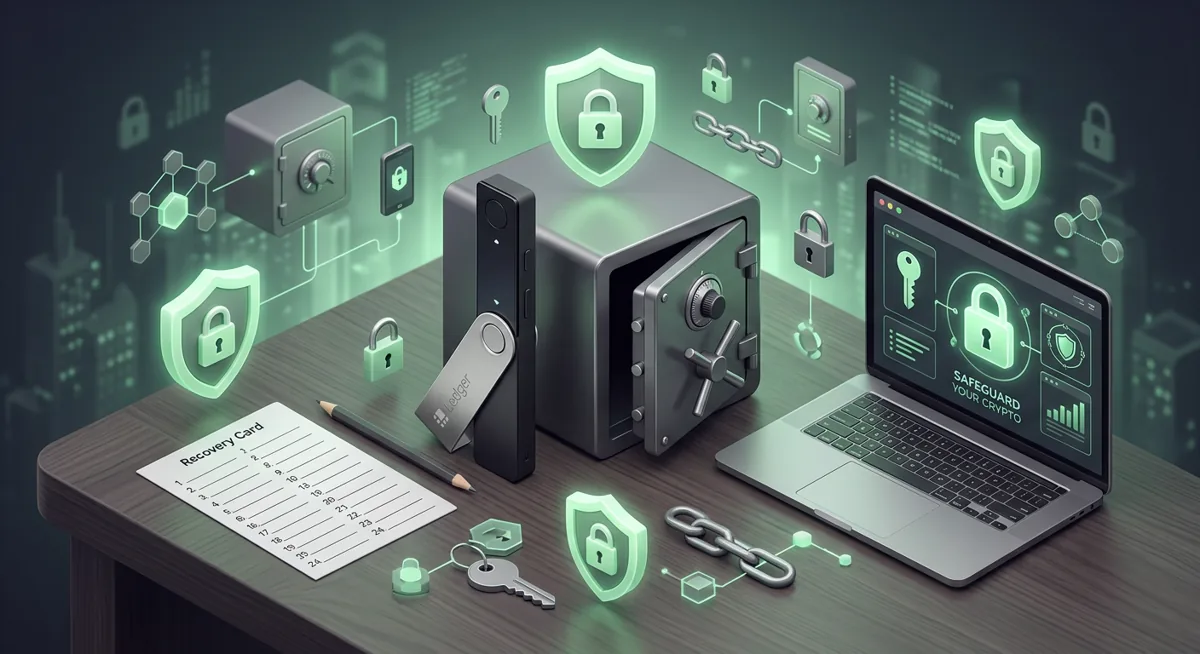
In short
- A Ledger Nano X protects keys best when you set it up yourself, from a clean device, in a private place.
- During ledger nano x setup, write the recovery phrase on paper or metal and never store it in photos, cloud notes, chats, or email.
- Only trust receiving addresses that match on the Ledger Nano X screen, because the computer or phone screen can be misleading.
- If the recovery phrase is exposed, treat the wallet as unsafe and move funds to a new wallet with a new recovery phrase.
- The Ledger Nano X supports Bitcoin, Ethereum, Solana, XRP, stablecoins and Thousands of supported coins and tokens, and works on Desktop/laptop, Android, iOS.
Key facts
| Ledger Nano X | |
|---|---|
| Supported coins & networks | Supported networks: Bitcoin, Ethereum, Solana, XRP, stablecoins Number of supported assets: Thousands of supported coins and tokens |
| Devices & platforms | Platforms: Desktop/laptop, Android, iOS |
| Price | — |
| Who controls the keys | — |
What should you do before you start?
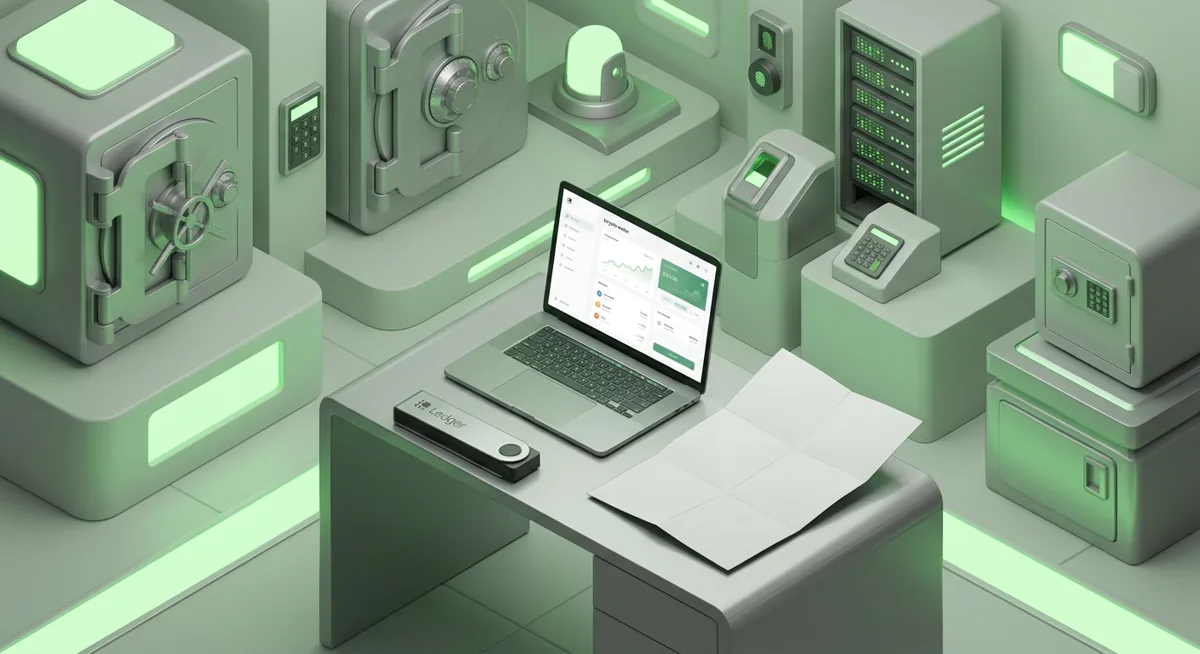
I like to set up a hardware wallet as if I am preparing a small home vault. The device matters, but the room, the computer, the notes, and the habits around it matter too.
For this ledger wallet setup, gather:
- Your Ledger Nano X and its packaging.
- A computer or phone you normally control.
- The Ledger Live app from Ledger by using Ledger's official website or the official app store listing.
- A pen and paper, or a metal backup plate, for the recovery phrase.
- A quiet place where no camera, visitor, screen share, or microphone is watching your setup.
Before you connect anything, pause and check your surroundings. If you are on a work computer, a borrowed laptop, or a phone full of suspicious pop-ups, stop. Use a device you trust more, or clean up your environment first. If you need a broader home check, use this Crypto Home Security Checklist.
A Ledger Nano X can help with self-custody because the private keys are meant to stay on the device. But it cannot protect you from every bad decision. If you type the recovery phrase into a website, approve a malicious transaction, or store a photo of the phrase in cloud storage, the wallet cannot undo that.
The Ledger Nano X supports Bitcoin, Ethereum, Solana, XRP, stablecoins, with Thousands of supported coins and tokens. It works on Desktop/laptop, Android, iOS. For a wider primer, I would pair this guide with Hardware wallets: safer self-custody basics and Wallet Basics for Safer Crypto Storage.
How do I set up a Ledger Nano X safely?
Step one: inspect the device and setup path
Open the package and look for anything that feels prefilled, altered, or strangely handled. A genuine setup should make you create the wallet on the device. If you find a card that already contains a recovery phrase, do not use it.
Step two: install Ledger Live from the official source
Use Ledger's official website by name, or the official app store listing for your platform. Do not search social posts or ads for installer files.
Step three: connect and choose a new wallet
Open Ledger Live and follow the device setup flow. Choose the option to create a new wallet, unless you are intentionally restoring an existing one. Read the device screen, not only the computer or phone.
Step four: set a PIN you can remember but others cannot guess
Create the PIN directly on the Ledger Nano X. Do not write it next to the recovery phrase. Think of the PIN as the front door lock and the recovery phrase as the master blueprint.
Step five: write the recovery phrase privately
The device will show a recovery phrase as a list of words. Write it down in order, slowly, with no photos and no digital copy. Do not read it aloud near a smart speaker. Do not paste it into a password manager unless you have made a very deliberate security decision and understand the consequences.
Warning: if someone gets your recovery phrase, they do not need your Ledger Nano X to take the funds. If you ever typed it into a website, sent it to support, stored it in cloud notes, or photographed it, assume it is exposed.
Step six: verify the recovery phrase on the device
The device may ask you to confirm the words. Take your time. It proves you copied the phrase correctly before money is involved. If there is any doubt, reset and start again before receiving funds.
Step seven: update and install only what you need
Ledger Live may guide you through device checks, firmware prompts, and app installation. Install only the asset apps you currently need.
Step eight: add accounts in Ledger Live
Add the accounts you plan to use. A Ledger account in the app is a viewing and transaction interface; the keys are still controlled by the device.
Step nine: verify your receive address on the device
When receiving crypto, compare the address shown in Ledger Live with the address shown on the Ledger Nano X. If they do not match, stop. A compromised computer can show you one address while preparing another.
Step ten: send a small test first
Before moving meaningful funds, receive a small test amount, wait for it to arrive, and confirm you understand the network and account. Then send a small outgoing test if you plan to spend from the wallet.
For a deeper Ledger-specific companion, I would also read Ledger App Setup for Ledger Nano X Recovery Safety and keep a personal key management checklist.
How does Ledger Nano X recovery work?
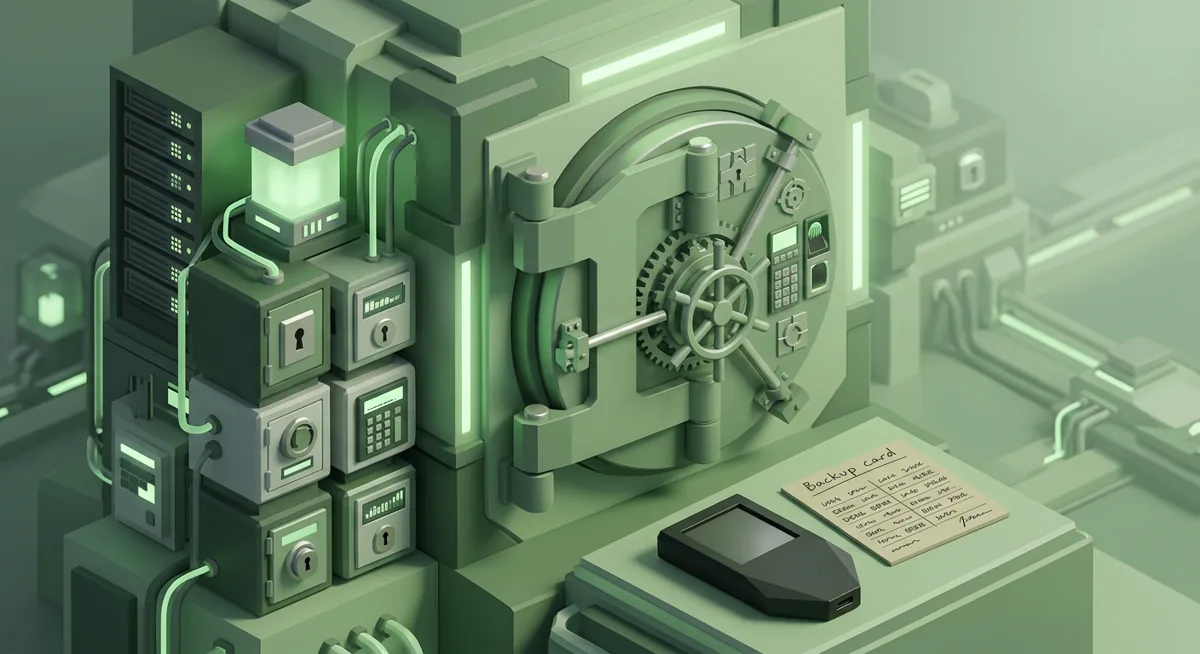
Recovery is not about the physical device as much as it is about the recovery phrase. The phrase is a human-readable backup for the wallet keys. If the Ledger Nano X is lost, broken, or replaced, the phrase can restore access on a compatible wallet.
Good recovery storage follows a few rules:
- Keep the phrase offline.
- Store it where water, fire, guests, and casual snooping are less likely to reach it.
- Do not split it in a way you do not fully understand.
- Do not store it beside the device and PIN.
- Make sure a trusted estate plan exists, but do not casually share the phrase.
Here is the what-if that helps people understand the risk. If your Ledger Nano X is stolen but the thief does not know the PIN and does not have the recovery phrase, you may still have time to recover with your backup and move funds. If your recovery phrase is stolen, the device may not matter at all.
If you think the phrase may be exposed, do not keep using that wallet as if nothing happened. Create a fresh wallet with a fresh phrase, then move funds carefully. If you are already in that situation, use the Lost Seed or Exposed Keys checklist before making rushed moves. For the bigger picture, see Self-Custody and Hardware Wallets for Safer Storage.
What if something goes wrong during setup?
Ledger Live does not recognize the device
Try a different cable, port, or platform you trust. Unlock the device and follow the prompts on the Ledger Nano X screen. If the computer feels unstable or filled with pop-ups, stop and move to a cleaner environment.
The device asks for a recovery phrase unexpectedly
During a new setup, the device should generate the recovery phrase for you. If a website, chat agent, form, or pop-up asks you to enter the phrase, close it. Ledger support, wallet apps, and exchanges should not need that phrase.
The receive address looks different
If the address in Ledger Live does not match the address on the Ledger Nano X screen, do not send funds. Restart the process from a trusted device. This is one of the most important checks in the ledger security checklist.
An asset does not appear
Confirm that the asset and network are supported in the app flow you are using. The Ledger Nano X supports Bitcoin, Ethereum, Solana, XRP, stablecoins and Thousands of supported coins and tokens, but assets may still require the correct account, app, or network view.
You approved something and now feel uneasy
Do not keep approving prompts to fix it. Stop, disconnect, and document what happened. If you signed a suspicious transaction or connected to a questionable site, review permissions from a safer device and consider moving funds to a fresh wallet if exposure is likely.
You are comparing devices
If this setup makes you wonder whether a different hardware wallet fits your habits better, compare tradeoffs calmly before moving funds. I would start with Best Cold Wallet for Crypto: Ledger vs Trezor and, if you use security keys for email or exchange accounts, this Hardware Security Key Checklist.
Questions and answers
- Is the Ledger Nano X good for beginners?
Yes, if you move slowly and respect the recovery phrase. Practice with a small transfer first and make the address check a habit.
- Can Ledger recover my wallet if I lose the recovery phrase?
No. Self-custody means the recovery phrase is your backup. If the device is lost but the phrase is safe, you can restore. If the phrase is gone and no other valid backup exists, recovery may not be possible.
- Which platforms can I use with Ledger Nano X?
Ledger Nano X works on Desktop/laptop, Android, iOS. Choose the platform you trust most and avoid setup on borrowed or infected devices.
- What coins and tokens does Ledger Nano X support?
Ledger Nano X supports Bitcoin, Ethereum, Solana, XRP, stablecoins and Thousands of supported coins and tokens. Always confirm you are using the correct network before sending, because similar token names can exist on different networks.
- Is Bluetooth the main security risk?
Usually, the bigger risks are recovery phrase exposure and careless transaction approval. Still, I read every prompt on the Ledger Nano X screen and only pair with devices I control.