Security checklist
Zero Trust Architecture for Crypto Custody
You open your wallet and see a familiar prompt: reconnect, reapprove, confirm. It looks routine, but one trusted-looking request can drain funds if your custody setup assumes the screen is telling the truth.

In short
- Zero trust architecture for crypto custody means verifying every device, account, person, prompt, and transaction before you trust it.
- Least privilege keeps a mistake in one wallet, browser, or cloud account from exposing every asset you hold.
- Network segmentation separates daily browsing, wallet activity, cloud administration, and recovery records so one compromise does less harm.
- Multi-factor for wallets and related accounts works best when phishing-resistant keys protect Google, Azure, and other custody-linked logins.
- Recovery phrases should stay offline, physically protected, and never entered into support forms, messages, or verification pages.
What zero trust checklist should I use for crypto custody?
Zero trust architecture is not a product I buy once. It is a custody habit: assume nothing is trusted by default, then grant only the access needed for the task at hand.
Start with the risk in plain words
A wallet drainer does not need to break every part of your life. It only needs one useful opening: a reused email password, a fake support chat, a browser extension with too much access, a cloud note holding a recovery phrase, or a transaction you approve without checking the destination.
For crypto custody zero trust, I want each layer to ask, “Should this be allowed right now?” If the answer is not clearly yes, stop.
Core checklist
- Treat every wallet prompt, email, direct message, support reply, and approval request as untrusted until verified through a separate path.
- Use least privilege: keep daily spending, long-term storage, exchange access, cloud administration, and recovery records separate.
- Use network segmentation: do wallet actions on a cleaner device and network profile than the one used for social media, games, extensions, and random browsing.
- Protect the email accounts tied to wallets and exchanges with strong multi-factor, preferably phishing-resistant hardware security keys such as Yubico keys or Titan Security Key.
- Add a second hardware security key and store it separately, so account recovery does not push you into weak backup methods.
- Review Google account recovery settings and remove old phone numbers, stale emails, and weak security questions.
- If you use Azure for a business treasury or team wallet workflow, separate administrator accounts from daily work accounts and require strong multi-factor for privileged actions.
- Never store a recovery phrase, private key, or wallet backup in cloud notes, email drafts, chat history, screenshots, shared drives, or ticketing systems.
- Store recovery material offline in a controlled physical location.
- Require a pause before moving funds: verify the address, chain, asset, device screen, browser domain, and reason for the transfer.
- Keep approvals narrow. Revoke old token permissions and avoid broad spending approvals when a limited action will do.
- Use a watch-only view when you only need to monitor balances.
- Separate support research from wallet signing.
- Document your recovery process in plain language without listing the recovery words themselves.
- Practice incident response before panic: know which accounts to lock, which devices to stop using, and which contacts should help verify the next move.
Warning: If a page, chat agent, or form asks for your recovery phrase, stop. Entering that list of words can give someone full control of the wallet, and funds may be moved before you can react.
A practical setup procedure
One. Choose your custody roles. I separate “spend,” “save,” “admin,” and “recover” because each role deserves different permissions.
Two. Clean up identity accounts first. For Google, review sign-in methods, account recovery, connected apps, and active sessions. For Azure, separate privileged administration from normal work and remove stale users or apps.
Three. Add phishing-resistant multi-factor. I prefer hardware security keys for the accounts that can reset wallets, reach exchanges, approve cloud access, or read recovery instructions.
Four. Segment devices and networks. I do not want the same browser full of shopping extensions and social logins to be the place where large transfers are signed. If you cannot dedicate a device, dedicate a browser profile and keep it boring.
Five. Lock down wallet permissions. Turn off what you do not use, remove old connected sites, and keep only the accounts and contracts needed for current activity.
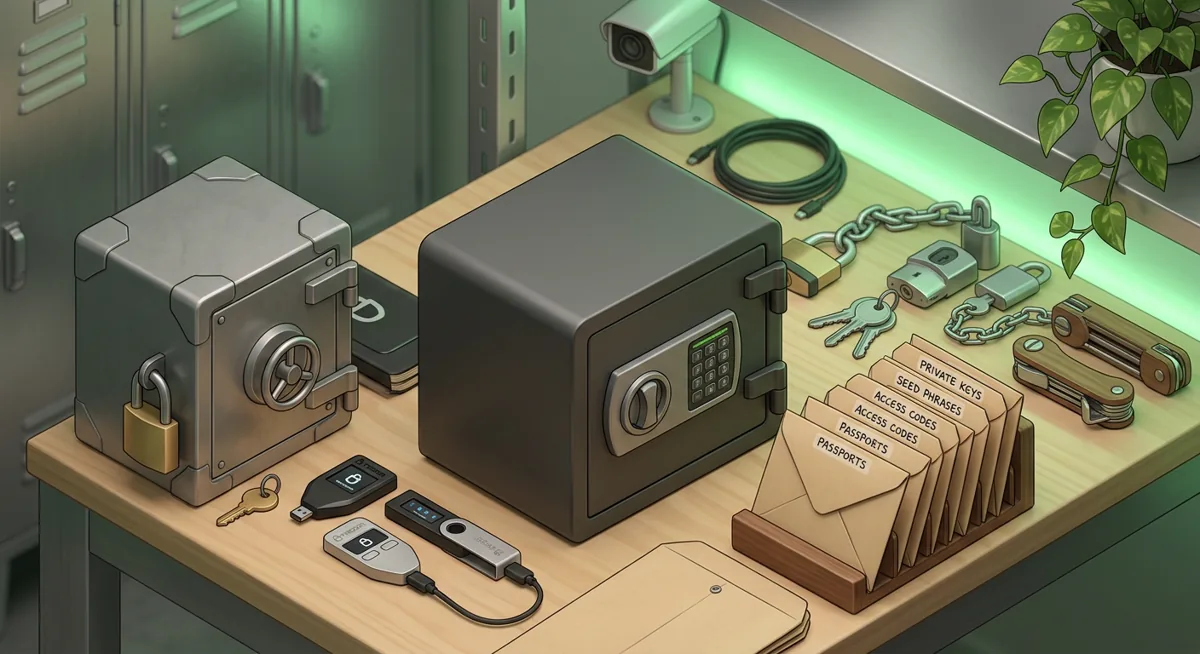
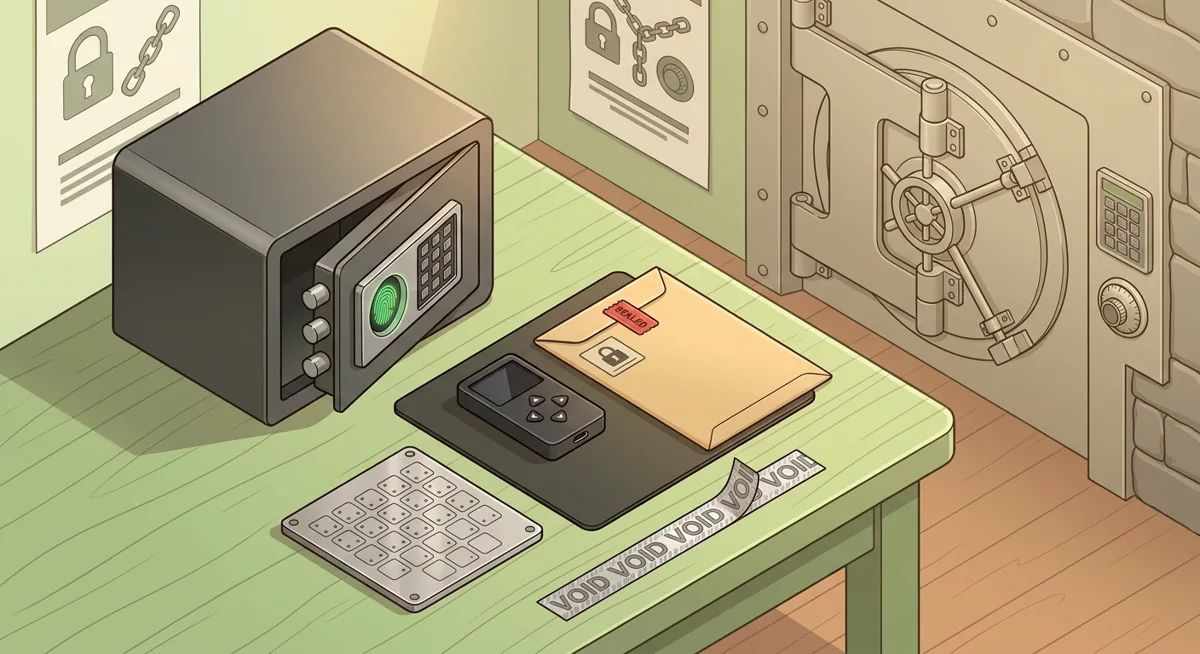
Six. Protect recovery material. Keep the recovery phrase offline and private. If you use a physical container, remember that a safe is only one layer; who can access it and who knows it exists still matter.
Seven. Verify every transfer out of band. If an address came from email, confirm it through a known channel. If a support person sends instructions, compare them with the official website by name and never share secret material.
Eight. Rehearse a wallet problem. If a device is lost, an email is taken over, or a transaction looks wrong, decide in advance when to freeze activity and when to move funds from a clean setup.
For scam patterns that often trigger bad approvals, I keep this checklist close: Common wallet scams: phishing and fake recovery traps. Before moving funds under pressure, I also use Crypto Scam Checks Before You Move Funds.
Why does each zero trust layer matter?
Identity controls protect the reset buttons
In many wallet losses I have helped with, the wallet was not the first target. The attacker went after email, cloud storage, phone recovery, or a support account because those systems can reset access or reveal clues.
Google and Azure deserve extra attention because they often hold mail, documents, device history, business permissions, and recovery pathways. If those accounts are weak, a hardware wallet can still be surrounded by weak doors.
Least privilege limits the blast area
Least privilege asks, “What is the minimum access needed?” A spending wallet should not control long-term holdings. A bookkeeper should not have the same rights as a treasury approver. A browser extension should not stay connected to every site forever.
This matters when something goes wrong. If your daily wallet is tricked by a fake mint, you do not want your savings wallet exposed too.
Network segmentation reduces cross-contamination
Network segmentation sounds corporate, but at home it can be simple. I want risky activity and custody activity separated.
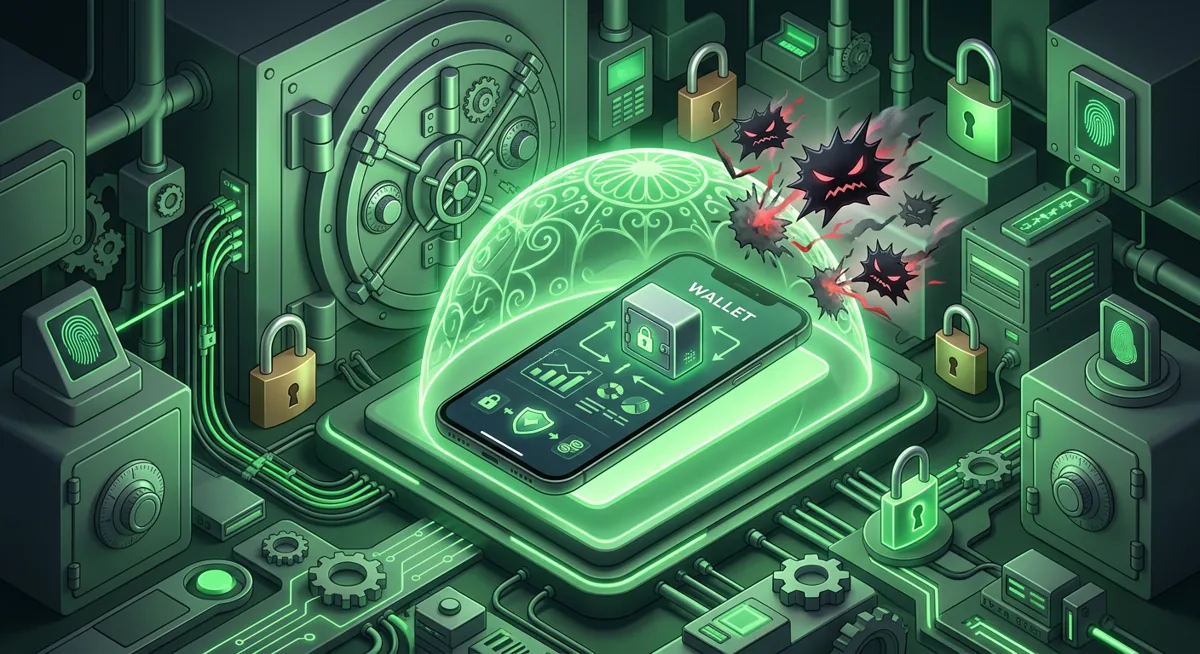
A concrete what-if: if a browser profile used for entertainment gets a malicious extension, segmentation keeps that extension away from the wallet profile. If a work account is phished, a separate admin account with hardware-key multi-factor can stop the problem from becoming a treasury event.
Physical custody still needs zero trust
Offline storage is not automatically safe just because it is offline. A recovery phrase in a drawer can be photographed. A note in a safe can be mishandled by someone helping during an emergency. For a focused physical storage review, see Fingerprint Safe for Seed Phrase Storage: Security Checklist.
Verification stops social pressure
Scams often create urgency: support says reconnect now, a trader says act fast, a famous wallet claim asks for fees, or a fake recovery service promises results. Zero trust security gives you permission to slow down. If a story involves unusual access, secret words, advance fees, or celebrity-style claims, compare it with known scam patterns such as Satoshi Nakamoto Wallet Claims: Scam Case Study.
Recovery planning prevents panic
The worst time to design a recovery plan is while funds are at risk. I write the plan before trouble: which device is trusted, which accounts get locked, who can help verify, and where the recovery instructions live. I do not write secret words into the plan.
If you are already dealing with a wallet issue, pause before contacting random support accounts. Use Wallet Blockchain Security Checklist Before Support to collect facts without exposing secrets. For safer account recovery prompts, I recommend Safer Account Recovery Questions for Crypto Users.
Zero trust architecture is protective because it assumes stress, mistakes, and believable traps will happen. The goal is not perfection. The goal is to make each mistake smaller, slower, and easier to contain.
Questions and answers
- Is zero trust architecture only for companies?
No. I use the same principle for personal custody: verify every request, separate access, and grant only the permission needed. A solo wallet owner can apply zero trust security with separate accounts, hardware security keys, careful recovery storage, and slower transfer checks.
- Do hardware security keys replace a wallet recovery phrase?
No. Hardware security keys protect account sign-ins, such as Google or Azure access. A wallet recovery phrase is different and must stay offline and private.
- What is the easiest first step for crypto custody zero trust?
Start with the accounts that can reset or influence your wallet life: email, cloud storage, exchange logins, and password manager access. Add strong multi-factor, remove stale recovery options, and separate daily browsing from wallet signing.
- How does network segmentation help a normal wallet user?
It keeps everyday risk away from custody actions. If your casual browser profile, social account, or work session is compromised, a separate wallet device or profile gives that problem fewer paths to reach your funds.
- Should I trust a support agent who asks for my recovery phrase to fix a wallet?
No. I would stop immediately. Real recovery does not require giving a secret recovery phrase to another person, a form, or a chat.