Security checklist
Safer Account Recovery Questions for Crypto Users
You forget a password, open the recovery screen, and the prompt asks for something that feels harmless: a school, a pet, a street, a favorite place. I have seen attackers turn those harmless answers into account access, especially when a wallet account or exchange login is attached.
In short
- Do not use real biographical answers for security questions because social media, data broker profiles, and old breaches can expose them.
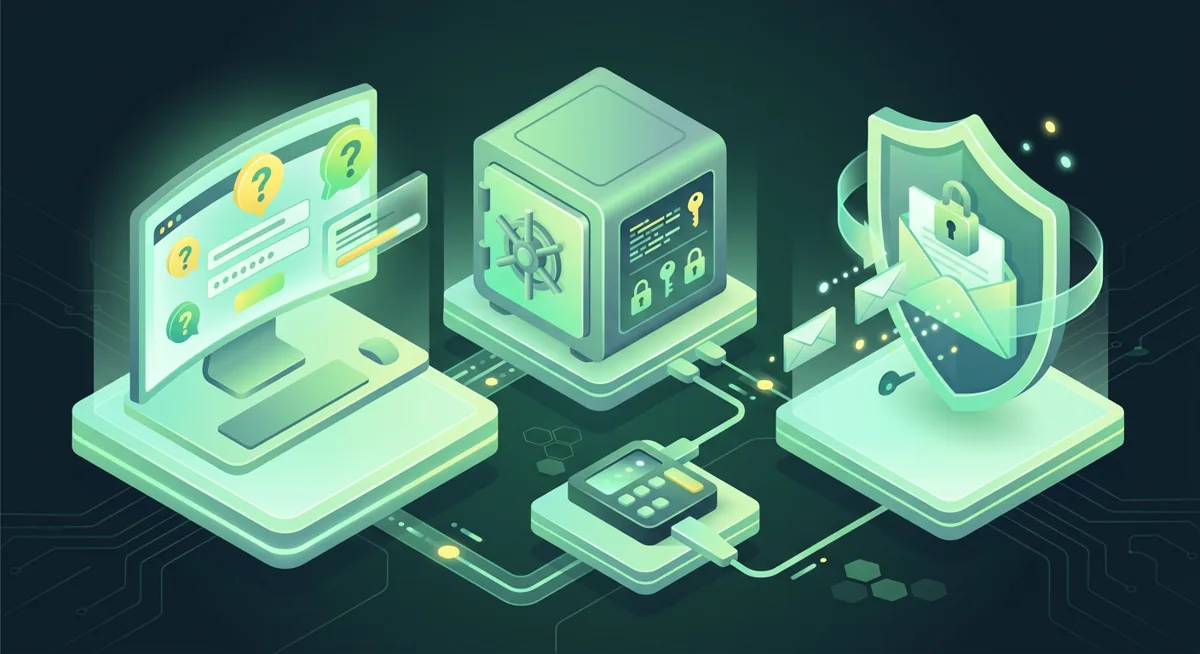
- A safer answer is a unique, random response stored in a password manager, not a true fact about your life.
- For crypto accounts, protect email, phone, and wallet recovery paths because losing access there can lead to lost funds.
- Treat any Google security questions list as inspiration for what to avoid, not as a menu of safe answers.
What should I put on my account recovery checklist?
Start with the risk in plain words: security questions are often weaker than the password they are meant to rescue. If the answer can be found, guessed, or politely extracted from you, it is not a safe recovery secret.
When people search for a Google security questions list, they are often looking for prompts about childhood places, family names, first experiences, favorite things, or old addresses. Those feel personal, but personal is not the same as private.
Use this checklist before you set or update security questions on any wallet-related account, exchange account, email account, cloud backup, password manager, or phone account.
Which answers should I never use?
- Do not use your mother’s maiden name, your birth city, a childhood street, a school, a pet name, or a favorite team if the answer is true.
- Do not use anything visible on social media, public records, old resumes, genealogy sites, forum profiles, or photo captions.
- Do not use answers your relatives, former partners, coworkers, classmates, or support staff might know.
- Do not use the same answer across services, even if the question is the same.
- Do not use short answers, common words, inside jokes, or predictable spelling changes.
- Do not use crypto-related answers such as a wallet brand, an exchange name, a token, or a recovery phrase clue.
What should I use instead?
- Use a password manager to create a random answer for every question.
- Treat the answer like a second password, not like a memory test.
- If the form allows it, write a long random phrase that is not connected to your life.
- Save the question and the exact answer together in your password manager.
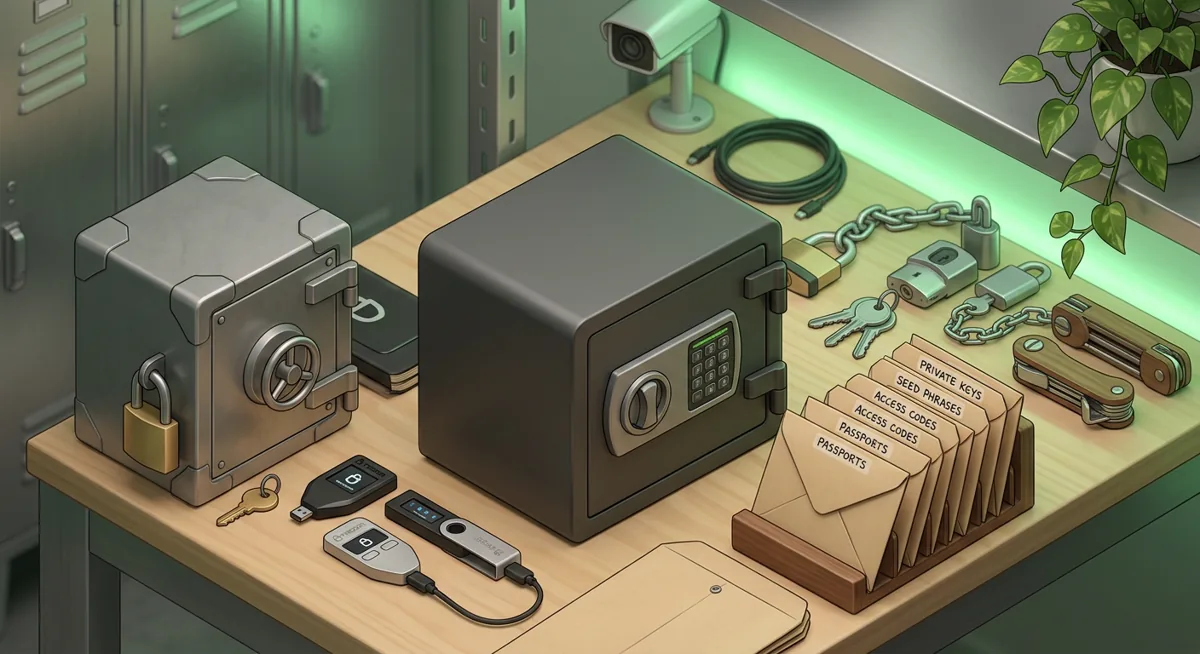
- If you keep an offline backup, store it with the same care as other sensitive account recovery records.
How do I replace weak recovery questions safely?
First, list the accounts that can affect your crypto access: email, exchange, phone provider, cloud storage, password manager, tax portal, bank login, and any wallet service account.
Second, sign in from a device you already trust. Avoid doing recovery work while traveling, using public Wi-Fi, or responding to a message that pressured you to act quickly.
Third, open the official security settings from inside the account, not from a message or search result.
Fourth, remove security questions if the service lets you. Prefer passkeys, authenticator app codes, hardware security keys, and strong unique passwords.
Fifth, if questions are required, replace every real answer with a unique random answer stored in your password manager.
Sixth, update your recovery email and phone settings. An attacker does not need your wallet password if they can reset the email account that resets everything else.
Seventh, review active sessions, trusted devices, forwarding rules, connected apps, and account recovery options. Remove anything you do not recognize.
Warning: If a wallet account, exchange account, or email account can be reset with guessable recovery answers, funds can leave before you realize the recovery path was the weak point.
How do I answer if support asks for personal facts?
Be calm and slow the conversation down. Social engineering works because it creates urgency and makes normal caution feel rude. If someone says they are support and asks for recovery answers, private keys, a recovery phrase, or remote access, stop the interaction.
Use this procedure:
First, end the chat, call, or email thread if it began unexpectedly.
Second, go to the official website or app by typing the name yourself or using your saved bookmark.
Third, open support from inside the signed-in account when possible.
Fourth, share only what the official support flow asks for, and never share a wallet recovery phrase or private key.
Fifth, if you already shared an answer, change it anywhere else you reused it.
Why does this matter for account recovery security?
Why are real answers dangerous?
Real answers age badly. A pet name that once felt secret may appear later in a tribute post. A school name may show up in an alumni group. A childhood town may sit in an old profile. Attackers collect small facts and combine them until a recovery screen becomes easy to pass.
I think of security questions as a door beside the main door. You may have a strong password on the front, but if the side door opens with a fact from your public life, account recovery security is still weak.
Why is a random stored answer better?
A random stored answer breaks the link between your identity and your recovery path. The question may ask for a favorite food, but the saved answer can be unrelated and unique. That means a person who knows you well still cannot answer it.
The tradeoff is that you must store it carefully. I prefer using a password manager because it keeps the answer available when I need it and removes the temptation to choose something memorable.
Why are crypto accounts different?
With many ordinary accounts, recovery leads to inconvenience, embarrassment, or privacy loss. With crypto, recovery can become a funds problem. If an attacker gets into your email, they may reset an exchange password. If they get into your phone account, they may intercept recovery messages. If they get into cloud storage, they may look for wallet backups or screenshots.
This is why I separate wallet recovery into layers. Your hardware wallet or self-custody wallet recovery phrase is the highest-risk secret and should never be typed into support chats, forms, or websites asking to verify it. Your email, phone, password manager, and exchange login are the surrounding controls.
Why should I avoid social engineering scripts?
Social engineering does not always look dramatic. It may sound like a polite support agent, a worried family member, a recruiter, a tax helper, or a community moderator. The person may only ask for verification details, not your password.
A good what-if test is this: what if a stranger read your public posts, then called support pretending to be you? Any recovery answer they could guess from that research should be replaced.
Another test: what if someone who knows you personally became angry, desperate, or careless? If they could answer your recovery questions from memory, those questions are not protecting you.
Why not rely on a Google security questions list?
A Google security questions list can be useful as a warning list. It shows the kinds of prompts many people recognize, and recognition is the problem. Common prompts lead to common answers.
If you must answer a familiar prompt, do not fight the prompt by finding a more obscure true fact. Make the answer unrelated, long, unique, and stored. The goal is not to win a trivia quiz about your own life.
What should I do if I already used weak answers?
Do not panic. Work from the most important accounts outward. I start with the email account that controls resets, then the password manager, then phone provider access, then exchanges and wallet service accounts. After that, I review cloud storage and old accounts that might still contain identity documents, wallet screenshots, or recovery notes.
If you think someone has already learned your answers, change them wherever they were reused. Also change passwords, review recovery settings, remove unknown devices, and watch for alerts. If funds are at risk, move calmly but quickly from a trusted device, and avoid taking instructions from anyone who contacted you first.
Questions and answers
- Are security questions ever safe to use?
They can be acceptable when the answers are random, unique, and stored securely. They are risky when the answers are true facts about your life.
- What is the safest answer to a security question?
The safest answer is usually a long random answer from your password manager. It should not relate to the question or to your personal history.
- Should I answer Google-style security questions honestly?
No. For account recovery security, honest answers are often easier to research or guess. Use unique stored answers instead.
- What if I forgot the random answer I saved?
Use the official account recovery process from the service name you trust. After you regain access, update your recovery settings and store the new answers carefully.
- Can support ask for my wallet recovery phrase?
No legitimate support process should need the list of words that restores your self-custody wallet. If anyone asks for it, stop and use only the official support route.