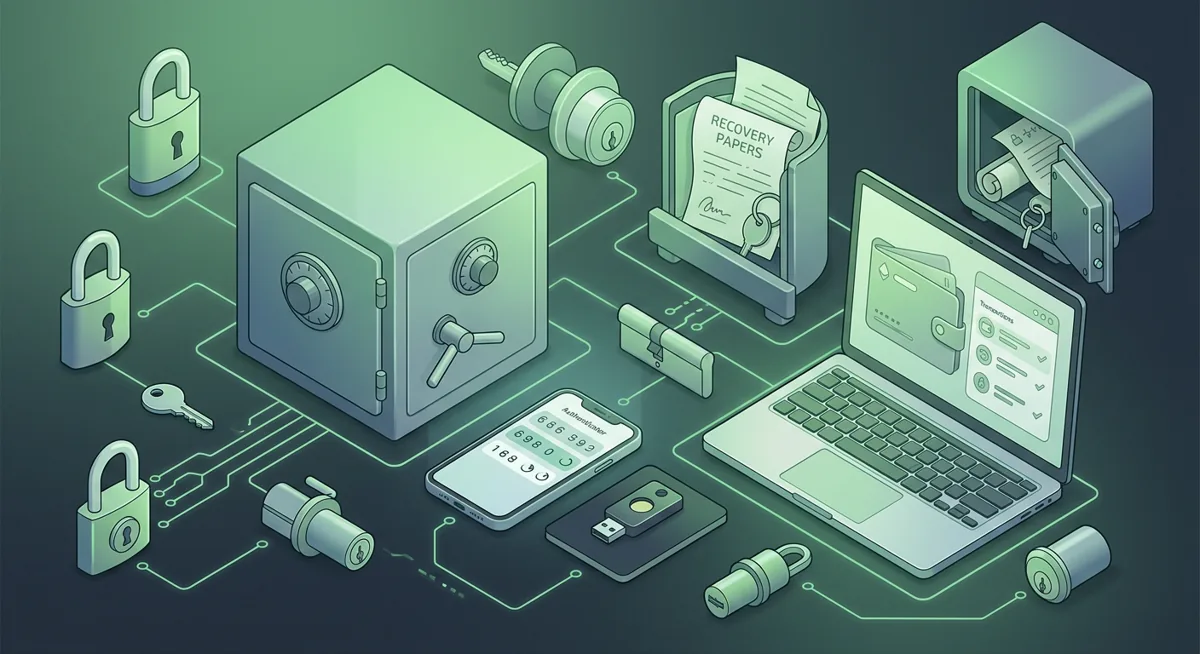
Security checklist
Best Identity Theft Protection for Crypto Holders
You open your wallet app before you’ve even had your coffee and see a notification that someone logged in from a location you’ve never been to. The risk is obvious: if an attacker gains access to your email, phone, or password manager, they can reset your exchange account settings, impersonate you, or force you to reveal your wallet recovery data.
In short
- Before comparing services, the best way to protect yourself against identity theft when working with cryptocurrencies is to start by securing your email, phone, password manager, devices, and wallet recovery methods.
- Aura, Google, Microsoft Defender, Norton, 1Password, and Bitwarden—each of these solutions can serve as a separate layer in a set of measures to protect against identity theft.
- Cryptocurrency owners should under no circumstances store their recovery phrase, private key, or wallet backup in the notes section of personal data tracking apps, email, cloud photo albums, or chat histories.
- If your account has already been hacked, proceed with caution, preserve evidence, secure your email first, and then protect your access to Exchange and your wallet recovery tools.
What should crypto holders check before choosing identity theft protection?
I use this identity theft protection checklist when I help someone who stores crypto, because wallet loss often begins outside the wallet. A criminal may not need your hardware wallet if they can take over your inbox, mobile number, exchange login, or cloud backups.
Start with the accounts that can reset everything
- Protect your primary email with a unique password stored in 1Password or Bitwarden.
- Turn on phishing-resistant sign-in where available, such as passkeys or hardware security keys.
- Remove old recovery emails and phone numbers you no longer control.
- Review forwarding rules, connected apps, and active sessions in Google and Microsoft accounts.
- Keep a separate email for exchanges and wallet vendors if you can manage it safely.
Lock down your password manager before adding more services
- Choose a long master password that you do not reuse anywhere else.
- Add strong account recovery options, but do not make them easier than your vault login.
- Store exchange passwords, email passwords, and identity protection logins in the vault.
- Do not store a wallet recovery phrase or private key in 1Password, Bitwarden, email, cloud notes, or identity protection case notes.
- Print or write emergency instructions for your password manager, and keep them separate from wallet recovery materials.
Compare identity monitoring for the risks you actually face
- Aura may be useful if you want a single service focused on identity monitoring and recovery help.
- Google account security matters if your Gmail, Android device, passkeys, or saved passwords are part of your crypto life.
- Microsoft Defender may fit if your Windows PC and Microsoft account are central to exchange access or wallet management.
- Norton can cover devices across Windows PC, Mac, iOS, Android, Google TV, Apple TV, and its supported networks are Mimic, IPsec, OpenVPN, WireGuard.
- Treat Norton key custody carefully because Stored in your Norton account.
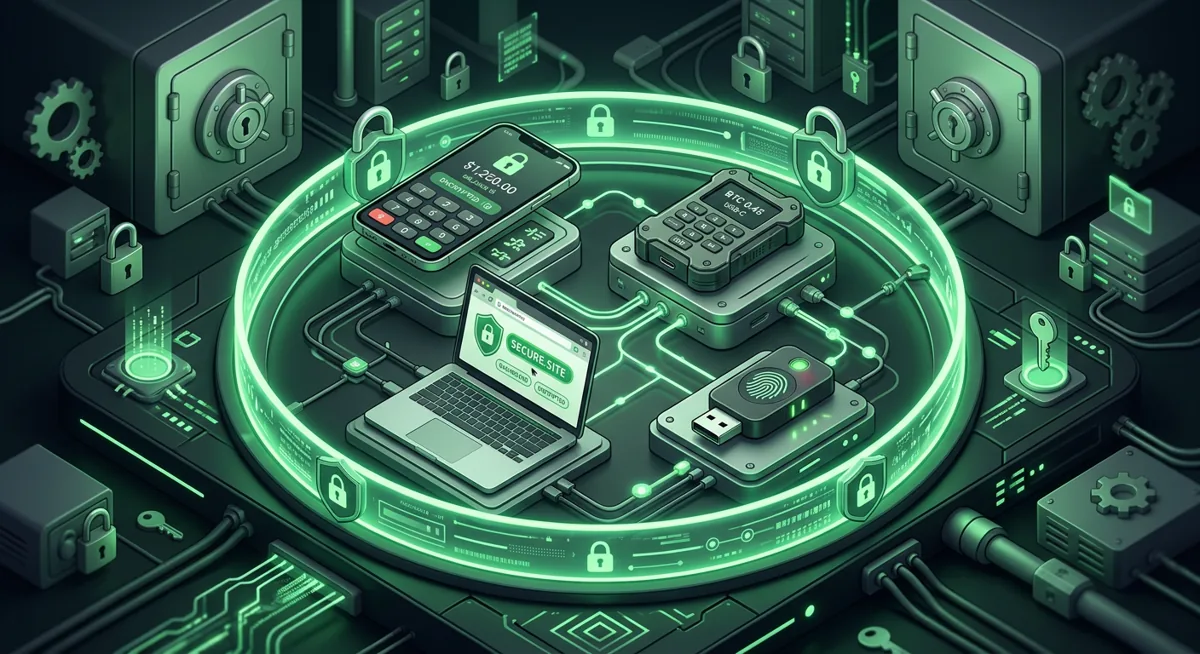
Check device protection before you connect a wallet
- Keep operating systems and browsers current on the devices you use for exchanges, wallets, and password management.
- Use reputable security software, and review my Crypto Home Security Checklist: Virus Checker Basics if you are unsure what to scan first.
- Remove browser extensions you do not need, especially extensions that can read every site you visit.
- Use a separate browser profile for exchanges and wallet dashboards.
- Avoid signing wallet prompts on a device that is behaving strangely, showing pop-ups, or redirecting websites.
Warning: if you type a wallet recovery phrase into a website, support chat, cloud note, photo app, or identity protection portal, assume the wallet may be exposed. Move funds using a clean setup and a new wallet path before you relax.
Choose recovery support, not just alerts
- Look for clear help after suspicious activity, not just notifications.
- Confirm how you contact support if your email or phone is unavailable.
- Ask whether the service helps with account takeover, fraudulent account cleanup, and document replacement.
- Keep copies of important identity documents in a secure offline place, not mixed with wallet recovery materials.
- Write down your own escalation plan for banks, exchanges, email providers, and mobile carriers.
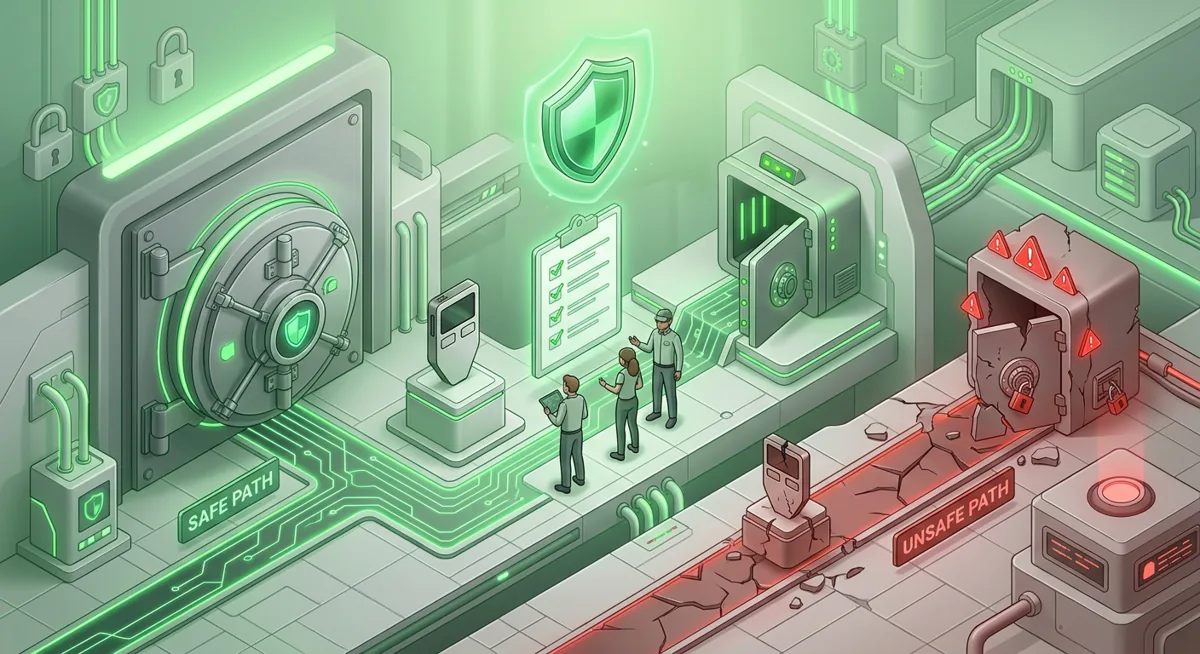
Use this order if you are choosing today
First: secure the email account that controls your exchanges and password manager.
Second: strengthen your password manager and remove any wallet recovery material from digital storage.
Third: check your devices for unsafe extensions, remote access apps, and unknown security warnings.
Fourth: compare Aura, Google, Microsoft Defender, Norton, 1Password, and Bitwarden by the layer they protect, not by marketing language.
Fifth: rehearse what you would do if your phone number, email, or exchange account were taken over.
Why does each checklist group matter for crypto storage?
Email security is important because it acts as a "master reset button"
When people ask me about the best way to protect against identity theft, I start with email. If a cybercriminal gains control of your email account, they can often request password resets, approve new devices, hide notifications, and impersonate you when contacting customer support. For cryptocurrency owners, this can lead to funds being withdrawn from exchanges, receiving fake messages about wallet recovery, or being pressured to disclose confidential information.
A clean email inbox will also help with the recovery process. If you follow the instructions for recovering your wallet in case of lost access ], you’ll need a reliable place to receive notifications and responses from customer support. If your email account isn’t trustworthy, every subsequent step becomes less reliable.
Password managers play an important role, since reusing the same password can lead to a host of problems in the event of a breach
I like the “1Password” and “Bitwarden” services for the same reason: they help people stop using the same passwords over and over again. Reusing passwords is dangerous because a data breach at some unrelated online store could lead to someone trying to log into your account on an exchange, email service, or personal data protection platform.
It’s important to respect boundaries. A password manager is designed to store passwords, secure notes, and account information. A wallet recovery phrase is something entirely different. It provides direct control over your funds, which is why I keep it off any storage devices connected to the Internet. If you need a refresher, read the article “Protecting Seed Phrases and Hardware Wallet Keys”.
Monitoring is important because you need timely alerts and a plan of action
Monitoring your account credentials can alert you that something is wrong, but such a warning is only useful if you know what to do next. Aura, Norton, Google, and Microsoft Defender can be installed in different parts of your system. I wouldn’t judge them solely by their brand. I’d ask: Does this protect the account, device, browser, or recovery process on which my cryptocurrency depends?
Here’s what you should focus on when choosing personal data protection solutions: protecting the accounts you actually use, prompt support in case of problems, and settings that you understand well enough to manage on your own.
Device security is very important, since wallets rely on you to approve transactions
A hardware wallet can help isolate your keys, but it won’t protect you from all instances of unauthorized transaction approvals. If a fake wallet page appears on your computer screen, the address on the screen is spoofed, or you’re tricked into authorizing a transaction whose purpose you don’t understand, the device may still prompt you for confirmation. That’s exactly why I combine identity protection with basic security rules for using devices and the ideas outlined in the article “Self-Custody and Hardware Wallets for Safer Storage”](/topics/self-custody-hardware/).
If you also use platforms that store data, you can access your trading sessions, email, and identity documents all from the same device. I think of this device as a front door.
Planning for recovery is crucial, because panic leads to costly mistakes
In an emergency involving their wallet, people tend to act hastily. They seek help, respond to private messages, enter confidential information, or transfer funds from an infected device. Having a plan in place helps you stay calm. If you’re having trouble with a lost recovery phrase or key exposure, refer to “Lost Recovery Phrase or Key Exposure: A Checklist for Cryptocurrency Cold Wallets” before contacting strangers online.
My list of privacy measures for cryptocurrency owners is simple: limit companies’ ability to reset your settings, limit devices’ ability to disclose information, limit third parties’ ability to force you to disclose information, and store your wallet recovery data offline. The best protection against identity theft is the one that supports the entire system as a whole.
Questions and answers
- What is the best identity theft protection for crypto holders?
I would choose a service that protects your most vulnerable areas: email, phone, devices, a password manager, and a support service to help you regain access. For many people, this means a combination of account security features from Google or Microsoft, proper password management using 1Password or Bitwarden, device protection with Microsoft Defender or Norton, and assistance with account recovery from a service like Aura.
- Should I store my wallet recovery phrase in an identity protection service?
No. I would never store my wallet recovery phrase, private key, or direct backup of my wallet on a privacy protection portal, in a password manager, in an email account, on cloud storage, in a photo gallery, or in a chat. Wallet recovery materials should be stored offline and separately from your identification documents.
- Is identity theft protection enough to protect a hardware wallet?
No. Identity theft protection can help in the event of an account breach, provide monitoring, and restore access; however, the security of a hardware wallet also depends on careful setup, storing the recovery phrase offline, keeping your devices clean, and understanding exactly what you’re confirming on the screen. To learn the basics, start with the article “The Basics of Using Wallets for Safer Cryptocurrency Storage”](/topics/wallet-basics/).
- How do I compare Aura, Google, Microsoft Defender, Norton, 1Password, and Bitwarden?
I'm comparing them in terms of functionality. Aura is more focused on monitoring account credentials and helping to recover them. Google and Microsoft provide protection for large account ecosystems. Microsoft Defender and Norton can ensure device security. 1Password and Bitwarden help prevent password reuse. None of them replace the need for careful storage of data required to recover your wallet.
- What should I do first if I think my identity was used to reach my crypto?
Secure your primary email first, then your password manager, then exchange accounts, then devices. Preserve alerts and messages before deleting them. If any wallet recovery material was exposed, treat the wallet as unsafe and move through a calm recovery plan from a clean setup.