Scam breakdown
Private Key Phishing and Social Engineering Wallet Scams
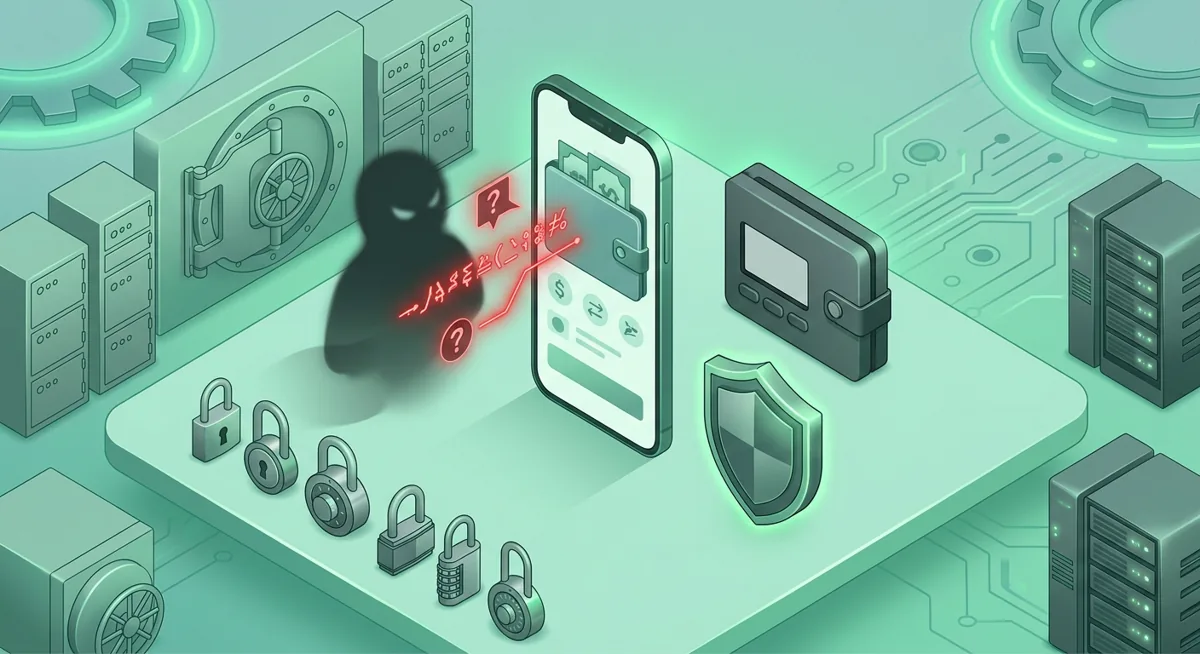
You get a message saying your wallet is at risk, your Gmail may be compromised, or your Coinbase account needs urgent review. The risk is simple: the scammer wants you to panic, open the wrong page, and hand over the secret that controls your crypto.
In short
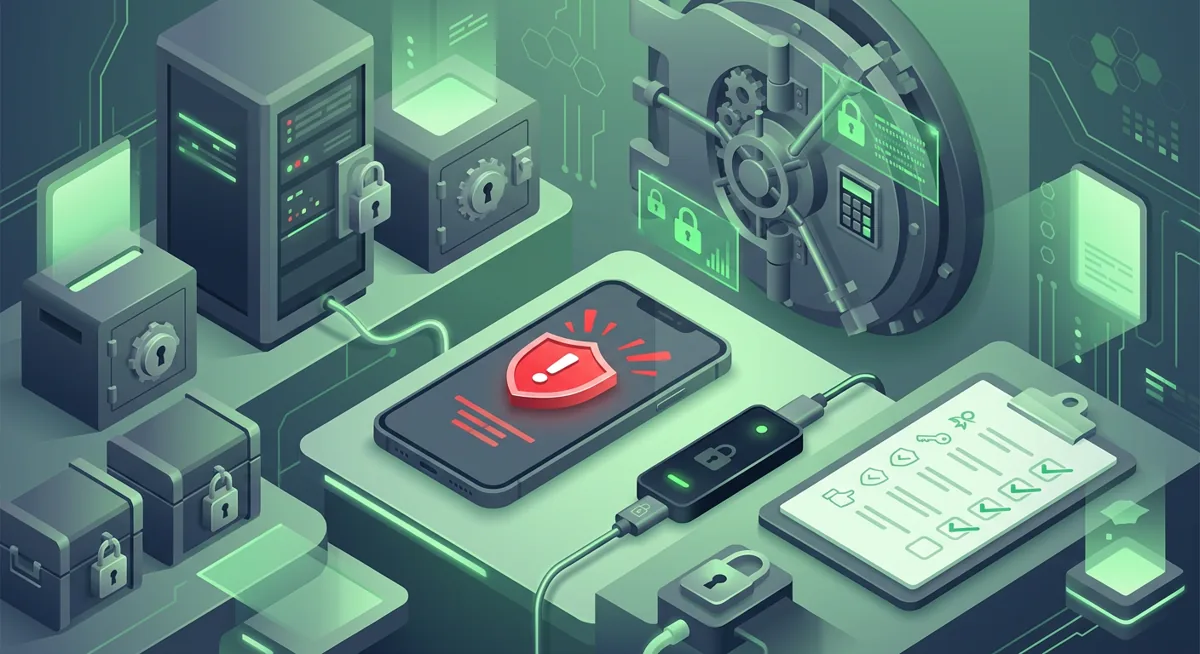
- A practical social engineering security definition is the use of trust, fear, urgency, or confusion to make you take an unsafe action.
- Messages related to cryptocurrency phishing and wallet scams often ask for a recovery phrase, private key, password, one-time code, or permission to access the wallet.
- If you entered a wallet secret, treat the wallet as exposed and move remaining funds from a clean device to a new wallet you control.
- If a message mentions a security breach or Gmail password data breach, verify from Google, Coinbase Wallet, MetaMask, or Phantom directly, not from the message.
- Prevention involves storing your recovery phrase offline, verifying destination addresses before signing, and using bookmarks or official app names that you have entered yourself.
How does this wallet scam work?
A simple social engineering security definition is this: someone manipulates normal human reactions so you do the dangerous part for them. In wallet scams, that usually means revealing a recovery phrase, typing a private key, approving a harmful wallet request, or sharing a Google or Coinbase verification code.
The scam usually starts with a believable story. You may see a fake MetaMask alert, a Phantom support account, a Coinbase Wallet recovery form, or a Google warning that sounds like a Gmail password data breach. The message may claim there was a security breach, suspicious withdrawal, failed wallet sync, or account lockout. The goal is to move you fast.
Here is the pattern I see in incident response:
- The scammer creates urgency. They say your funds are moving, your wallet is not validated, or your account will be locked.
- They impersonate a trusted service. MetaMask is a common lure because it works across Chrome, Firefox, Brave, Edge, Opera, iOS, Android, Web and supports Hundreds of thousands of tokens. Coinbase Wallet is attractive because it supports millions of onchain assets. Phantom lures often mention chains or tokens because Phantom supported networks include Base, Solana, Ethereum, Bitcoin, Polygon.
- They send you to a lookalike page or support chat. The page may ask you to connect a wallet, approve a message, enter a password, or reveal a recovery phrase described only as a list of words.
- They give a false safety reason. They may say they need your phrase to verify ownership, reverse a transaction, migrate assets, or remove a wallet drain risk.
- They use the secret or approval to take control. With a recovery phrase or private key, they can recreate the wallet elsewhere. With a harmful approval, they may move assets you allowed.
The painful part is that the wallet software may be working as designed. Self-custody gives you control, which also means the app cannot always tell whether you meant to sign something. That is why a crypto phishing page focuses on your decision-making before it focuses on technology.
For a wider plain-English view, I would start with Crypto Wallet Scams and Threats: A Plain-English Overview. If you want the scammer playbook, read How a Crypto Scammer Targets Wallet Users.
What warning signs should you notice first?
The most serious red flag is any request for confidential information needed to recover your wallet. No legitimate support representative will ever ask for your recovery phrase or private key. If someone claims otherwise, I consider the conversation hostile and end it immediately.
Other warning signs include:
- A message that turns fear into an urgent call to action—for example, a claim that you will lose your funds if you don’t take action immediately.
- A support account that contacts you first after you post about MetaMask, Coinbase Wallet, Phantom, or Google.
- A page that asks you to connect your wallet before explaining exactly what action you’re authorizing.
- A request to enter your Gmail password, a one-time code, your wallet’s passphrase, or your private key into a form that you’re redirected to from a message.
- A warning about a Gmail password leak that doesn’t match what you see when you open the Google website directly.
- A fake process for refunds, airdrops, confirmations, migrations, or asset recovery.
- A page or chat that claims the wallet app is free but then pressures you to pay an unexpected fee. Phantom states that the app is available at completely free to implement and use, so any pressure to pay an activation fee should raise a red flag.
- Spelling that’s almost correct, copied branding, or a domain that looks familiar at first glance but raises doubts upon closer inspection.
Warning: If you enter your recovery phrase on a phishing page, you could lose your funds before you even finish reading the next screen. Do not verify a suspicious page using your real wallet, even if it states that it is only performing an eligibility check.
It’s a good idea to try the following test: “What if the message disappeared right now?” Would you still be able to go to the real website by opening your own bookmark, launching the app, or typing the address manually? If so, ignore the link in the message and verify the source yourself. For suspicious links, I use a separate process similar to the one described in the Guide to Verifying Safe Links to Protect Crypto Wallets from Phishing, but I still don’t connect a valuable wallet just to check a link.
What should you do if you already interacted with it?
First, take a deep breath. Panic plays right into the scammer’s hands. Your goal is to separate the compromised accounts from the secure ones and preserve the evidence.
- Stop using any suspicious website, chat, or message thread. Do not argue with the sender, and do not follow any further instructions.
- If you have disclosed your recovery phrase or private key, consider your wallet no longer secure. Create a new wallet on a “clean” device and transfer all remaining assets to it. Do not reuse the disclosed phrase.
- If you’ve just connected your wallet or signed something, open the wallet using your own verified method and check the permissions. Revoke any risky permissions if your wallet settings or blockchain tools allow it.
- If your Google account is involved, go directly to the Google website and check your recent security activity, recovery email address, forwarding rules, app access, and active sessions. A compromised email account could allow a scammer to reset your exchange account settings or monitor support responses.
- If Coinbase is involved, go directly to Coinbase or the Coinbase Wallet. If you’re facing attempts to gain access to your account or pressure to reset it, compare your situation to Coinbase Support, wallet locks, and recovery restrictions. If withdrawal codes or text messages were used as bait, see Fraudulent Coinbase Text Messages and Withdrawal Code Scams.
- Save evidence. Take screenshots of messages, sender names, transaction hashes, wallet addresses, emails, and web page URLs.
- Write down what happened while your memory is fresh. Note what you typed, what you signed, and which devices you used.
- If funds have been stolen, focus on minimizing the damage rather than on promises of a refund. Many so-called “recovery agents” are actually scammers. To calmly determine your next steps, use the guide Recovering Funds After a Cryptocurrency Scam: Calm First Steps for Wallet Users.
If your funds are still there, proceed slowly but decisively. A common mistake is changing your wallet password after your recovery phrase has been compromised. This may protect the local app, but not the wallet itself. The recovery phrase is the key secret.
How can you protect yourself before the next message arrives?
Prevention is mostly about reducing moments where fear gets to make the decision.
- Store the recovery phrase offline, privately, and away from cameras, cloud notes, email, chats, and synced password manager notes.
- Decide a personal rule now: no support agent, friend, giveaway, validator, or recovery service ever receives your recovery phrase or private key.
- Reach services from your own trusted path. Type the official website name yourself or use a bookmark you created after verifying it. Do not start from ads, replies, direct messages, or urgent emails.
- Separate daily browsing from wallet use. If you explore new sites, use a low-value wallet rather than the wallet holding long-term assets.
- Read wallet prompts out loud before approving. Ask what the action can move, spend, or reveal. If the wording is vague, reject it.
- Protect Google carefully. Use strong unique passwords, multi-factor protection, and account recovery details that are current.
- Treat public support requests as visible to scammers. If you post that MetaMask, Phantom, Coinbase Wallet, or Google support has not replied, expect impostors to contact you.
- Keep a written emergency plan. Include which wallets exist, which device is trusted, how to reach official support, and who you will call before moving large funds.
I also like using a delay rule. If a message says act immediately, I wait, verify through a separate path, and ask whether the request still makes sense without the fear. Real security checks can survive a calm review. Wallet scams usually cannot.
Questions and answers
- What is the social engineering security definition in crypto?
In crypto, social engineering means manipulating you into taking an unsafe action, such as revealing a recovery phrase, approving a harmful transaction, sharing a temporary code, or trusting a fake support agent. The tool is psychology; the target is your wallet access.
- Can MetaMask, Coinbase Wallet, or Phantom support recover my recovery phrase?
No. The recovery phrase for self-hosted storage should be known only to you, and customer support cannot recover it for you. If someone asks you for it, I would end the conversation and verify it directly through the service.
- Is a Gmail password data breach warning always a scam?
Not always, but a warning delivered by a random message is not proof. Open Google directly and review your account security there. Do not use the message path, and do not enter wallet secrets because of an email security warning.
- What if I connected my wallet but did not enter my recovery phrase?
Connection alone is not always the same as losing control, but signing or approving can create risk. Review approvals from a trusted path, revoke anything suspicious where possible, and move valuable assets if you believe you signed a harmful request.
- Why do scammers mention a security breach?
A security breach story creates urgency and makes normal caution feel dangerous. The scammer wants you to believe that pausing is risky, when pausing and verifying through an independent path is usually the safer move.