Scam breakdown
Coinbase Scam Texts and Withdrawal Code Fraud
Your phone buzzes during dinner: “Coinbase withdrawal pending,” followed by a code and an urgent warning to stop it. I have helped many people through this panic moment, and the danger is simple: the message is designed to make you act before you think.

In short
- A coinbase scam text usually tries to make you reveal a login code, withdrawal code, password, or recovery information by creating urgency.
- A real withdrawal warning should be checked inside Coinbase directly, not through a phone number or page sent in the text.
- If you gave away a Coinbase withdrawal code text or approved a request, secure the account from a trusted device and contact Coinbase through its official support path.
- Never read codes to callers, paste codes into message links, or move crypto to a wallet someone else tells you to use.
How does a coinbase scam text work?
The risk is not the text itself. The risk is what the text persuades you to do next.
A coinbase scam text often starts with a believable alert: a sign-in attempt, a locked account, a coinbase withdrawal, or a “support” warning that your funds are at risk. The message may say a withdrawal is pending and that you must reply, call, or open a page to cancel it. In some versions, the attacker already has your email address or phone number from an old data exposure, so the message feels personal.
The usual goal is to get one of these from you:
- Your Coinbase password.
- A sign-in approval or verification code.
- A coinbase withdraw code or coinbase withdrawal code text.
- Remote access to your device.
- A transfer to a wallet the attacker controls.
- Personal identity details that help them pass account checks later.
A withdrawal code is not a customer service confirmation. It is a control. If someone else gets it, they may be able to move value or change account settings, depending on what they already have. A scammer may say, “Read the code so I can cancel the withdrawal.” That is backwards.
Some frauds combine text messages with phone calls. You receive the alert, then a calm “Coinbase security” caller says they see the same problem. The caller may keep you talking so you do not have time to open Coinbase yourself.
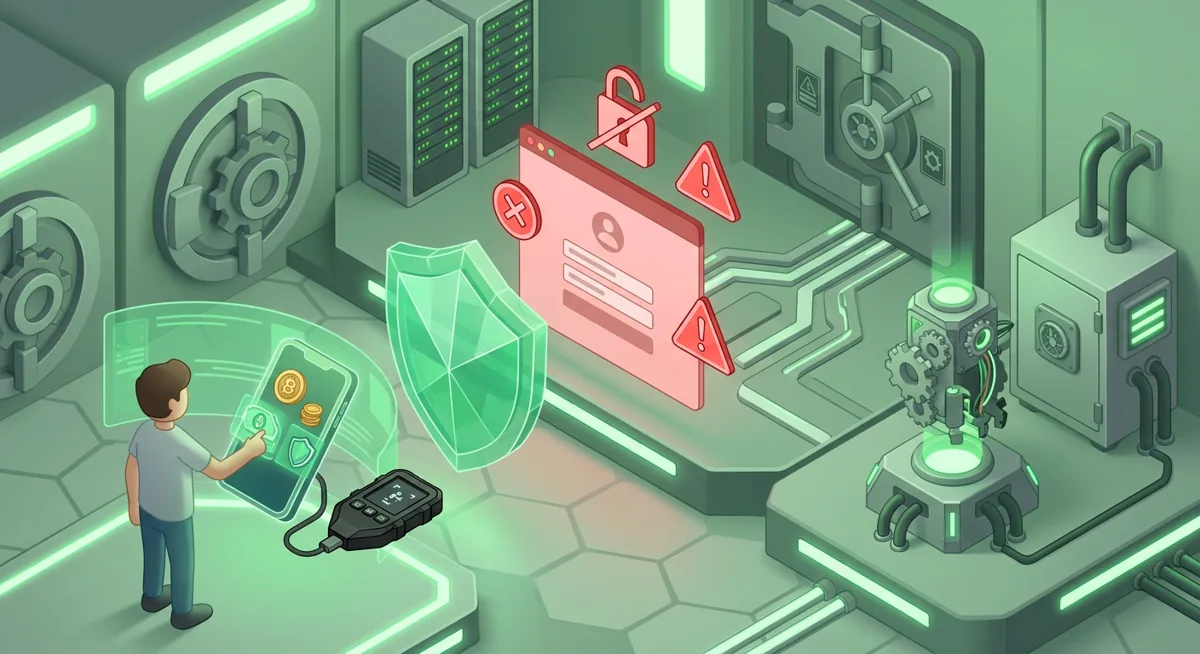
A more advanced version sends you to a fake sign-in page. The page may copy Coinbase branding and ask for your email, password, and code. If you enter them, the attacker uses them quickly on the real service. If you need to check Coinbase, open the official Coinbase app or type the official Coinbase website name yourself.
Coinbase accounts can have meaningful movement limits; Coinbase lists a daily withdrawal limit of €100,000 per day. That is not a reason to panic, but it explains why criminals push hard when they believe an account may hold funds. Their job is to shorten your decision time. Your job is to lengthen it.
What are the warning signs of a Coinbase withdrawal code text fraud?
A message does not have to look messy to be dangerous. Many coinbase scam messages are clean, polite, and timed well. I look for behavior, not just spelling.
Watch for these red flags:
- The text tells you to call a number in the message.
- The message says a withdrawal is pending and you must act immediately.
- Someone asks you to read, forward, or type a code outside the Coinbase app or website you opened yourself.
- A caller says they are from Coinbase and asks you to “verify” your password or code.
- The text includes a page that asks for your password, full card details, or identity documents after an alert.
- You are told to move funds to a “safe wallet,” “temporary vault,” or “protected address.”
- The sender pressures you not to hang up, not to talk to your bank, or not to contact Coinbase through normal support.
- The alert uses fear: account closure, law enforcement, tax trouble, or permanent loss unless you act now.
Warning: If you give a withdrawal code to a caller or enter it on a page from a text, you may be approving the very action you think you are stopping.
What if the text says, “Reply NO if this was not you”? Replying can confirm that your number is active and may lead to more pressure. Instead, I would open Coinbase from a trusted route and check account activity there.
What if the caller knows your name, email, or partial transaction details? That still does not prove they are Coinbase. Scammers often collect partial facts and use them as theater.
What should I do if I already responded?
First, pause. Shame makes people hide the incident, and delay helps the attacker. I have seen better outcomes when people switch quickly from panic to containment.
Follow these steps from a device you trust, not from a page in the message:
- Stop the conversation. End the call or message thread. Do not argue, explain, or warn the sender.
- Open Coinbase directly. Use the official Coinbase app or the official Coinbase website name, entered by you. Check recent sign-ins, withdrawals, payment methods, and security settings.
- Change your password. Use a new, strong password that you have not used anywhere else.
- Reset account security. Review multi-factor settings, passkeys if you use them, trusted devices, active sessions, and saved payment methods.
- Contact Coinbase through official support. Tell them exactly what happened: the time, the phone number, whether you entered a code, and whether any withdrawal or account change appears.
- Secure your email account. Coinbase account recovery often depends on email. Change that password too, review forwarding rules, and remove unknown sessions.
- Check your phone number protections. Ask your mobile provider about account security and unauthorized SIM changes if your service behaved oddly.
- Document everything. Save screenshots of texts, call logs, transaction identifiers, and support case details. Do not send more codes to anyone who contacts you afterward.
If funds left the account, write down what moved, when it moved, and where it went, without posting those details publicly. Public posts can attract “recovery” scammers who claim they can reverse a coinbase withdrawal for a fee. Legitimate recovery is evidence gathering, account security, and official reporting.
If the scam also involved a self-custody wallet, hardware wallet, or recovery phrase exposure, treat that as a separate emergency. Move remaining assets only after you understand which wallet is still under your control.
How can I protect myself from future Coinbase scam texts?
Prevention is mostly about making the attacker’s script fail. I want your default response to be calm verification, not instant obedience.
Use this checklist:
- Create a no-code rule. I never read verification codes, coinbase withdrawal code text contents, or approval prompts to anyone. Not to “support,” not to a caller, not to a text thread.
- Use a clean access habit. For account checks, open Coinbase directly. Do not use urgent message paths.
- Strengthen sign-in security. Use a unique password and the strongest account protection options available to you inside Coinbase.
- Protect your email first. If someone controls your email, they may intercept alerts or recovery messages. Secure it as carefully as your crypto account.
- Slow down withdrawals. Before approving any coinbase withdrawal, ask: Did I start this? Do I recognize the destination? Am I being coached by someone?
- Separate public identity from crypto activity. Avoid posting phone numbers, account screenshots, balances, or support case details in public spaces.
- Prepare a family script. If a partner or relative also has access, agree on a rule: no one responds to crypto security texts alone under pressure.
I also recommend rehearsing the response before anything goes wrong. Say it out loud: “I will not use the message path. I will open Coinbase myself. I will not share codes.” Rehearsed actions hold up better when fear hits.
For people using both Coinbase and self-custody, keep the boundary clear. Coinbase support should never need your hardware wallet recovery phrase. A wallet recovery phrase is a list of words that controls a separate wallet.
No setup removes all risk, but you can make the common coinbase scam script much harder to run. The protective pattern is always the same: verify independently, keep codes private, secure the account from a trusted device, and treat urgency as a warning sign rather than a command.
Questions and answers
- Is every Coinbase security text a scam?
No. Some alerts may be legitimate, but I still do not act through the text. I open Coinbase directly and review the account from a trusted device.
- What if I only replied to the coinbase scam text?
A reply may confirm that your number is active. I would stop responding, block or report the sender through your phone tools, and check Coinbase directly for unusual activity.
- Should I give a Coinbase withdraw code to support if they call me?
No. I would never share a code with an inbound caller. A code is for you to use in the service you opened yourself, not for someone on the phone.
- Can a scammer reverse a Coinbase withdrawal for me?
Be cautious. People who promise recovery through private contacts or special access often run a second scam. Use Coinbase official support and keep records of the incident.
- What if my hardware wallet was mentioned in the text?
Treat that as a red flag. Coinbase support does not need your hardware wallet recovery phrase, and you should never type or read that list of words into a support chat, form, or call.