Security checklist
Secure Password and Wallet Backup Checklist
You open a wallet app after months away, the phone asks for a password, and every old note, screenshot, and drawer starts to feel important. I have helped people in that moment, and the safest recovery plan is the one you build before panic takes over.
In short
- A secure password protects accounts, but a recovery phrase controls the wallet itself and must be stored separately.
- A secure folder is useful for wallet notes and device records, but it should not be the only place holding recovery data.
- A secure backup should be offline, readable, protected from damage, and checked before you rely on it.
- Hardware wallet backup safety depends on verifying the backup through the official device flow, not typing recovery words into websites or chats.
- Yubico keys, Tangem cards, Ekster trackers, and hardware wallets solve different risks, so do not treat one tool as a complete recovery plan.
What should I check before I store wallet recovery data?
The risk is simple: if someone gets the recovery phrase, they may be able to move the wallet funds; if you lose the recovery phrase and the device fails, you may not regain access. A secure password protects apps and accounts, but recovery phrase safety protects the wallet's root access.
First, separate the jobs
- [ ] Use a secure password for your email, exchange account, wallet app login, phone, laptop, and password manager.
- [ ] Keep passwords and recovery phrases in different places. If one place is exposed, the other should not fall with it.
- [ ] Do not store a recovery phrase in ordinary notes, photos, chat messages, shared drives, or email drafts.
- [ ] Use a secure folder for non-secret records: wallet name, device model, purchase source, support case notes, and instructions for your future self.
- [ ] Label the secure folder clearly enough that you can find it under stress, but not so clearly that a visitor or thief knows it contains wallet recovery data.
Then make the recovery backup boring and durable
- [ ] Write the recovery phrase only in the official setup flow, and describe it in records only as a list of words.
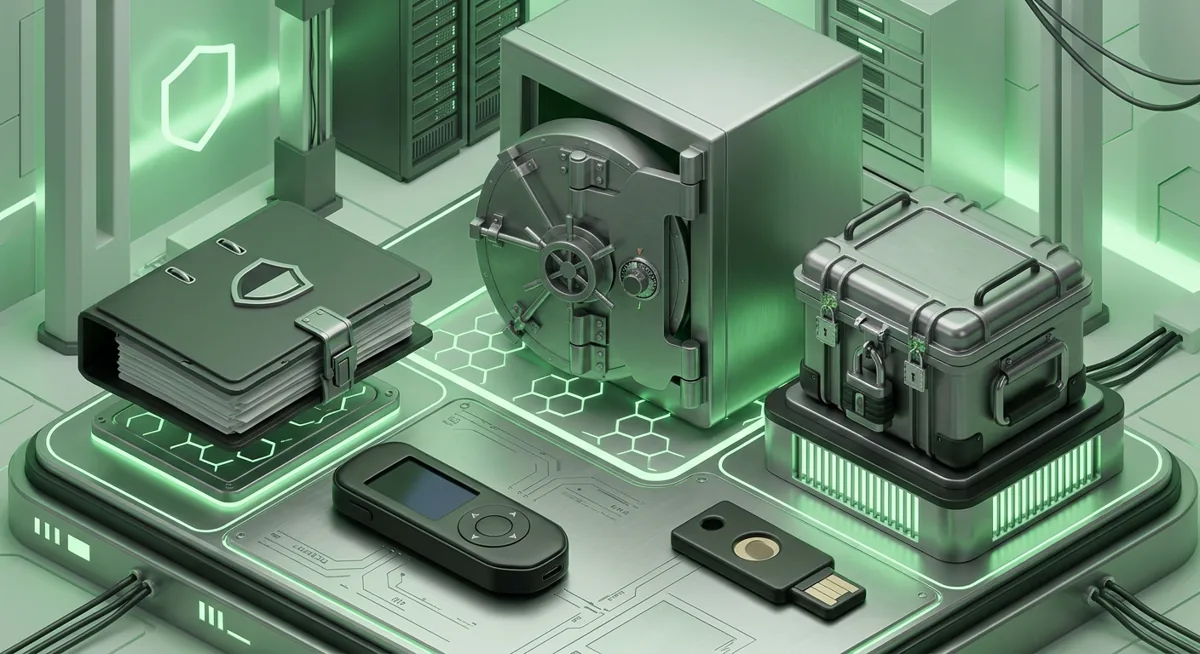
- [ ] Make the backup offline. Paper can work if protected from water and fire risk; metal storage can reduce damage risk if you choose it carefully.
- [ ] Store the backup somewhere private, stable, and not casually accessible to guests, cleaners, coworkers, or anyone who might photograph it.
- [ ] Avoid clever hiding places you may forget. A backup that cannot be found during recovery is not a backup.
- [ ] Check that the writing is readable before you lock it away. I prefer calm verification now over desperate guessing later.
Warning: If a website, support agent, stranger, or pop-up asks you to type your recovery phrase, stop. Real recovery happens through the wallet's official recovery flow, not through a form, chat, or message.
Use this recovery procedure before there is a crisis
Step one — Identify what you are protecting: a self-custody wallet, a custodial account, a hardware wallet, or a mix. If you are still choosing, start with Choosing the Right Crypto Wallet Without Panic.
Step two — Confirm where access lives. For a custodial service, account recovery usually depends on email, identity checks, and login security. For self-custody, the recovery phrase is usually the final fallback.
Step three — Create or update your secure password for each account tied to crypto. Do not reuse the email password on an exchange, wallet service, or password manager.
Step four — Record a plain-language map in your secure folder: which device belongs to which wallet and where the offline backup is stored, but not the recovery words.
Step five — Practice a safe recovery review without entering secret words into a random device. If the wallet offers an official verification check on the device, use that path.
Step six — Update your plan after any major change: new phone, new laptop, moved home, changed email, added a hardware wallet, or transferred funds to a new wallet.
Hardware wallet backup checklist
- [ ] For Ledger Nano X, remember that the device can be used across Desktop/laptop, Android, iOS and supports Bitcoin, Ethereum, Solana, XRP, stablecoins, with Thousands of supported coins and tokens. Broad support is convenient, but one recovery backup may protect many assets.
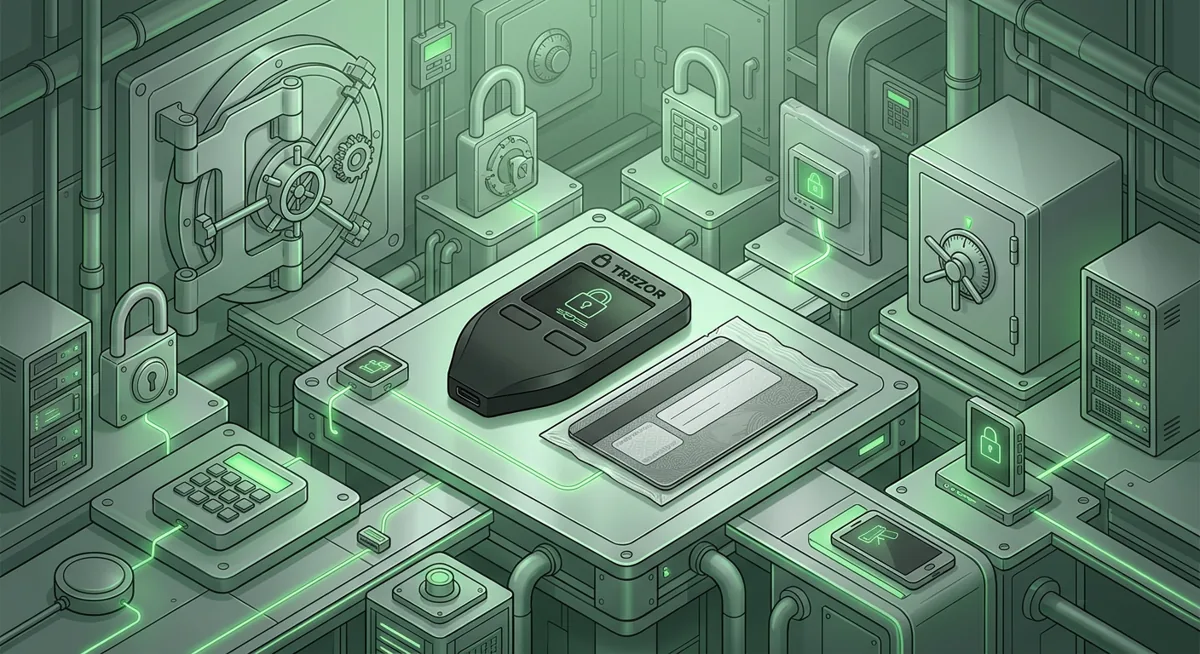
- [ ] For Trezor Safe 3, note that it supports 1000s of coins & tokens, has platform support of Android (full compatibility); iOS (limited compatibility), and uses SLIP39 backups. Make sure your notes describe the backup type so your future self does not confuse recovery methods.
- [ ] For Tangem, protect the physical cards and the phone access path. If a card is misplaced, know your replacement plan before you need it.
- [ ] For Yubico hardware security keys, use them to protect the email and exchange accounts connected to crypto. A key is excellent account protection, but it does not replace a wallet recovery phrase.
- [ ] For Ekster or similar trackable storage, use tracking to reduce misplacement risk. Tracking helps find an item; it does not make exposed recovery words private again.
Custodial and software wallet checklist
- [ ] Lock down the email account first, because password resets often start there.
- [ ] Use multi-factor authentication that resists phishing where available, especially on custodial services.
- [ ] Save account recovery instructions in a secure folder, but avoid saving identity documents or sensitive codes unless the storage is encrypted and necessary.
- [ ] If you use browser or mobile wallets, follow a clean setup process like the one in Secure Setup Wallet Guide for MetaMask and More.
- [ ] If you use exchanges or hosted services, compare the recovery and withdrawal risks in Custodial Crypto Services Compared by Risk.
Why does each backup habit matter?
Why a secure password comes first
I start with the secure password because attackers often take the easiest road. If your email password is reused, a stolen login can become a reset tool for exchanges, cloud storage, and wallet-related accounts.
Here is the what-if I use with families: what if your phone breaks and you need to recover an exchange account from a new device? If your email is protected, your reset path is calmer.
Why a secure folder is useful, but not enough
A secure folder is best for context, not for raw wallet power. I like it for device names, purchase records, which wallet app was used, and which trusted person knows where the sealed backup is stored.
But if the secure folder syncs to the cloud, sits on a shared computer, or opens with the same password as everything else, it should not hold the recovery phrase. The recovery phrase deserves offline storage because it can bypass many normal account protections.
Why secure backup means more than making a copy
A secure backup has to survive ordinary life. People move apartments, clean closets, lose phones, change relationships, and forget what an unlabeled envelope means.
That is why I separate secrecy from discoverability. The storage location should be documented enough for your future self, but the recovery data should not be casually readable.
Why hardware wallet backup needs verification
Hardware wallets reduce exposure by keeping sensitive actions inside the device flow, but the backup is still the recovery path. Ledger Nano X, Trezor Safe 3, and similar devices are only as recoverable as the backup you created and checked.
A single hardware wallet backup may protect many wallets and networks. That convenience is powerful, but it raises the importance of storage discipline.
Why Yubico, Tangem, and Ekster are not interchangeable
Yubico-style security keys help protect accounts from stolen passwords and phishing. Tangem focuses on card-based wallet access. Ekster helps with physical organization and finding items.
If someone asks me which one fixes everything, my answer is none of them. The safer plan layers them: strong account access, careful wallet setup, offline recovery storage, and a clear backup checklist.
Why I want a written recovery plan
In incidents, panic causes expensive mistakes. People type recovery phrases into fake support pages, reset the wrong wallet, erase old phones too early, or trust a stranger who sounds urgent.
My preferred rule is simple: when something feels urgent, switch to the checklist. Check the device, check the account email, check the official recovery route, and do not reveal the recovery phrase to anyone.
Questions and answers
- Can I keep a recovery phrase in a secure folder?
I would use a secure folder for wallet notes, device records, and recovery instructions, not as the only storage place for the recovery phrase. The phrase itself is safer offline because cloud sync, shared devices, and reused passwords can create exposure.
- What should I do if I already photographed my recovery phrase?
Treat it as exposed. Create a new wallet using a trusted setup process, move funds when you are confident in the new backup, and delete the photo from devices and cloud storage.
- Is a hardware wallet backup different from a secure password?
Yes. A secure password protects an app, account, or device login. A hardware wallet backup usually restores wallet control, so it needs stronger offline handling and should never be typed into random websites or chats.
- Do I still need account security if I use self-custody?
Yes. Your email, phone, cloud storage, and exchange accounts can still affect wallet safety. I protect those with unique passwords and phishing-resistant login options where available.
- How often should I review my backup checklist?
Review it after major life or device changes, such as replacing a phone, moving, changing email access, adding a hardware wallet, or changing who could help during an emergency.