Guide
Wallet Recovery Without Seed: Options and Risks
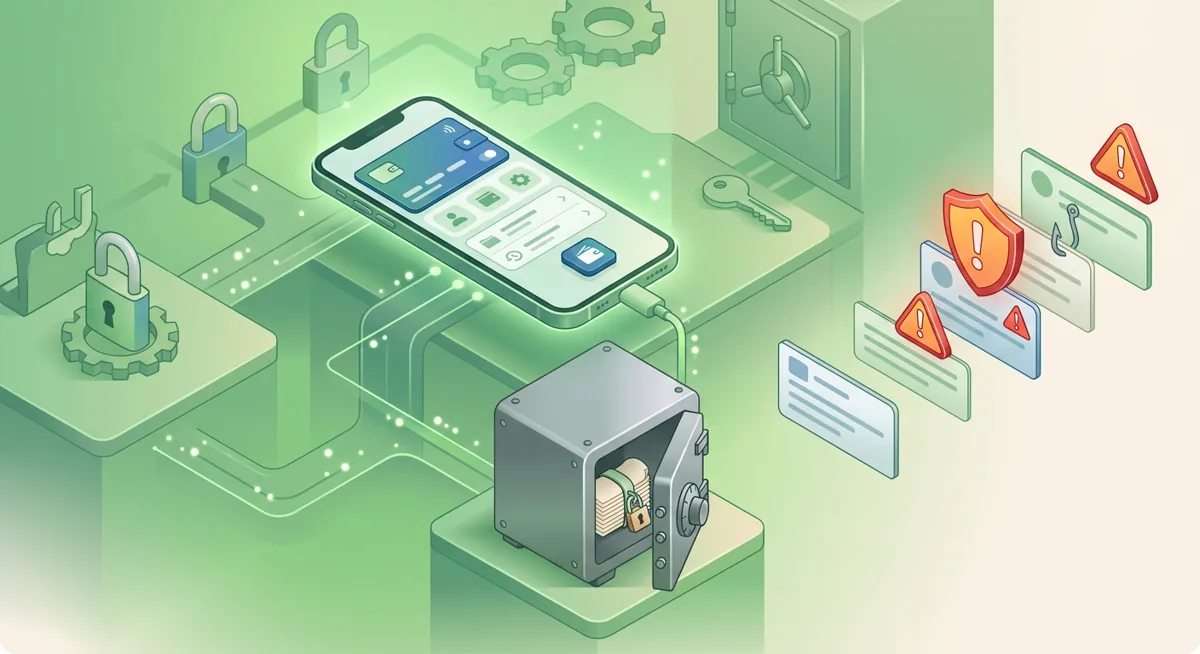
You open MetaMask after changing phones, and the wallet asks for a recovery phrase you cannot find. I want to start with the plain risk: wallet recovery without seed is possible only if another access path still exists; if the phrase and every unlocked device are gone, self-custody funds may be unreachable.
In short
- Wallet recovery without seed depends on whether you still have an unlocked app, a saved local vault, social recovery, or a custodial account path.
- For self-custody wallets, support contacts cannot recreate a lost recovery phrase or move funds for you.
- For custodial accounts, recovery usually means proving your identity through the official support process, not finding a wallet phrase.
- If a device is still unlocked, move funds to a fresh wallet before experimenting with resets, reinstalling apps, or changing phones.
- Never share a recovery phrase, password, screen share, or remote access with anyone claiming they can recover a wallet.
Key facts
| MetaMask | |
|---|---|
| Supported coins & networks | Number of supported assets: Hundreds of thousands of tokens |
| Devices & platforms | Platforms: Chrome, Firefox, Brave, Edge, Opera, iOS, Android, Web |
| Price | — |
| Who controls the keys | — |
What should I do before trying wallet recovery without seed?
Before you touch settings, treat the situation like an active incident. I have helped many people lose the last working access because they rushed into reinstalling an app, clearing browser data, or trusting a stranger in a support chat. The safest first move is to preserve what still works.
You need:
- The device or browser profile where the wallet last opened.
- Any wallet password you remember.
- Any hardware wallet, old phone, or browser profile that may still be paired.
- The official name of the wallet or exchange involved.
- A clean device for checking email, support messages, and account security.
MetaMask is a self-custody wallet. It supports Hundreds of thousands of tokens and works across Chrome, Firefox, Brave, Edge, Opera, iOS, Android, Web, so check every phone, browser, and old profile where you may have used it before deciding the wallet is lost.
Warning: if a wallet is still open somewhere, do not reset it, remove the extension, clear browser storage, or factory-reset the device. That working session may be your only path to move funds.
Separate recovery from rescue. Recovery means regaining normal access. Rescue means moving assets from a still-open wallet to a new wallet because the old setup is unsafe or missing its recovery phrase.
For basic storage concepts, read Wallet Basics for Safer Crypto Storage before making irreversible choices.
How can I try to recover wallet access with no seed?
First, identify the wallet type
Ask whether this was a self-custody wallet, a custodial account, or a smart wallet with social recovery. A self-custody wallet depends on a recovery phrase or local encrypted vault plus password. A custodial account depends on the company’s official identity checks.
Second, freeze risky activity
Use a clean device to change passwords for email accounts tied to exchanges, cloud backups, and wallet notifications. Turn on stronger sign-in protection where available. If you use a security key, review Hardware Security Key Checklist for Wallet Safety.
Do not answer direct messages offering recovery. Real support will not need your phrase, private key, screen share, or remote control of your device.
Third, check for an unlocked wallet
Open the old browser profile, phone, tablet, or hardware wallet companion app without deleting anything. If the wallet opens and can send, create a brand-new wallet on a safe device, write down its recovery phrase privately, and send a small test transaction before moving the rest.
Fourth, try the local password path
If MetaMask is installed but locked, your wallet password may unlock the local encrypted vault. This is not the same as the recovery phrase. If the app was removed, the browser profile erased, or the phone reset, that vault may be gone.
Try only passwords you truly used. Avoid tools or strangers claiming they can break into the vault for you.
Fifth, use official custodial account recovery if applicable
If the funds are on an exchange or custodial wallet, go through the official app or official website by name only. Custodial account recovery is about proving you own the account; it is not about producing a recovery phrase.
Sixth, check social recovery settings
If your wallet was set up with social recovery, follow the wallet’s official recovery flow. Contact only the guardians you personally chose. Social recovery usually cannot help if it was never enabled.
Seventh, handle hardware wallet recovery carefully
If you used a hardware wallet with MetaMask, the recovery phrase belongs to the hardware wallet, not MetaMask. If the hardware wallet still works, move funds to a new secure setup before resetting anything.
For cold storage situations, see Lost Seed or Exposed Keys: Cold Wallet Crypto Checklist and Self-Custody and Hardware Wallets for Safer Storage.
Eighth, document what happened
Write down what devices you checked, what still opens, and whether any suspicious approvals were granted. This helps you avoid repeating attempts that might delete evidence or access.
If you need a broader decision tree, see Wallet Recovery Steps When You Lose Access.
Why does wallet recovery without seed have hard limits?
A self-custody wallet is designed so that the user controls the secret that proves ownership. That secret is usually represented as a recovery phrase, a list of words created when the wallet is set up. I will not write an example, because even lookalike examples train people into unsafe habits.
When you enter the correct phrase into the correct wallet software or hardware device, the wallet can rebuild the same accounts. Without that phrase, recovery depends on another copy of the wallet still existing somewhere, such as an unlocked app, an encrypted local vault, or a hardware device that still signs transactions.
This is why support contacts for MetaMask cannot simply look up your phrase. In a self-custody model, there is no central password reset for the wallet itself. The network may show balances while still requiring the right signing key to move them.
Custodial services work differently. If a company holds assets for you, it may be able to restore account access after identity review. That convenience comes with tradeoffs: you rely on their controls, policies, and response process.
A practical what-if: if you lost your phone but still have MetaMask open on a desktop browser, you may be able to move funds. If you lost the phrase, removed the app, cleared the browser profile, and have no hardware wallet, there may be no technical path left.
If you are restoring a wallet where you do have the phrase, the safe principles in Coinbase Wallet Recovery Phrase: Safe Restore Guide still apply across wallets: verify the official app, work privately, and never type the phrase into a website form.
What problems come up during recover wallet no seed attempts?
MetaMask opens but shows the wrong account
You may be on the wrong network, viewing a different account, or using a different browser profile. Check the account list and networks before assuming funds are gone.
The wallet asks for a password I forgot
For a self-custody wallet, the password usually protects the local device copy. If the recovery phrase is missing too, options become very limited. Try remembered passwords calmly, but do not install unknown recovery software or hand over your device.
I found an old phone with the wallet installed
Keep it offline until you are ready, charge it carefully, and avoid updates that may remove app data. If it opens, plan a rescue transfer to a new wallet whose recovery phrase is already stored safely.
A support person says they can recover it for a fee
Stop. Official support for a self-custody wallet cannot recreate your phrase. Anyone asking for secret words, remote access, or an upfront payment for private recovery is creating more risk.
I approved a suspicious site before losing access
If the wallet still opens, move valuable assets to a fresh wallet rather than only revoking approvals. Revoking can help, but a fully exposed wallet should not remain your long-term storage.
I only have the public address
A public address lets you view balances and transaction history. It does not let you spend. Keep it for records, tax reporting, or incident notes, but do not confuse it with access.
Questions and answers
- Can MetaMask recover my wallet without the recovery phrase?
No support contact can recreate a MetaMask recovery phrase for you. If you still have an unlocked MetaMask app, a working hardware wallet, or a local vault you can unlock with the password, you may still have a path to move funds.
- Is social recovery the same as a recovery phrase?
No. Social recovery uses approved guardians or rules set up ahead of time, while a recovery phrase is the direct backup for a self-custody wallet. It only helps if your wallet supports it and it was configured before the loss.
- What should I do if my wallet is still open but I lost the phrase?
Create a new wallet in a safe environment, store its recovery phrase privately, send a small test transaction, then move the remaining funds if the test succeeds. Treat the old wallet as unsafe for long-term storage.
- Can custodial account recovery restore crypto access?
Sometimes, yes. If the assets are held in a custodial account, recovery usually means passing the provider’s official identity and security checks. Use only the official app or official website by name.
- What is the biggest mistake during wallet recovery without seed?
The biggest mistake is destroying the last working access by resetting a device, removing an app, clearing browser data, or trusting fake support. Preserve access first, then decide whether recovery or rescue is possible.